
1. Ynlieding
This manual provides instructions for setting up, operating, and maintaining your Plantronics Blackwire 3215 USB-A Headset. Please read this manual thoroughly before using your headset to ensure optimal performance and longevity.
2. Package Ynhâld
- Plantronics Blackwire 3215 USB-A Headset
- Inline Controller (integrated)
- Draachtas (kin ferskille per regio)
3. Opsette
3.1 Headsetpassing en oanpassing
For optimal comfort and audio performance, adjust the headset to fit your head. The headband can be lengthened or shortened by sliding the earcups up or down.
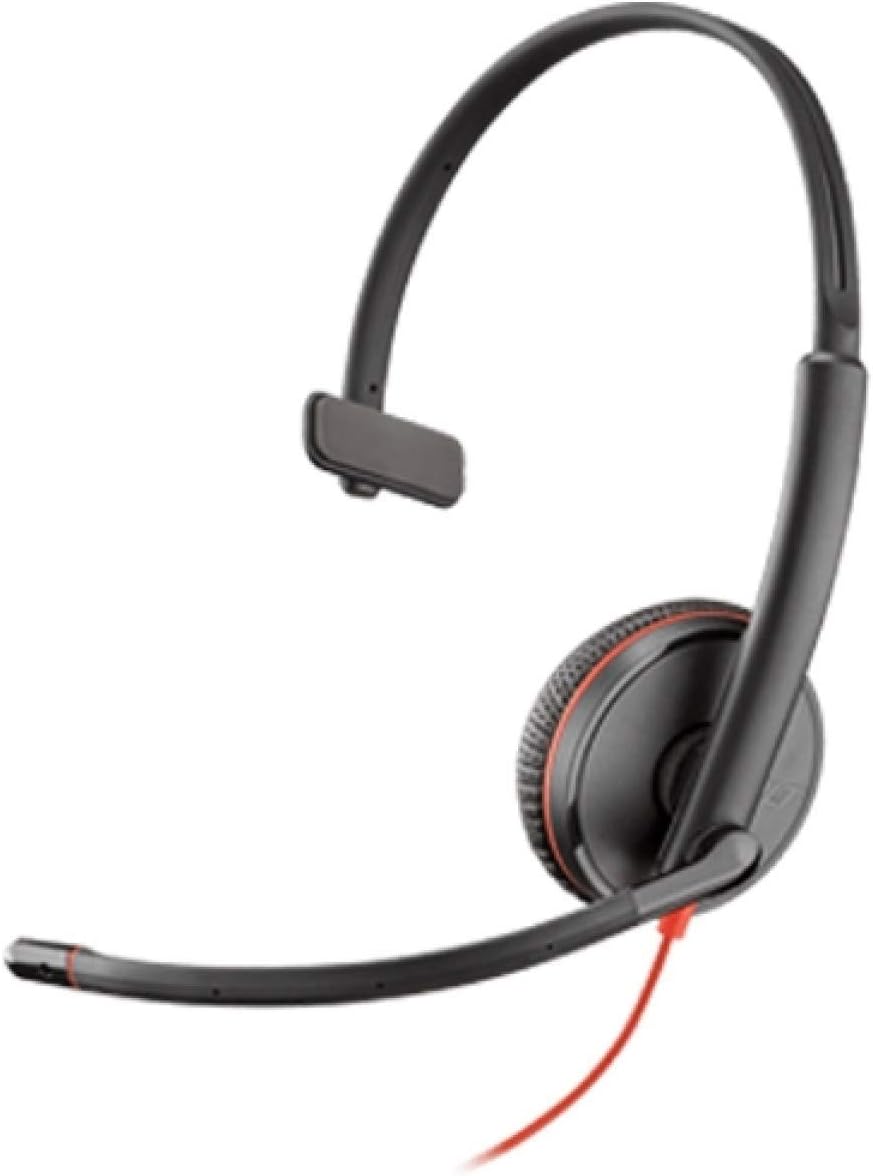
Image: Plantronics Blackwire 3215 headset with adjustable headband and boom microphone.
The flexible boom microphone can be worn on either your left or right side. Rotate and adjust the boom so that the microphone is positioned approximately two fingers' width from the corner of your mouth. This ensures clear voice pickup.
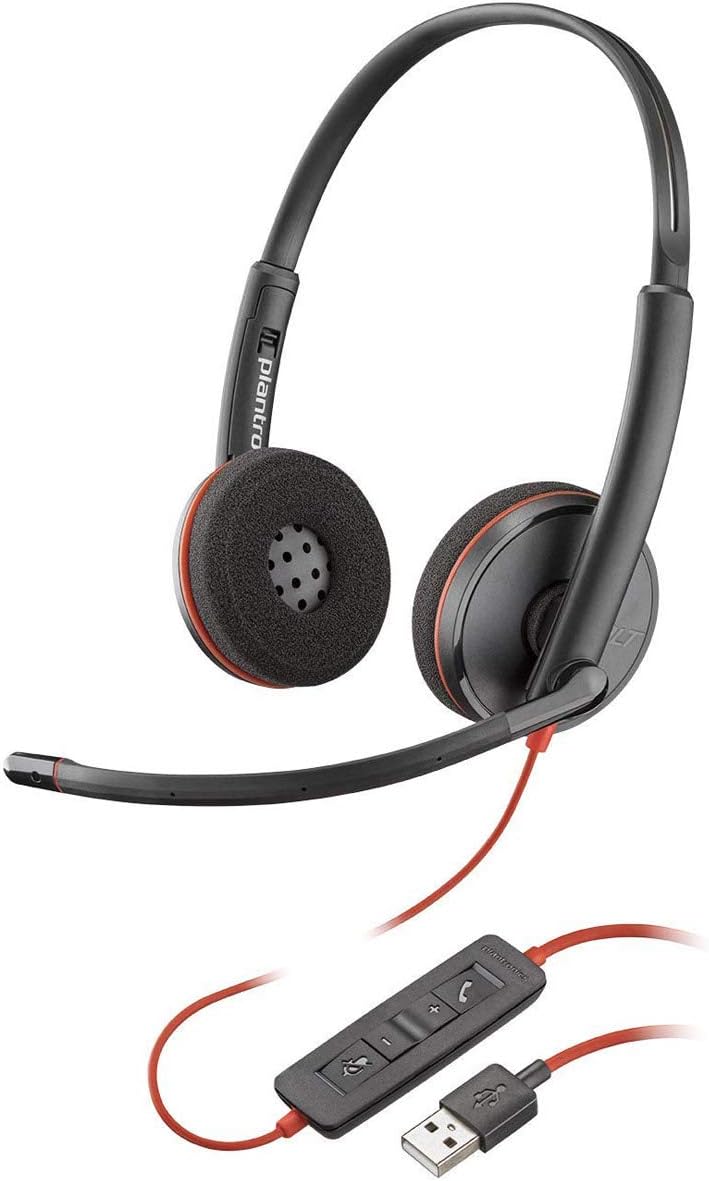
Image: Proper positioning of the boom microphone for the Blackwire 3215 headset.
3.2 Connecting to Your Computer (USB-A)
Plug the USB-A connector of your headset's inline controller directly into an available USB-A port on your computer (PC or Mac). The headset is plug-and-play, and your computer should automatically recognize it.
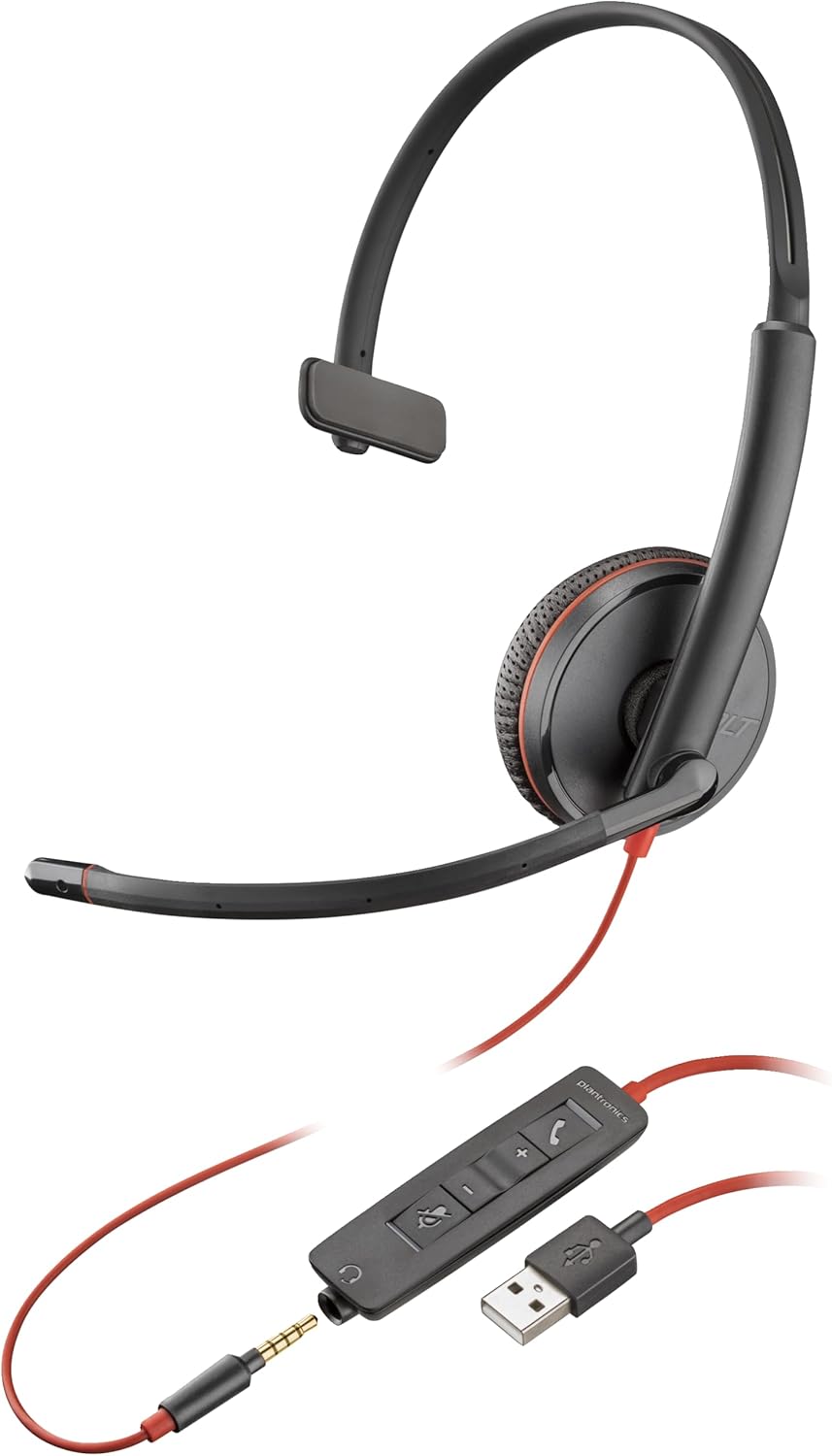
Image: The Blackwire 3215 headset showing the inline controller and USB-A connection.
3.3 Connecting to Mobile/Tablet (3.5mm)
For models Blackwire 3215 and 3225, you can connect directly to a smartphone or tablet using the 3.5mm jack. Unplug the headset from the inline controller and plug the 3.5mm cable directly into your mobile device's audio jack.
3.4 Software Installation (Optional but Recommended)
For advanced features and settings, download the Plantronics Hub desktop software for Windows or Mac from www.plantronics.com/software. This software allows you to configure settings such as call control, firmware updates, and more.
Video: This video demonstrates how to use Plantronics USB Headphones, specifically the Blackwire 3200 Series, covering setup and basic call controls.
4. Bediening fan jo headset
4.1 Call Control (via Inline Controller)
- Oprop beantwurdzje / einigje: Druk op de Call knop (📞) once to answer an incoming call. Press it again to end an active call.
- Oprop hâlde: Druk dûbel op de knop Oprop (📞) to place an active call on hold. Double-press again to resume the call.
- Werhelje opnij: If not on an active call, double-pressing the Call button (📞) will redial the last outgoing call.
4.2 Volume and Mute Control
- Folume omheech: Druk op de knop Folume omheech (+) on the inline controller to increase listening volume.
- Folume omleech: Druk op de knop Folume omleech (-) on the inline controller to decrease listening volume.
- Dempe/dempen opheffen: Druk op de knop Mute (🔇) on the inline controller to mute your microphone during a call. Press it again to unmute.
When connected via 3.5mm jack to a mobile device, call controls will typically be managed directly from your mobile device.
5. Underhâld
To ensure the longevity and optimal performance of your Plantronics Blackwire 3215 headset, follow these maintenance guidelines:
- Reiniging: Feie de headset foarsichtich ôf mei in sêfte, droege doek. Foar koppich smoargens, in bytsje damp cloth can be used, but ensure no moisture enters the earcup or microphone openings. Do not use harsh chemicals or abrasive cleaners.
- Opslach: When not in use, store the headset in its provided carrying case to protect it from dust and physical damage. Avoid extreme temperatures.
- Kabelsoarch: Foarkom skerpe bochten of knikken yn 'e kabel. Lûk net oan 'e kabel om de headset los te meitsjen; pak altyd de stekker beet.
6. Probleemoplossing
| Probleem | Mooglike oarsaak | Oplossing |
|---|---|---|
| Gjin audio fan headset | Headset not selected as default audio device; Volume too low; Muted. | Check audio settings in your computer/softphone; Increase volume; Unmute headset. |
| Mikrofoan wurket net | Microphone muted; Incorrect microphone selected; Boom mic not positioned correctly. | Unmute microphone; Check microphone settings in your computer/softphone; Adjust boom mic position. |
| Opropkontrôleknoppen wurkje net | Plantronics Hub software not installed or updated; Softphone compatibility issue. | Install/update Plantronics Hub; Ensure your softphone is supported. |
| Fersteurde audio | Volume too high; Poor connection. | Lower volume; Reconnect headset; Try a different USB port. |
7. Spesifikaasjes
- Model Oantal: 209746-101
- Konnektivität: USB-A (also 3.5mm for 3215/3225 models)
- Ear Placement: Op Ear
- Noise Control: Active Noise Cancellation (microphone)
- Kleur: Swart
- Produkt Ofmjittings: 4.33 x 4.33 x 1.97 inch
- Gewicht: 3.39 oz
8. Garânsje en stipe
8.1 Warranty Information
The Plantronics Blackwire 3215 headset comes with a 2-year global warranty. Please retain your proof of purchase for warranty claims.
8.2 Fierdere stipe
For additional support, frequently asked questions, or to download the full user guide in PDF format, please visit the official Poly website or refer to the following resources:
- Offisjele brûkershantlieding (PDF): Download PDF
- Poly Store on Amazon: Visit Poly Store