
1. Ynlieding
This manual provides detailed instructions for the operation and maintenance of your Microware EZCAP230 Cassette to MP3 Converter. This device allows you to convert your old cassette tapes into digital MP3 format, preserving your audio memories. It can function as a standalone converter or connect to a computer for conversion and playback.
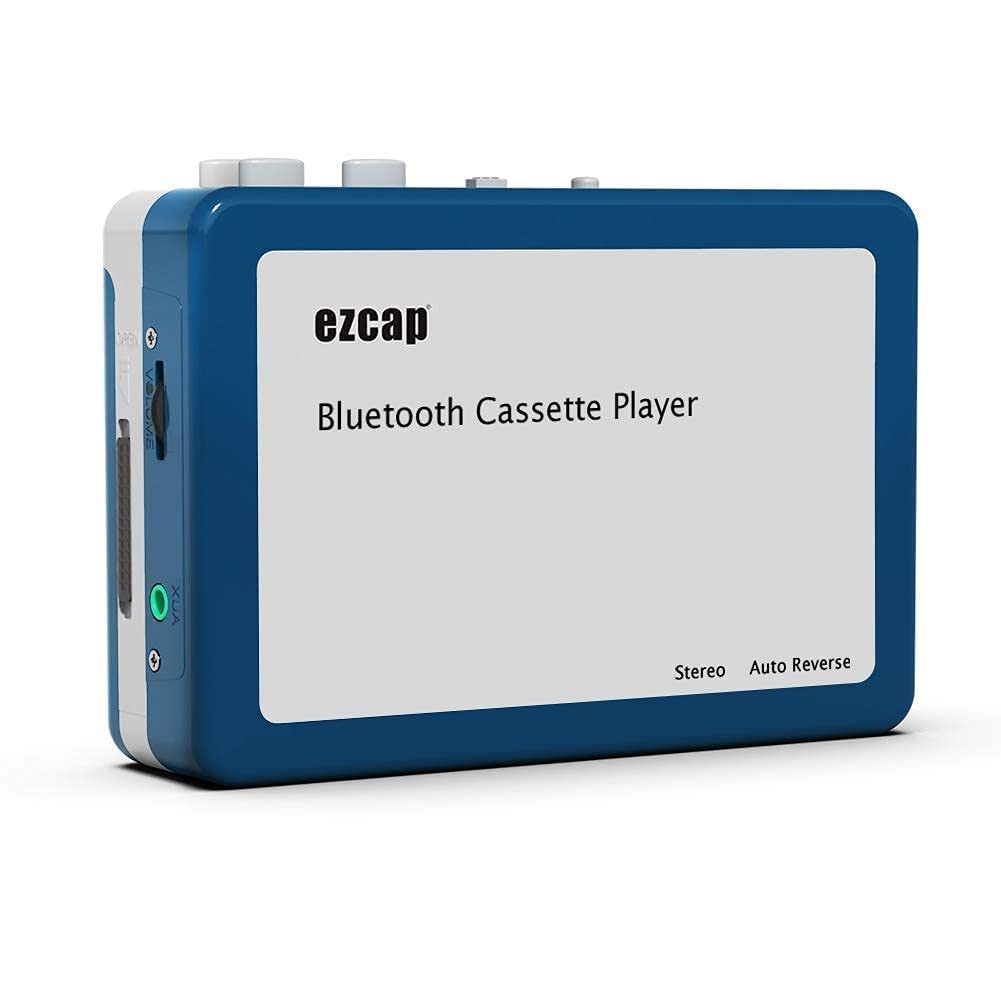
Image 1.1: The Microware EZCAP230 Cassette to MP3 Converter.
2. Produkt Overview
2.1 Key Features
- Converts cassette tapes to MP3 format.
- Standalone operation: No computer required for conversion.
- USB connectivity for power and data transfer.
- Playback function to check recorded music.
- Kompakt en draachber ûntwerp.
- Supports FAT, FAT32, exFAT USB formats up to 64GB. NTFS format is not supported.
2.2 Pakketynhâld
- Microware EZCAP230 Cassette to MP3 Converter
- USB Kabel
- Earphones
- User Manual (dit dokumint)

Image 2.1: The converter unit, USB cable, and earphones.
3. Opsette
3.1 Stromforsyning
It apparaat kin op twa manieren oandreaun wurde:
- USB-macht: Connect the provided USB cable to the device and a computer USB port or a 5V DC power adapter (not included).
- Batterij Power: Insert 2 x AA batteries (not included) into the battery compartment.
3.2 In kassettebân ynfoegje
- Iepenje de deksel fan it kassettefak.
- Insert your cassette tape with the open side facing up.
- Close the cassette compartment cover securely.

Image 3.1: Proper insertion of a cassette tape.
3.3 Connecting Earphones/Speakers and USB Flash Drive
- Connect the earphones to the 3.5mm audio output jack for private listening.
- To save converted MP3 files, insert a USB flash drive into the USB port. The device supports FAT, FAT32, and exFAT formats up to 64GB.

Image 3.2: Connecting earphones and a USB flash drive to the converter.
4. Bedriuwsinstruksjes
4.1 Standalone Cassette to MP3 Conversion
Follow these steps to convert your cassette tapes directly to MP3 format without a computer:
- Power On: Ensure the device is powered via USB or batteries.
- Kassette ynfoegje: Place a cassette tape into the compartment.
- USB Drive ferbine: Insert a USB flash drive into the USB port. A green light will flash, indicating it's ready.
- Begjin ôfspieljen: Press the "Play" button on top of the device to begin playing the tape.
- Begjin opname: Press the "Record" button to start recording. The default mode is manual division. To divide tracks, press the "Record/Stop" button each time you want a new MP3 file.
- Stopje opname: Press the "Record" button again to stop recording. The MP3 files will be saved to your USB flash drive.

Image 4.1: Step-by-step guide for independent cassette to MP3 conversion.
4.2 Kassettebânnen ôfspylje
To use the device as a cassette player:
- Foegje in kassette tape.
- Connect earphones or external speakers to the 3.5mm audio output jack.
- Press the "Play" button.
- Pas it folume oan mei de folumekontrôle.
4.3 Ferbine mei in kompjûter
The device can be connected to a computer via USB for power and to transfer recorded MP3 files. While the device primarily functions for standalone conversion, you can manage the converted files op jo kompjûter.
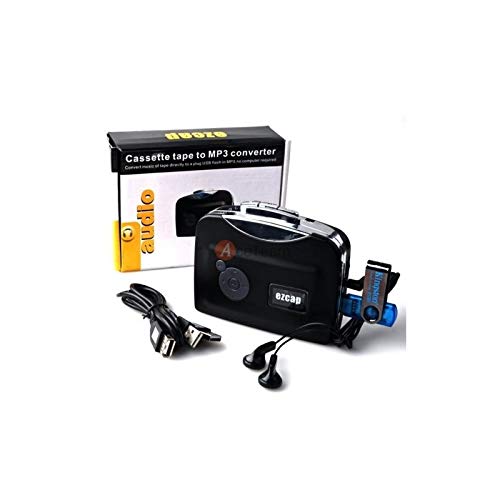
Image 4.2: The converter connected to a laptop, illustrating the digital conversion process.
4.4 Playback Function
The device includes a playback function to review the recorded MP3 files directly on the device. This allows you to verify the quality of your conversions.
Fideo 4.1: In oerview of the Microware Cassette to MP3 Converter's features and operation, demonstrating its ease of use for digitizing old tapes.
5. Underhâld
- Hâld it apparaat skjin en stoffrij. Brûk in sêfte, droege doek foar it skjinmeitsjen.
- Meitsje it apparaat bleatsteld oan ekstreme temperatueren, fochtigens of direkte sinne.
- Brûk gjin abrasive skjinmakkers of solvents.
- As se foar langere perioaden net yn gebrûk binne, ferwiderje de batterijen om lekkage te foarkommen.
6. Probleemoplossing
6.1 Gjin macht
- Check if the USB cable is securely connected to a power source.
- As jo batterijen brûke, soargje derfoar dat se goed binne ynfoege en net leech binne.
6.2 Poor Audio Quality During Playback/Recording
- Ensure the cassette tape is clean and in good condition.
- Check earphone connections.
- Clean the tape head and pinch rollers with a cotton swab lightly dampbeëinige mei isopropylalkohol.
6.3 mp3 Files Not Saving to USB Drive
- Ensure the USB flash drive is properly inserted.
- Verify that the USB drive is formatted to FAT, FAT32, or exFAT. NTFS is not supported.
- Kontrolearje oft de USB-stasjon genôch frije romte hat.
7. Spesifikaasjes
| Eigenskip | Spesifikaasje |
|---|---|
| Merk | MICROWARE |
| Model | EZCAP230 |
| Item Gewicht | 150 g |
| Package Ofmjittings | 14 x 10.01 x 5.99 sm |
| Power Boarne | USB Power (5V DC) or 2 x AA Batteries |
| USB Format Support | FAT, FAT32, exFAT (up to 64GB). NTFS not supported. |
8. Garânsje en stipe
For warranty information and technical support, please refer to the official MICROWARE webside of nim kontakt op mei jo winkelier. Bewarje jo oankeapbewiis as bewiis fan oankeap.
Fabrikant: MICROWARE
Datum earst beskikber: 24 septimber 2019
Foar fierdere help, besykje asjebleaft de MICROWARE Store on Amazon.