
1. Wichtige Safety Ynstruksjes
Lês alle ynstruksjes goed troch foar ynstallaasje en gebrûk. Bewarje dizze hantlieding foar takomstige referinsje.
Algemiene feiligens
- Soargje derfoar dat de stroomfoarsjenning loskeppele is foardat jo ynstallaasje, ûnderhâld of skjinmeitsjen dogge.
- Dit apparaat is net bedoeld foar gebrûk troch persoanen (ynklusyf bern) mei fermindere fysike, sintúchlike of mentale kapasiteiten, of gebrek oan ûnderfining en kennis, útsein as se hawwe krigen tafersjoch of ynstruksje oangeande it brûken fan it apparaat troch in persoan ferantwurdlik foar harren feiligens.
- Bern moatte tafersjoch wurde om te soargjen dat se net mei it apparaat boartsje.
Elektryske feiligens
- All electrical connections must be made by a qualified electrician and conform to local codes and regulations.
- Soargje de voltage and frequency of your power supply match the specifications of the fan.
- The fan must be properly grounded to prevent electric shock.
Ynstallaasje Safety
- Mount the fan to a ceiling structure capable of supporting a minimum of 15 kg (33 lbs).
- Ensure there is adequate clearance between the fan blades and any obstacles (walls, furniture) and the floor. A minimum distance of 2.3 meters (7.5 feet) from the floor to the blades is recommended.
- Do not install the fan in a location where it can be easily reached by children or pets.
2. Produkt Overview
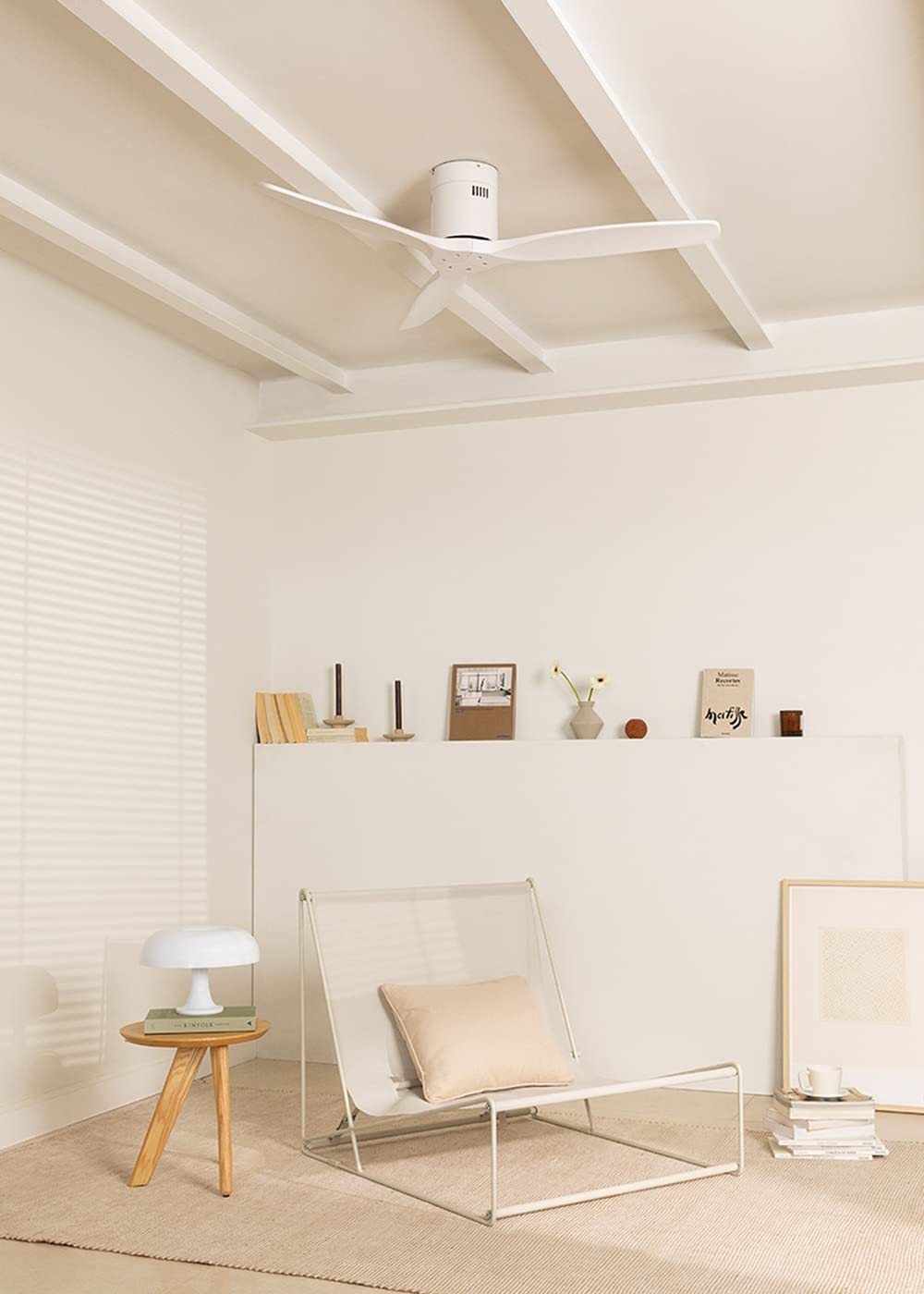
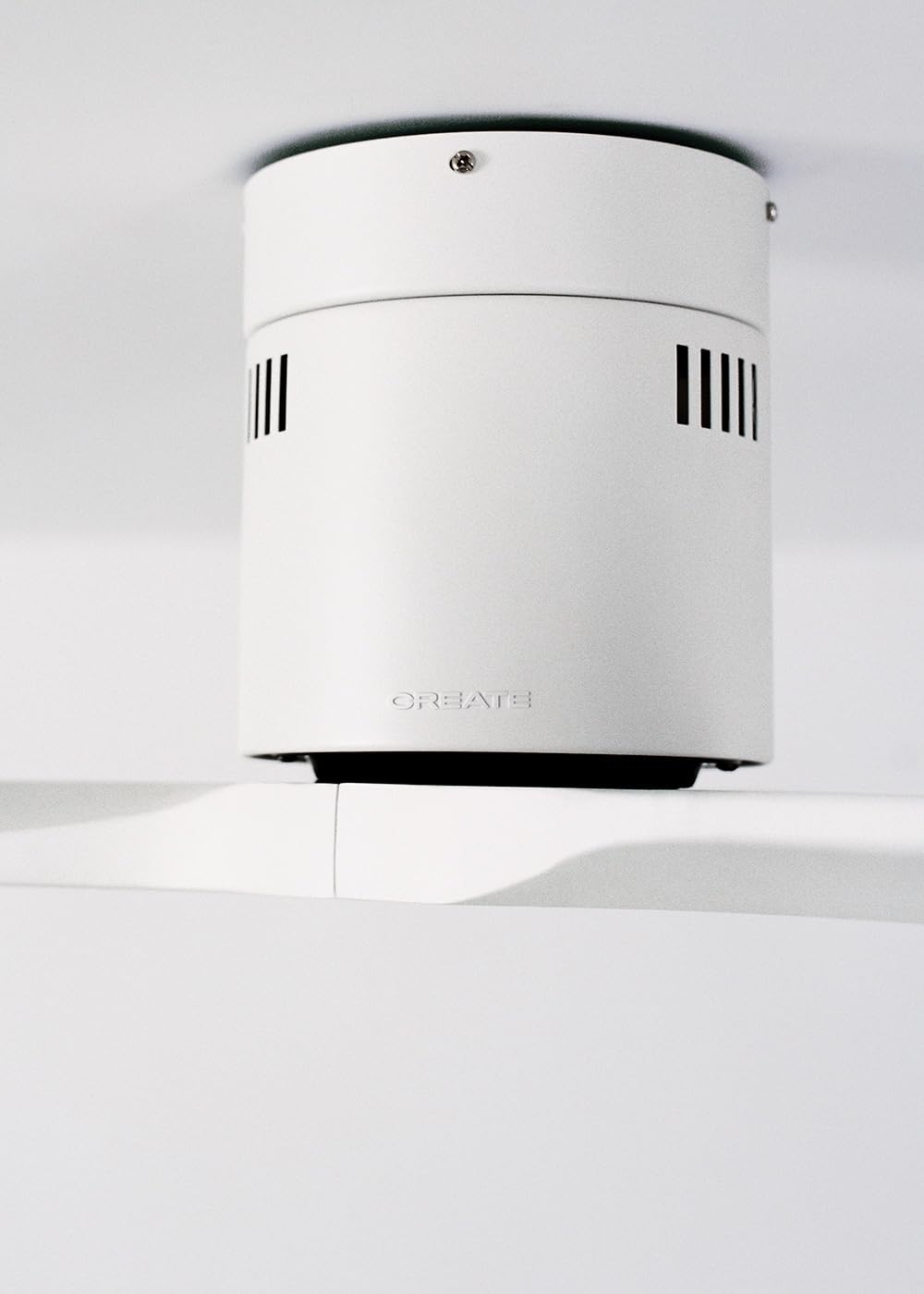
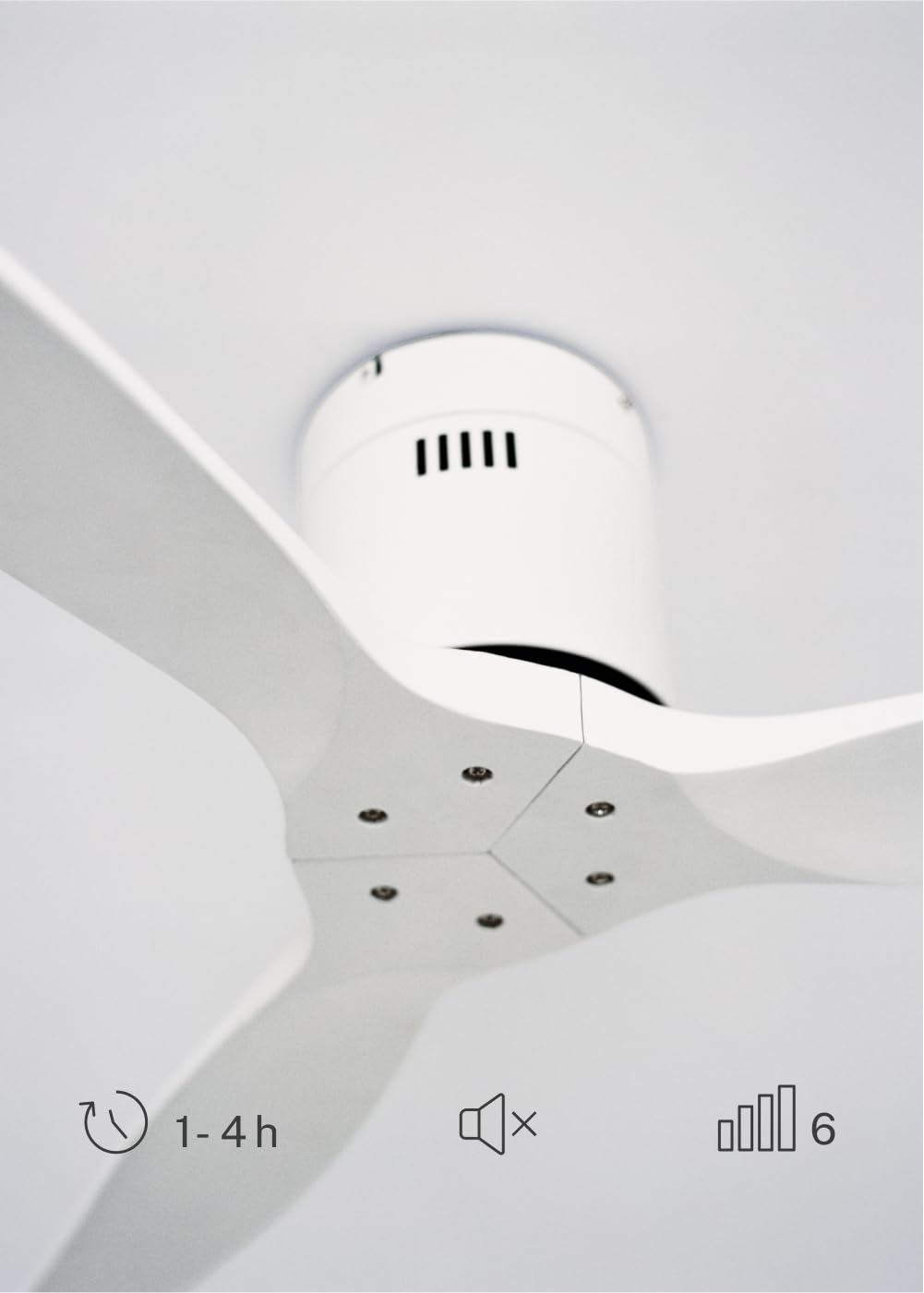
The CREATE WINDCALM DC Ceiling Fan is designed for efficient and quiet air circulation in various indoor spaces. It features a durable aluminum body, a silent DC motor, and three lightweight blades, ensuring minimal noise operation. The fan offers 6 adjustable speeds and a programmable timer for convenience.

3. Technyske spesifikaasjes
| Eigenskip | Spesifikaasje |
|---|---|
| Merk | MEITSJE |
| Model Number | 43479_88375 |
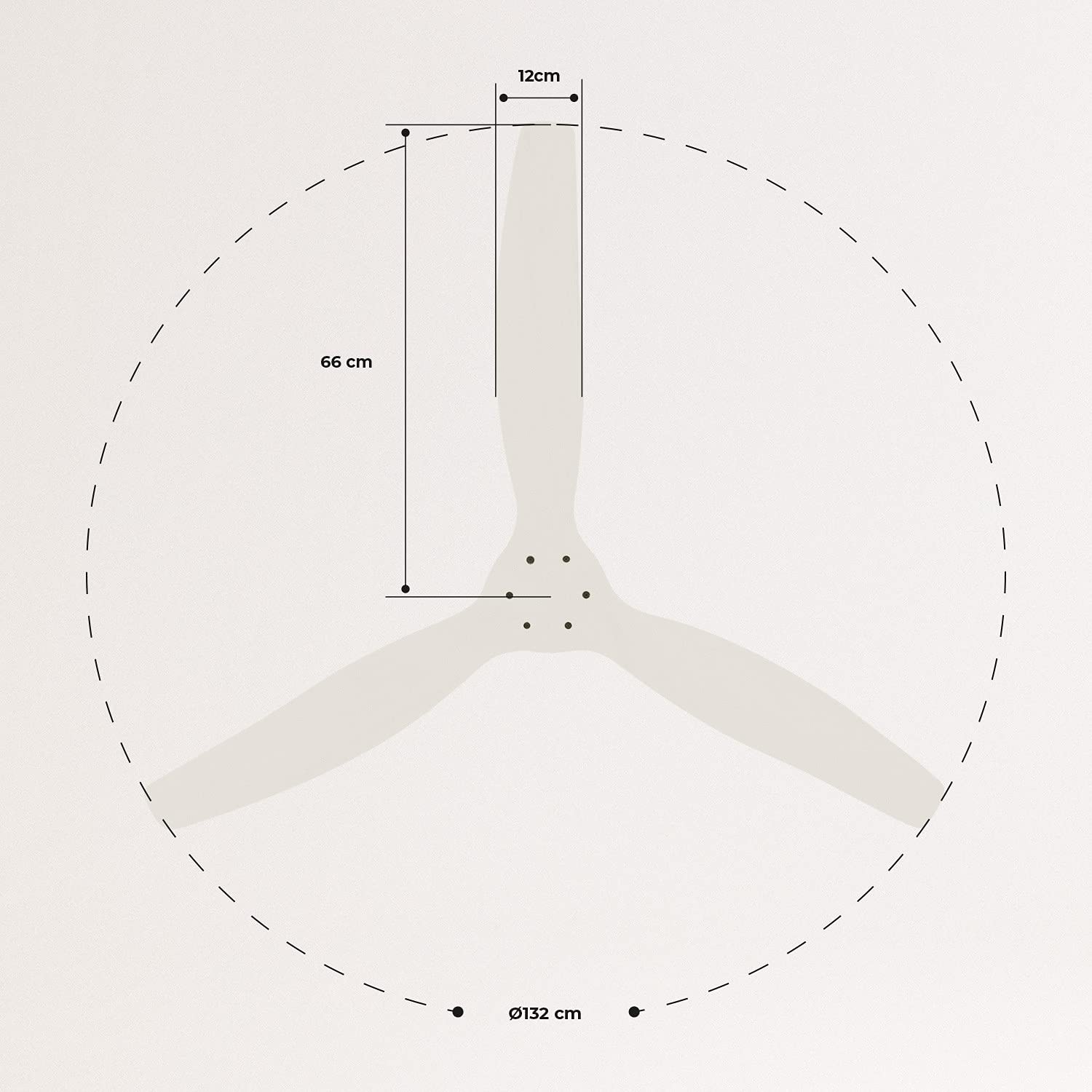
| Ofmjittings (L x B x H) | 132 x 132 x 29 sm |
| Gewicht | 6.38 kg |
| Fan Design | Plafondventilator |
| Power Boarne | Elektryske Kabel |
| Special Feature | High Speed, Silent DC Motor, Timer, Summer/Winter Function |
| Oanrikkemandearre gebrûk | Ventilaasje |
| Keamertype | Living Room (suitable for 13m² to 25m² rooms) |
| Kleur | White Blades |

4. Ynstallaasjegids
Proper installation is crucial for the safe and efficient operation of your ceiling fan. It is highly recommended that installation be performed by a qualified electrician.
Pre-ynstallaasje kontrôles
- Pak alle ûnderdielen út en ferifiearje se oan de hân fan de paklist.
- Ensure the ceiling joist or support structure is strong enough to hold the fan's weight.
- Turn off power at the main circuit breaker before starting any electrical work.
Montage fan de Fan
- Secure the mounting bracket to the ceiling outlet box using appropriate screws and washers.
- Til de fentilatormotor foarsichtich op en befestigje it oan 'e montagebeugel.
Wiring Ferbinings
Connect the electrical wires according to the wiring diagram provided in the separate detailed installation manual (not included in this general overview). Ensure all connections are secure and insulated.
Attaching Blades
Attach the fan blades to the motor hub using the provided screws. Ensure all screws are tightened securely.

5. Bedriuwsinstruksjes
Your CREATE WINDCALM DC Ceiling Fan comes with a remote control for convenient operation of all its functions.
Funksjes op ôfstân kontrôle
De ôfstânsbetsjinning lit jo:
- Power On/Off: Skeakelje de fan oan of út.
- Faasje oanpassing: Select from 6 different fan speeds to control airflow intensity.
- Timer ynstelling: Program the fan to automatically turn off after 1, 2, or 4 hours.
- Simmer/wintermodus: Change the direction of blade rotation to optimize air circulation for different seasons.
Simmermodus
In summer mode, the fan blades rotate counter-clockwise, pushing air downwards. This creates a cooling breeze effect, helping to dissipate heat and refresh the room.

Wintermodus
In winter mode, the fan blades rotate clockwise, drawing air upwards. This helps to circulate warm air that accumulates near the ceiling, distributing it evenly throughout the room and improving heating efficiency.
6. Underhâld en soarch
Regelmjittich ûnderhâld soarget foar de lange libbensdoer en optimale prestaasjes fan jo plafondventilator.
Cleaning
- Always turn off the power to the fan at the circuit breaker before cleaning.
- Brûk in sêft, damp doek om de fentilatorblêden en motorhúsfesting ôf te feegjen. Brûk gjin skurende reinigingsmiddels of oplosmiddels, om't dy de finish beskeadigje kinne.
- Ensure the fan is completely dry before restoring power.
Regelmjittige kontrôles
- Periodically check all screws and fasteners on the mounting bracket and blade attachments to ensure they are secure. Tighten if necessary.
- Listen for any unusual noises during operation, which may indicate a loose part or an issue with the motor.
7. Probleemoplossing
If you encounter any issues with your fan, refer to the following common problems and their solutions:
| Probleem | Mooglike oarsaak | Oplossing |
|---|---|---|
| Fan giet net oan | Gjin stroomfoarsjenning Losse wiring ferbining Remote control batterij leech | Kontrolearje de stroombrekker en muorreskeakel Verify all wiring connections are secure (consult electrician) Ferfange remote control batterijen |
| Fan makket tefolle lûd | Loose screws on blades or mounting Bend blêd Motor probleem | Draai alle screws Check blades for damage and replace if necessary Kontakt klant stipe |
| Remote control wurket net | Batterij leech Obstruksje tusken ôfstân en ûntfanger Ofstânsbetsjinning net keppele (as fan tapassing) | Ferfange batterijen Soargje foar dúdlike sichtline Refer to detailed manual for pairing instructions |
| Fan wibbelt | Losse mounting beugel Unbalansearre blêden | Soargje derfoar dat de montagebeugel feilich fêstmakke is Check blade balance and use balancing kit if needed |
8. Garânsje en stipe
For warranty information, technical support, or replacement parts, please contact CREATE customer service. Keep your purchase receipt as proof of purchase.
You can find more information and contact details on the official CREATE website: www.create-store.com