
EXTRASTAR US-KF-USG-6
EXTRASTAR 6-Outlet Power Strip Instruction Manual
Model: US-KF-USG-6
Produkt oerview
The EXTRASTAR 6-Outlet Power Strip is designed to expand available power outlets for various electronic devices. It features a 6-foot extension cord, a built-in circuit breaker for protection, and a mountable design for versatile placement.
- 6 AC Outlets: Provides power for multiple appliances and mobile devices.
- 6-foet ferlingkabel: Offers extended reach for convenient placement.
- 14AWG Heavy Duty Cord: Ensures durability and efficient power delivery.
- 15A / 1875W Capacity: Supports a wide range of electrical loads.
- Ynboude Circuit Breaker: Protects against overloads and voltage spikes.
- Flat Plug Design: Allows furniture to sit closer to the wall, saving space.
- Mountable ûntwerp: Features keyholes for secure installation on walls, workbenches, or under counters.

Image: The EXTRASTAR 6-Outlet Power Strip in white, showing its six outlets, power switch, and attached 6-foot cord with a flat plug.
Safety Information
- Do not exceed the maximum electrical rating of 1875W (15A at 125V).
- Net brûke yn wiete omjouwings.
- De stekkerdoaze net útinoar helje of oanpasse.
- Hâld fuort fan bern en húsdieren.
- Ensure plugs are fully inserted into outlets.
- Dit apparaat is allinich foar gebrûk binnen.

Image: Icons indicating flame retardant material and fire prevention features of the power strip.
Opset en ynstallaasje
1. Ynstekke
- Ensure the power strip's ON/OFF switch is in the "OFF" position.
- Plug the power strip's flat plug into a standard 125V AC wall outlet.
- Flip the ON/OFF switch to the "ON" position. The indicator light will illuminate, confirming power is supplied.
Video: A demonstration of plugging in the EXTRASTAR 6-Outlet Power Strip and turning on its power switch. The video shows the power strip connected to a wall outlet and its illuminated power indicator.
2. Mounting the Power Strip
The power strip features two keyhole slots on the back for wall mounting. This allows for secure installation in various locations such as workbenches, walls, or under counters.
- Measure the distance between the two keyhole slots on the back of the power strip.
- Mark two corresponding points on your desired mounting surface.
- Install two screws (not included) into the marked points, leaving a small portion of the screw head exposed.
- Align the keyhole slots on the back of the power strip with the exposed screw heads and slide the power strip down to secure it.

Image: The back of the power strip, highlighting the two keyhole slots designed for easy wall mounting.
Operating Instructions
- Power On/Off: Use the red ON/OFF switch to control power to all connected devices. "ON" illuminates the switch.
- Apparaten ferbine: Plug your electronic devices directly into any of the six available AC outlets.
- Overload beskerming: The built-in circuit breaker will automatically trip (switch to "OFF" and the light will turn off) if the connected load exceeds 1875W (15A).
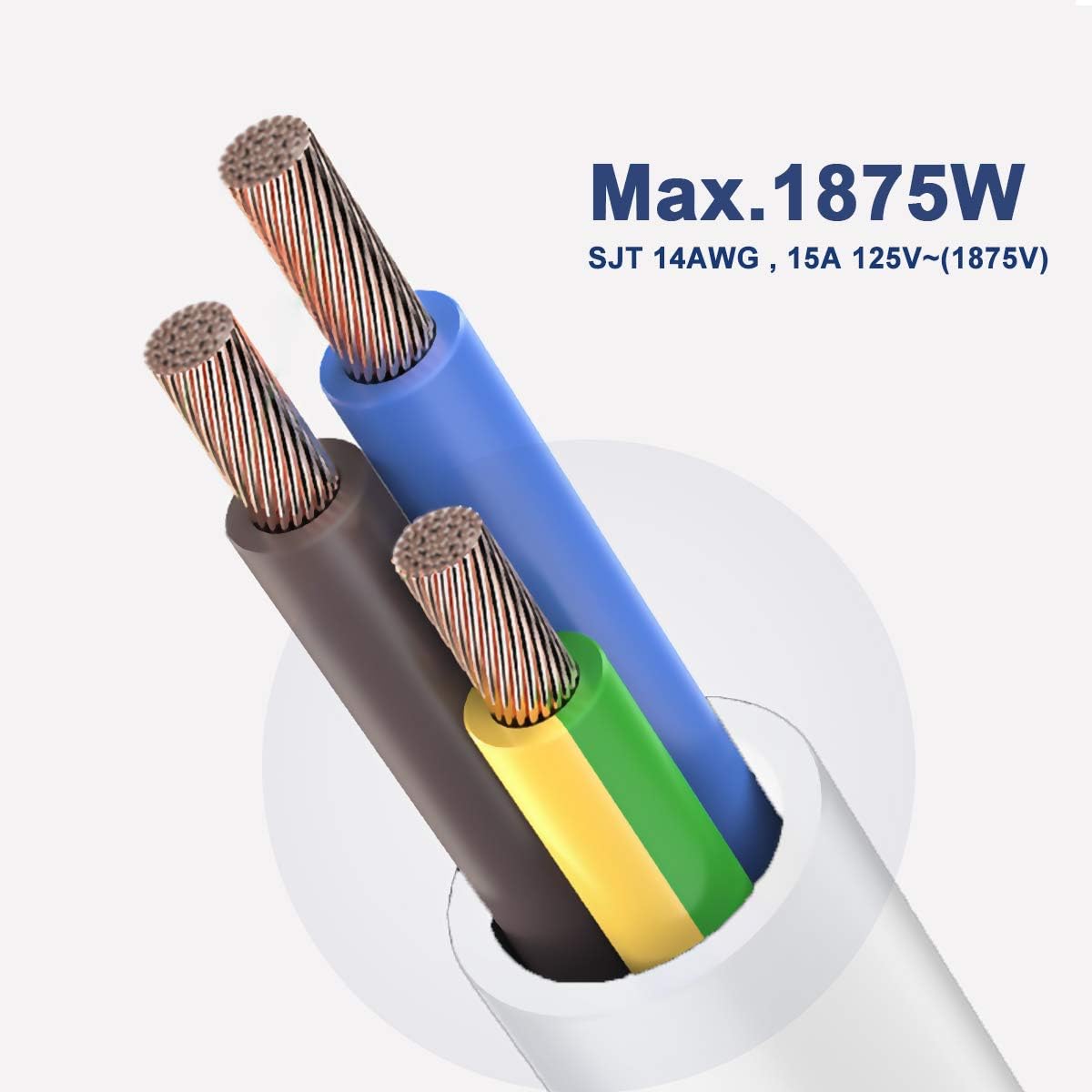
Image: The power strip in use, with various plugs inserted into its outlets, demonstrating its functionality as a charging station.
Troubleshooting
Gjin macht oan apparaten:
- Kontrolearje Power Switch: Ensure the red ON/OFF switch is in the "ON" position and illuminated.
- Kontrolearje stopkontakt: Verify that the wall outlet supplying power to the power strip is functional. Test with another device.
- Reset Circuit Breaker: If the power strip's switch is "OFF" and will not stay "ON", the built-in circuit breaker may have tripped due to an overload. Disconnect some devices, then press the "RESET" button (often integrated with the ON/OFF switch) to restore power.
- Ynspektearje ferbinings: Ensure all plugs are securely inserted into the power strip's outlets.
Video: A short clip demonstrating the illuminated power switch on the power strip when it is turned on, indicating active power flow.
Spesifikaasjes
| Model Number | US-KF-USG-6 |
| Totaal Power Outlets | 6 |
| Cord Lengte | 6 foet |
| Voltage Wurdearring | 125 Volt |
| Aktuele wurdearring | 15 Amps |
| Maksimum Power | 1875 watt |
| Produkt Ofmjittings | 9 x 1.6 x 1 inch |
| Item Gewicht | 15 oz |
| Special Feature | Mountable |
| Certifications | ETL Listed |

Image: A diagram illustrating the compact dimensions of the power strip, including its length, width, and thickness.
Garânsje en stipe
EXTRASTAR provides a 24-moanne garânsje for this power strip. For any questions or support needs, please contact EXTRASTAR customer service.
This product is ETL proved and listed, ensuring compliance with North American safety standards.
Ask a question about this manual
Ask about setup, troubleshooting, compatibility, parts, safety, or missing instructions. Manuals+ will review the question and use this page’s manual context to help answer it.