
MIATONE BOOMBOX
MIATONE Boombox Draachbere Bluetooth-sprekker brûkershânlieding
Model: BOOMBOX
Ynlieding
The MIATONE Boombox Portable Bluetooth Speaker (Model: BOOMBOX) is designed to deliver high-quality audio in a durable, portable package. Featuring advanced Bluetooth 5.3 technology, it offers seamless connectivity and a wide range, making it ideal for both indoor and outdoor use. Its rugged, waterproof design ensures reliability in various environments, while the option for TWS stereo pairing allows for an enhanced audio experience.

Figure 1: MIATONE Boombox Portable Bluetooth Speaker (Green)
Wat is yn 'e doaze
- MIATONE Boombox Portable Bluetooth Speaker
- Oplaadkabel
- Aux-in kabel
Opsette
1. De sprekker oplade
Before first use, fully charge the speaker. Connect the provided charging cable to the speaker's charging port and the other end to a compatible USB power adapter (not included). The charging indicator light will show charging status.
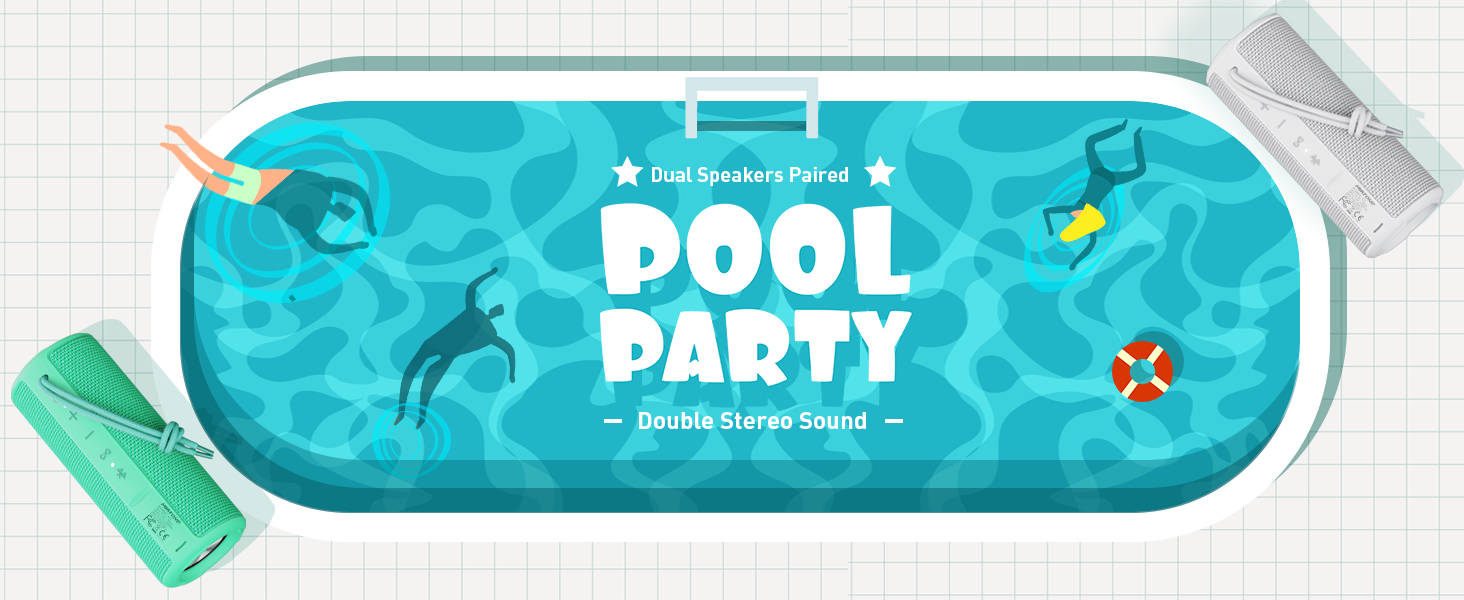
Figure 2: Speaker back view with charging and aux-in ports.
2. Oan- / útskeakelje
Press and hold the power button located on the side of the speaker to turn it on or off. An English voice prompt will confirm "Power On" or "Power Off".
Operating Instructions
1. Bluetooth-keppeling
- Ensure the speaker is powered on and in Bluetooth pairing mode (indicated by a flashing Bluetooth indicator light).
- Skeakelje Bluetooth yn op jo apparaat (smartphone, tablet, laptop) en sykje nei beskikbere apparaten.
- Select "MIATONE BOOMBOX" from the list.
- Once connected, an English voice prompt will confirm "Bluetooth Connected".
The speaker maintains a stable Bluetooth connection up to 100 feet (30 meters) from your device.
2. Volume Control
Use the '+' and '-' buttons on the speaker to adjust the volume. You can also control the volume from your connected device.
3. TWS (Echt Draadloze Stereo) Koppeling
To achieve a true stereo sound experience, you can pair two identical MIATONE Boombox speakers together:
- Soargje derfoar dat beide sprekkers oan binne en net ferbûn binne mei in Bluetooth-apparaat.
- On one speaker, press and hold the TWS button (often indicated by an infinity symbol or two interlocking circles). The speaker will enter TWS pairing mode.
- The two speakers will automatically connect to each other. A voice prompt will confirm successful TWS pairing.
- Once paired, connect your device to one of the speakers via Bluetooth as described in the "Bluetooth Pairing" section. Both speakers will now play audio in stereo.

Figure 3: Two speakers paired for enhanced stereo sound.
4. Audio Wiedergabe
Control playback (play/pause, skip tracks) directly from your connected Bluetooth device. The speaker's buttons may also offer basic playback controls (e.g., single press for play/pause, long press for next/previous track, refer to specific button icons on the device).

Figure 4: Speaker delivering high-resolution audio in an outdoor setting.
Ûnderhâld
1. Cleaning
Wiskje de sprekker mei in sêfte, damp doek. Brûk gjin agressive gemikaliën of skurende skjinmakkers. Soargje derfoar dat de oplaadpoartedeksel goed sluten is foardat jo it skjinmeitsje of oan wetter bleatstelle.
2. Opslach
Bewarje de sprekker op in koel, droech plak, fuort fan direkt sinneljocht en ekstreme temperatueren as er foar langere perioaden net brûkt wurdt.
3. Wetterdicht meitsjen
The speaker is IPX6 waterproof, meaning it can withstand powerful water jets. Do not submerge the speaker for extended periods or expose it to high-pressure water streams. Always ensure the port cover is sealed tightly to maintain water resistance.

Figure 5: Speaker floating in water, highlighting its waterproof capability.
4. Duorsumens
The speaker features a rugged, anti-slip design with soft silicone end caps to absorb shock from drops. While durable, avoid excessive force or dropping from significant heights to prevent damage.

Figure 6: Speaker on sand, showcasing its shockproof and dustproof design.
Troubleshooting
| Probleem | Mooglike oarsaak | Oplossing |
|---|---|---|
| De sprekker giet net oan. | Leech batterijlibben of gjin lading. | Laad de sprekker folslein mei de levere kabel. |
| Gjin lûd út sprekker. | Volume too low, not paired, or incorrect audio source. | Increase volume on speaker and device. Ensure proper Bluetooth pairing. Check if audio is playing on the source device. |
| Bluetooth-ferbining ynstabyl of falt út. | Device too far, interference, or low speaker battery. | Move device closer to speaker (within 100 ft). Avoid obstacles. Charge speaker. Re-pair if necessary. |
| Cannot TWS pair two speakers. | Speakers already connected to another device, or not in TWS pairing mode. | Ensure both speakers are disconnected from other devices. Follow TWS pairing instructions carefully. |
Spesifikaasjes
| Eigenskip | Detail |
|---|---|
| Model Namme | BOOMBOX |
| Merk | MIATONE |
| Speaker Type | Surround Sound |
| Special Features | Portable, Stereo Pairing (TWS) |
| Konnektivität Technology | Bluetooth 5.3 |
| Bluetooth berik | Oant 100 feet (30 meter) |
| Speaker Output Power | 16W (20W pyk) |
| TWS Paired Output Power | 32W (40W pyk) |
| Wetter Resistance Level | IPX6 Waterproof |
| Batterij Life | Oant 17 oeren (by 50% folume) |
| Produkt Ofmjittings | 2.87" D x 2.87" W x 7.3" H |
| Item Gewicht | 14.88 oz |
| Ynbegrepen komponinten | Charging Cable, Aux-in Cable |
Garânsje en stipe
The MIATONE Boombox Portable Bluetooth Speaker comes with a Limited Warranty. For detailed warranty information, product support, or to contact customer service, please visit the official MIATONE Store on Amazon:
Ask a question about this manual
Ask about setup, troubleshooting, compatibility, parts, safety, or missing instructions. Manuals+ will review the question and use this page’s manual context to help answer it.