
Lexip JVASWI00101
Lexip PIXMINDS Steelplay Adventure Twinpads brûkershantlieding
Comprehensive guide for your gaming experience.
Ynlieding
The Lexip PIXMINDS Steelplay Adventure Twinpads are designed to enhance your gaming experience on compatible systems. These controllers offer precise input and comfortable handling for extended play sessions. This manual provides essential information for setup, operation, maintenance, and troubleshooting.
Pakketynhâld
Soargje derfoar dat alle ûnderdielen oanwêzich binne by it iepenjen fan it pakket:
- Lexip PIXMINDS Steelplay Adventure Twinpads (Left and Right controllers)
- User Manual (dit dokumint)
- Required Lithium Ion batteries (pre-installed or included)

Image: The retail packaging for the Lexip PIXMINDS Steelplay Adventure Twinpads, showing the controllers and compatibility information.
Opsette
The Twinpads are compatible with Nintendo Switch™ and Nintendo Switch™ OLED models. They connect wirelessly via Bluetooth.
1. Charging the Twinpads
The Twinpads come with Lithium Ion batteries. Before first use, ensure they are fully charged. The LED indicators on the controllers will show charging status.
2. Koppelje mei jo apparaat
- Soargje derfoar dat jo Nintendo Switch-konsole oan is en bywurke is nei de lêste systeemsoftware.
- Selektearje yn it HOME-menu "Controllers" > "Grip/folchoarder feroarje".
- On each Twinpad, press and hold the small pairing button located on the side or back until the player LEDs begin to flash.
- Once the LEDs stop flashing and remain solid, the Twinpad is successfully paired.
- Repeat for the other Twinpad.
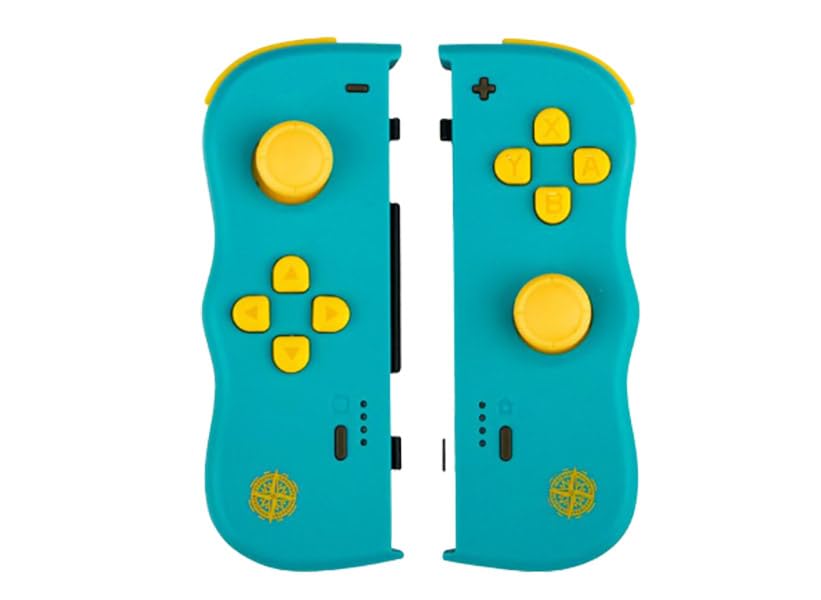
Ofbylding: Front view of the Lexip PIXMINDS Steelplay Adventure Twinpads, showing the joysticks, D-pad, and action buttons.
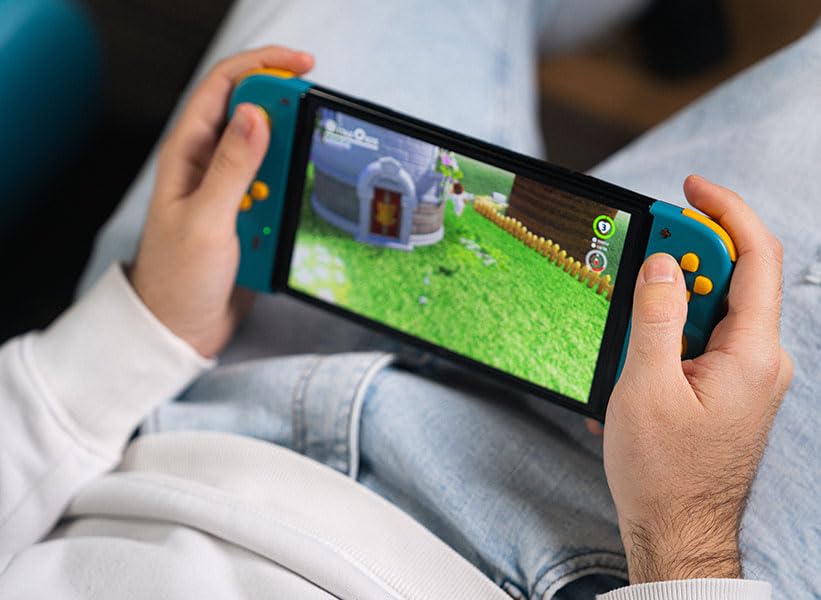
Ofbylding: Side view of the Lexip PIXMINDS Steelplay Adventure Twinpads, highlighting the rail for attachment and potential pairing button location.
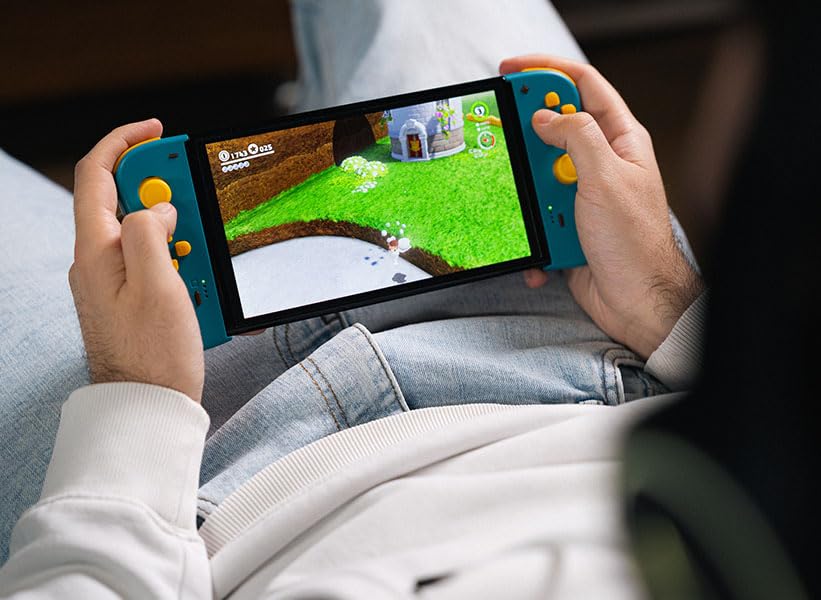
Ofbylding: Efterkant view of the Lexip PIXMINDS Steelplay Adventure Twinpads, showing the ergonomic design and additional buttons.
Operating Instructions
Once paired, the Twinpads function as independent left and right controllers, similar to the original Joy-Con controllers. They can be used for various games that support detached controller play.
Knopopmaak en funksjes
- Left Twinpad: Analog Stick, D-pad, Minus (-) Button, Screenshot Button, SL/SR Buttons (on side rail).
- Right Twinpad: Analog Stick, A/B/X/Y Buttons, Plus (+) Button, Home Button, SL/SR Buttons (on side rail).
- Note: Specific button functions may vary depending on the game.
Op 'e nij ferbine
If the Twinpads disconnect or you wish to reconnect them after turning off the console, simply press any button on each Twinpad. They should automatically reconnect to the last paired console.
Ûnderhâld
Proper care will extend the lifespan of your Twinpads.
- Reiniging: Use a soft, dry cloth to wipe the surface of the controllers. For stubborn dirt, slightly dampMeitsje de doek net wiet mei wetter. Brûk gjin agressive gemikaliën of skuurmiddels.
- Opslach: Store the Twinpads in a cool, dry place away from direct sunlight and extreme temperatures.
- Batterij soarch: If storing for an extended period, ensure the batteries are partially charged (around 50%) to maintain battery health. Avoid fully discharging the batteries for long periods.
Troubleshooting
If you encounter issues with your Twinpads, try the following solutions:
- Kontrôlers net keppele:
- Ensure the Twinpads are charged.
- Verify Bluetooth is enabled on your console.
- Try re-pairing the controllers by following the "Pairing with Your Device" steps.
- Move closer to the console to ensure a strong Bluetooth signal.
- Start jo Nintendo Switch-konsole opnij op.
- Ynfierfertraging of ûntbining:
- Ensure there are no obstructions between the controllers and the console.
- Minimalisearje ynterferinsje fan oare draadloze apparaten.
- Kontrolearje de batterijnivo's en oplade as it nedich is.
- Knoppen reagearje net:
- Skjinje om 'e knoppen om alle pún te ferwiderjen.
- Ensure the controllers are properly paired and connected.
- Test the controllers in a different game or the console's controller test menu.
Spesifikaasjes
| Eigenskip | Detail |
|---|---|
| Model | JVASWI00101 |
| Merk | Lexip, PIXMINDS, Steelplay |
| Konnektivität | Bluetooth |
| Kompatibiliteit | Nintendo Switch™, Nintendo Switch™ OLED |
| Batterij Type | 1 Lithium Ion batterij (ynbegrepen) |
| Item Gewicht | 5.6 ounces (sawat 158.76 gram) |
| Package Ofmjittings | 6.18 x 4.72 x 1.26 inch (sawat 15.7 x 12 x 3.2 sm) |
| Fabrikant | PIXMINDS |
| Release Date | 1 jannewaris 2023 |
Garânsje en stipe
The Lexip PIXMINDS Steelplay Adventure Twinpads come with a 5-jierrige garânsje, as indicated on the product packaging. To register your product and activate your warranty, please visit the official warranty registration page:
Register Your Product for Warranty
For technical support or further inquiries, please refer to the official Lexip support channels or contact your retailer.
Ask a question about this manual
Ask about setup, troubleshooting, compatibility, parts, safety, or missing instructions. Manuals+ will review the question and use this page’s manual context to help answer it.