
Ynlieding
The Coby Sports True Wireless Earbuds (Model CETW534) are designed to provide a high-quality audio experience for users with an active lifestyle. Featuring advanced Bluetooth 5.3 technology, secure-fit ear tips, and sweat resistance, these earbuds are built for comfort, stability, and reliable performance during workouts and daily activities. This manual provides comprehensive instructions for setting up, operating, maintaining, and troubleshooting your earbuds to ensure optimal use.
Pakketynhâld
Kontrolearje asjebleaft oft alle items yn jo pakket oanwêzich binne:
- Coby Sports True Wireless Earbuds
- Opladen Case
- USB-C oplaadkabel
- User Manual
Produkt oerview
The Coby Sports True Wireless Earbuds are engineered for both sound quality and durability. They feature a compact design with secure-fit ear tips for stability during movement and noise-isolating technology for an immersive audio experience.

Image: Coby Sports True Wireless Earbuds shown with their open charging case.

Image: The earbuds are securely placed within their charging case.

Ofbylding: In eksplodearre view diagram illustrating the internal components responsible for noise-isolating sound technology.
Opsette
1. De earbuds en it hoeske oplade
Before first use, fully charge the earbuds and the charging case. The case provides additional charges for extended playtime.
- Doch de earplugs yn it oplaadfakje. Soargje derfoar dat se goed ynfoege binne.
- Ferbine de USB-C-oplaadkabel mei de oplaadpoarte op 'e behuizing en stek it oare ein yn in USB-stroomboarne.
- It yndikatorljocht op 'e hoes sil de oplaadstatus oanjaan. In folsleine lading duorret normaal sawat 1.5-2 oeren.

Image: The Coby charging case connected via a USB Type-C cable for charging.

Image: Earbuds and their case being charged using a USB power adapter.
2. Pairing mei in Bluetooth Device
De earplugs hawwe ienstapskoppeling foar rappe en maklike ferbining.
- Iepenje it oplaadkoffer. De earplugs sille automatysk yn koppelingsmodus gean.
- Gean op jo smartphone of apparaat mei Bluetooth nei de Bluetooth-ynstellingen.
- Sykje nei available devices and select "CETW534" from the list.
- Once connected, you will hear an audio prompt, and the device will show "Connected."

Image: A smartphone screen showing successful Bluetooth pairing with the 'CETW534' earbuds.
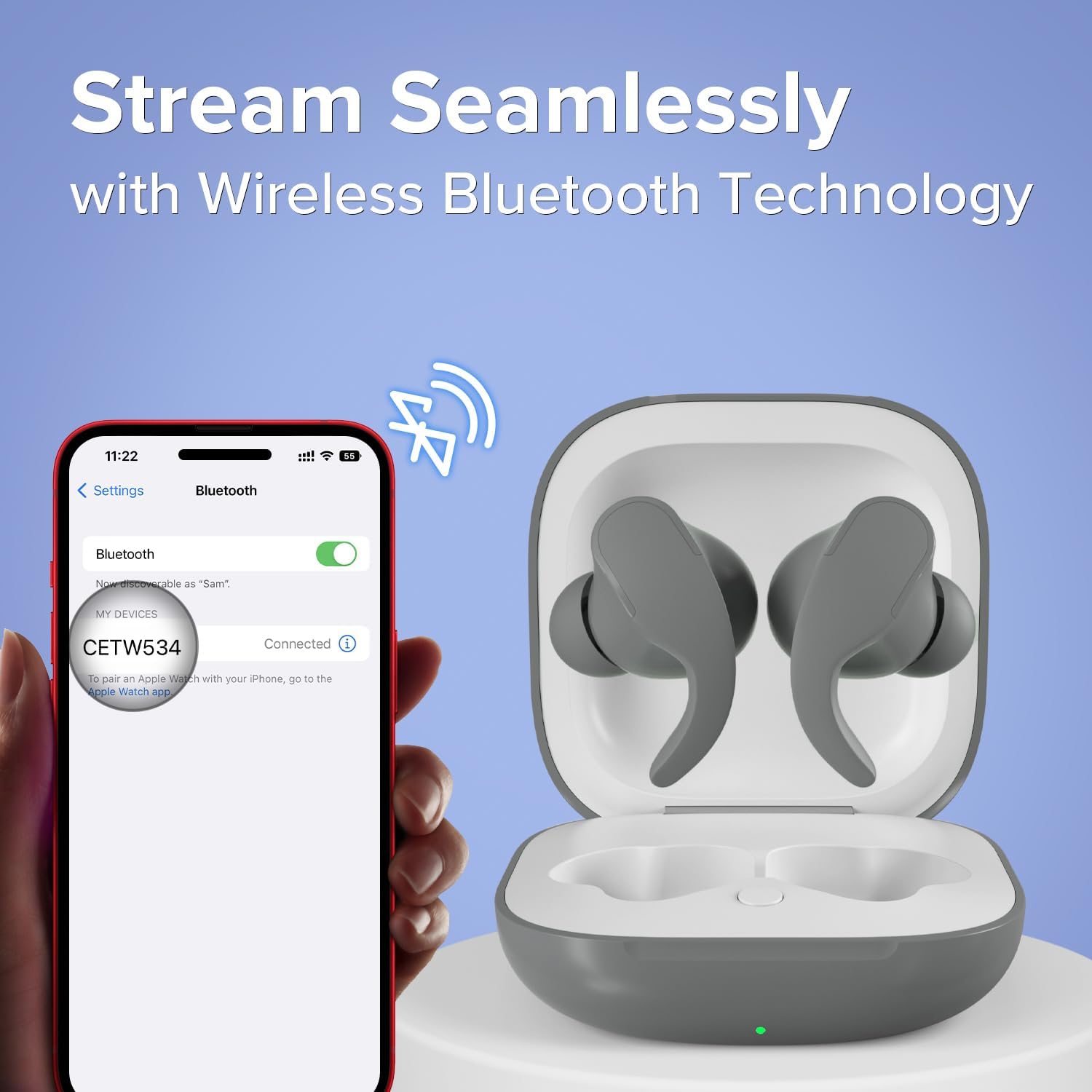
Image: A smartphone connected to the 'CETW534' earbuds via Bluetooth, with the earbuds in their open charging case.
Operating Instructions
1. It dragen fan de earbuds
For optimal sound and secure fit, choose the ear tips that best suit your ears. Insert the earbuds gently into your ear canal and twist slightly to secure them. The secure-fit design ensures they stay in place during active movement.

Image: A person wearing the Coby Sports True Wireless Earbuds during a physical activity.

Image: An illustration of an earbud securely fitted in an ear, alongside an image of two individuals running, emphasizing the sweat-resistant and secure-fit design.
2. Touch Controls
De earbuds hawwe yntuïtive touchkontrôles foar it behearen fan audioôfspieljen en oproppen.

Image: A person wearing the earbuds, with a separate depiction of the earbuds, illustrating the on-ear touch controls.
| Aksje | Funksje |
|---|---|
| Ien tik (links/rjochts) | Muzyk spielje/pauzearje, oprop beantwurdzje/einigje |
| Dûbeltik (rjochts) | Folgjende Track |
| Dûbeltik (links) | Foarige Track |
| Trijefâldige tik (lofts/rjochts) | Aktivearje Voice Assistant |
| Lange parse (2 sekonden) | Oprop ôfwize |
3. Power On / Off
- Power On: Iepenje de oplaadkoffer, en de oordopjes sille automatysk oangean en besykje ferbining te meitsjen mei it lêst keppele apparaat.
- Útskeakelje: Doch de earplugs werom yn it oplaadfakje en doch it deksel ticht. Se sille automatysk útskeakelje en begjinne mei opladen.
4. Muzyk Wiedergabe
Once paired, you can control your music directly from the earbuds or your connected device. Enjoy crystal-clear, high-definition sound for an immersive listening experience.
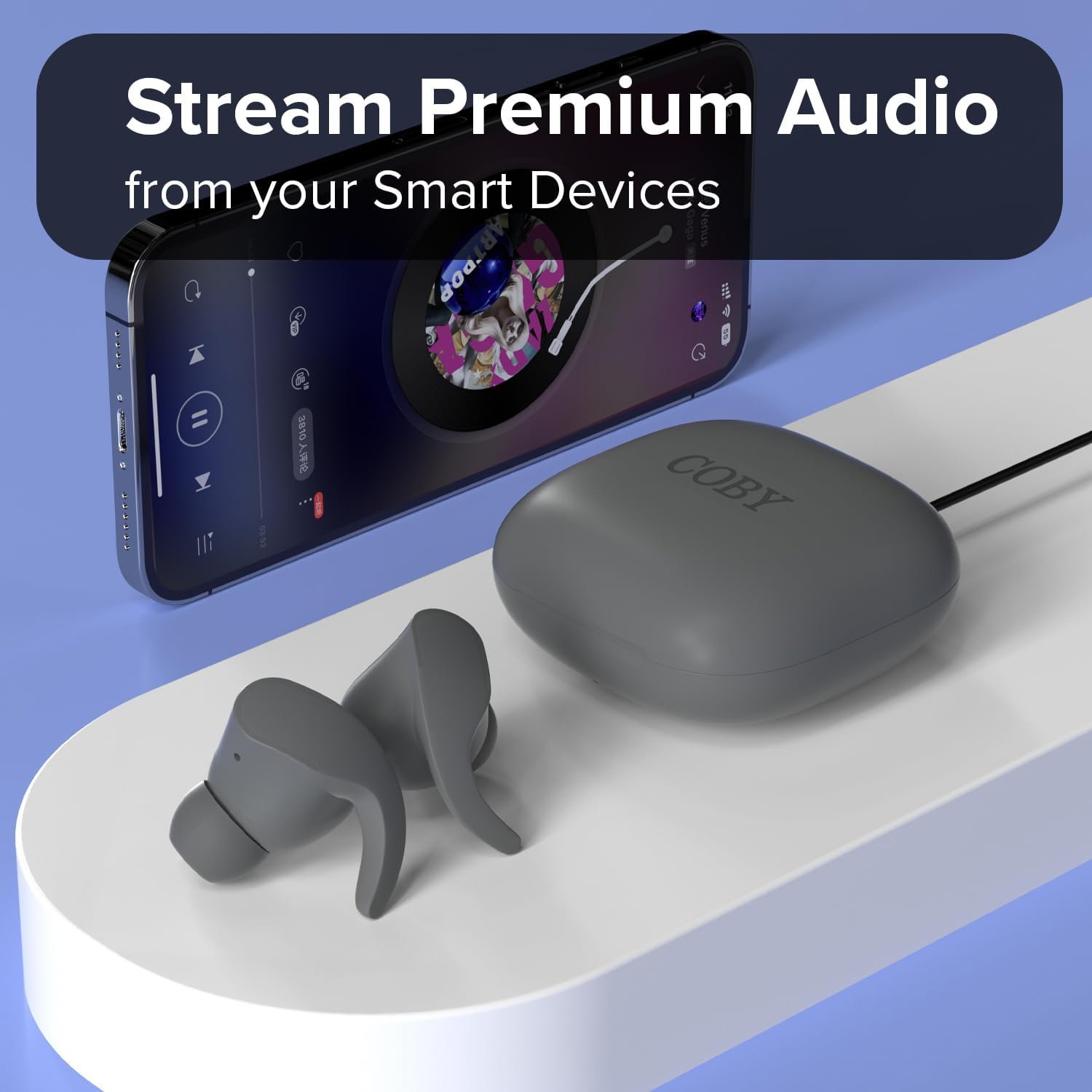
Image: The Coby earbuds and their charging case positioned near a smartphone displaying a music playback interface.

Image: A man wearing one earbud, illustrating the experience of crystal-clear, high-definition sound.

Image: A man wearing an earbud, highlighting the product's 12-hour uninterrupted talk and playtime capability.

Image: A woman wearing an earbud, conveying the message of enjoying music on your own terms, wherever you go.
5. Call Management
Use the touch controls to manage incoming and outgoing calls as described in the 'Touch Controls' table.
Ûnderhâld
1. Cleaning
- Regularly clean the ear tips and charging contacts with a soft, dry, lint-free cloth.
- Mije it brûken fan abrasive materialen of hurde gemikaliën.
- Soargje derfoar dat der gjin focht yn 'e oplaadpoarte of sprekkerroosters komt.
2. Opslach
As se net yn gebrûk binne, bewarje de earplugs dan yn har oplaaddoaze om se te beskermjen tsjin stof en skea, en om se opladen te hâlden.
3. Sweat Resistance
The earbuds are sweat-resistant, making them suitable for workouts. However, they are not waterproof. Avoid submerging them in water or exposing them to heavy rain.
Troubleshooting
If you encounter issues with your Coby Sports True Wireless Earbuds, refer to the following common solutions:
| Probleem | Oplossing |
|---|---|
| Earbuds net keppelje | Ensure earbuds are charged. Place them back in the case, close, then reopen. On your device, forget the 'CETW534' connection and try pairing again. |
| Gjin lûd út ien earbud | Check if both earbuds are charged. Try resetting the earbuds by placing them in the case and then taking them out. Re-pair if necessary. |
| Oplaadkoffer wurdt net opladen | Kontrolearje oft de USB-C-kabel goed ferbûn is mei sawol de behuizing as de stroomboarne. Besykje in oare kabel of stroomadapter. |
| Mine audio kwaliteit | Ensure earbuds are clean and properly seated in your ears. Move closer to your connected device to avoid interference. |
Spesifikaasjes
| Eigenskip | Detail |
|---|---|
| Merk | Coby |
| Model Number | CETW534 |
| Kleur | Griis |
| Ear Placement | In Ear |
| Form Factor | In Ear |
| Noise Control | Sound isolaasje |
| Bluetooth Ferzje | 5.3 |
| Bluetooth berik | 10m |
| Batterij gemiddelde libben | 12 Hours (total playtime with charging case) |
| Wetter Resistance Level | Water Resistant (Sweat-resistant) |
| Control Metoade | Oanreitsje |
| Item Gewicht | 1.76 oz |
| UPC | 810071493706 |
Warranty Information
Dit produkt wurdt dekt troch in 90-dagen fabryksgarânsje from the date of purchase. This warranty covers defects in materials and workmanship under normal use. It does not cover damage caused by misuse, accidents, unauthorized modifications, or normal wear and tear. Please retain your proof of purchase for warranty claims.
Stypje
For further assistance, technical support, or warranty inquiries, please contact Coby customer support. Refer to the contact information provided on the product packaging or the official Coby website.