
Ynlieding
This manual provides essential information for setting up, operating, and maintaining your VIZIO 40-inch Full HD 1080p Smart TV. Please read these instructions carefully before using your television to ensure proper function and safety. This television offers superior Full HD picture quality with lifelike color, enhanced audio, and smart connectivity features for an immersive entertainment experience.
Wat is yn 'e doaze
Kontrolearje oft alle ûnderdielen oanwêzich binne foardat jo trochgean mei de ynstallaasje:
- VIZIO 40-inch Full HD 1080p Smart TV
- Remote Control
- Power Kabel
- TV-meubel (2 stikken)

Figuer 1: Ynbegrepen komponinten en tv-ôfmjittings.
Opsette
1. De standert befestigje
- Plak it tv-skerm foarsichtich mei it nei ûnderen op in sêft, skjin oerflak om skea te foarkommen.
- Rjochtsje de skonken fan 'e stand op mei de skroefgatten oan 'e ûnderkant fan' e tv.
- Befestigje de skonken fan 'e stand mei de levere skroeven.
2. Muurbefestiging (opsjoneel)
If wall mounting, ensure you use a VESA-compliant mount (200 x 100 mm) and follow the mount manufacturer's instructions. Disconnect the power cable before mounting.
3. Ferbine Power
Stek de stroomkabel yn 'e stroomyngong fan' e tv en dan yn in stopkontakt.
4. Earste ynskeakeling en earste ynstelling
- Druk op de oan/út-knop op de ôfstânsbetsjinning of tv.
- Follow the on-screen prompts to select your language, connect to Wi-Fi, and complete the initial setup of the SmartCast OS.
- You may be prompted to install app updates. Allow the TV to complete this process.

Figure 2: VIZIO Account setup for Smart TV functionality and product updates.
It betsjinjen fan de TV
Remote Control
The included remote control allows you to navigate the SmartCast OS, adjust settings, and control connected devices. Ensure AAA batteries are installed correctly.
SmartCast OS
Your VIZIO Smart TV runs on the SmartCast OS, providing instant access to a wide selection of streaming services and apps. New apps are automatically added and updated.
- Thús skerm: Access your favorite apps, inputs, and trending content.
- SjochFergees+: Stream over 275 free channels and 15,000+ movies and shows on demand.
- App-katalogus: Browse and launch pre-installed applications like Disney Plus, Max, Netflix, Prime Video, and YouTube.
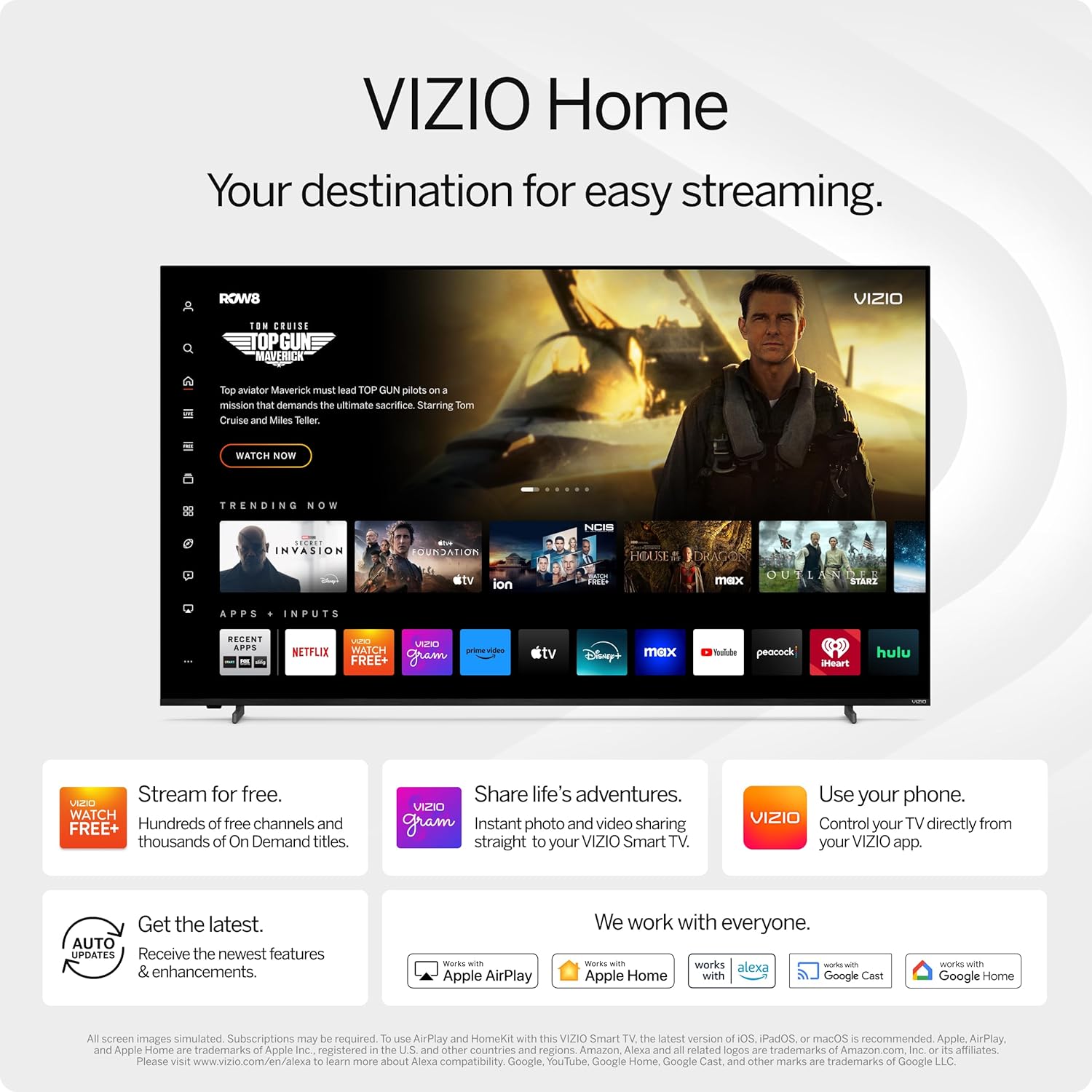
Figure 3: VIZIO Home screen for easy streaming and content access.

Figure 4: Accessing free content via WatchFree+.
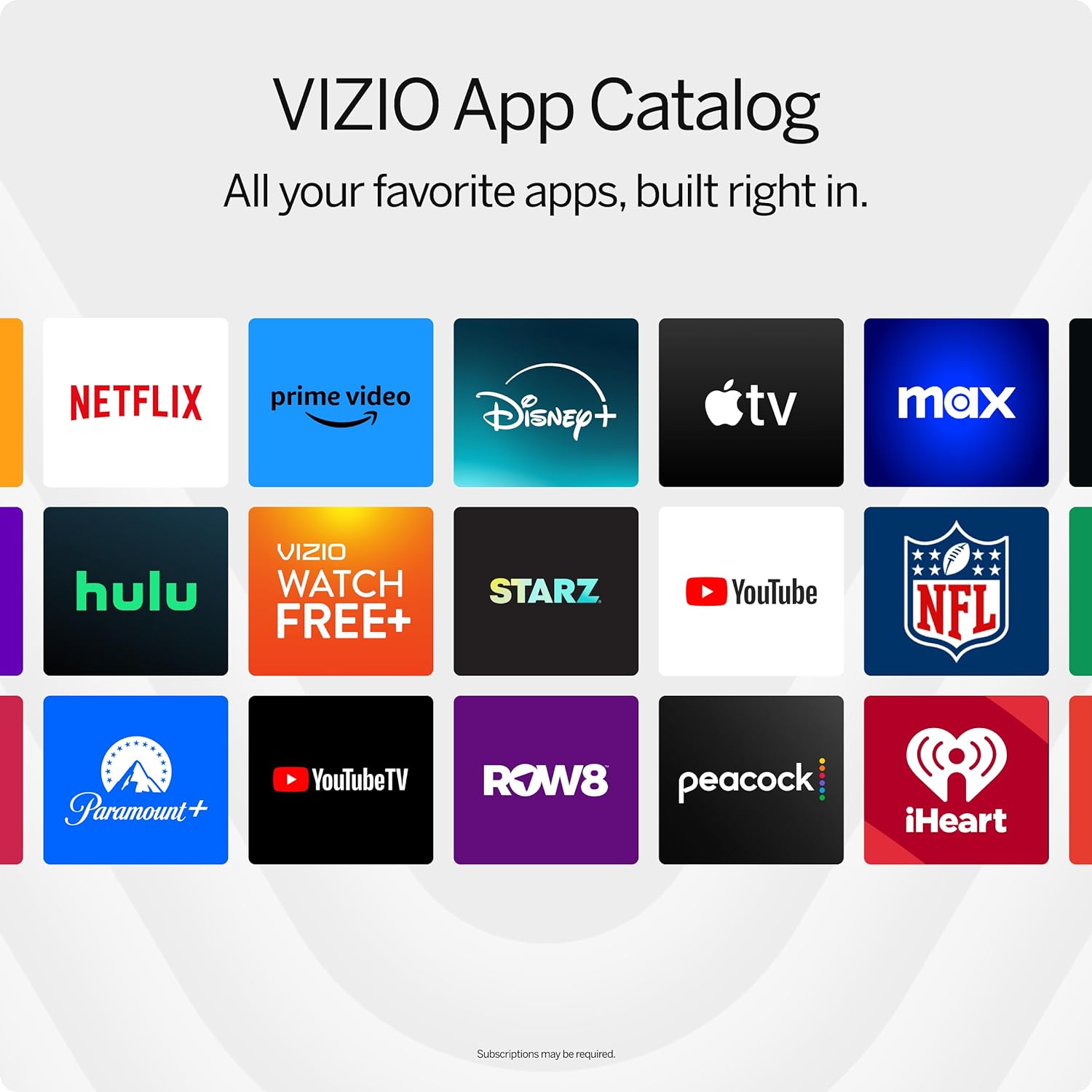
Figure 5: The VIZIO App Catalog with popular streaming services.
Konnektivität
- Wi-Fi: Ferbine mei jo thúsnetwurk foar ynternet tagong en streaming.
- Bluetooth: Koppel Bluetooth-koptelefoanen foar privee harkjen.
- Chromecast Built-in & Apple AirPlay 2: Stream content directly from your Apple or Android devices to the TV.
- HDMI & USB: Connect external devices such as gaming consoles, Blu-ray players, or USB drives.
- Smart Home Yntegraasje: Compatible with Alexa-enabled devices, Google Assistant, and Apple Home for voice control and smart home management.
Key Features
Ofbylding Kwaliteit
Experience superior Full HD (1080p) picture with lifelike color and clarity. Features like Full Array LED Backlight and Active Pixel Tuning enhance contrast and brightness for a sharp, detailed image.

Ofbylding 6: Oerview of Full HD benefits including picture quality, smart platform, and Bluetooth audio.
Audio ûnderfining
The TV features integrated DTS Virtual:X for an enhanced, cinema-inspired audio experience, creating the illusion of sound all around you. Bluetooth headphone capability allows for private listening without disturbing others.

Figure 7: DTS Virtual:X for immersive audio.
Gaming Features
This TV is game-ready with HDR10 support on HDMI, unlocking striking in-game details. When a console or PC is detected, FHD models automatically enable Auto Low Latency Mode and an integrated gaming menu for optimal performance.

Figure 8: HDR10 support enhances gaming visuals.
Spesifikaasjes
| Eigenskip | Detail |
|---|---|
| Skermgrutte | 39.5 inch (40-inch klasse) |
| Resolúsje | 1080p folsleine HD |
| Display Technology | LED (Full Array LED Backlight) |
| Ferfarskje Rate | 60 Hz |
| HDR-formaat stipe | HDR10/HLG |
| Audioútfiermodus | Surround (DTS Virtual:X compatible) |
| Bestjoeringssysteem | SmartCast OS |
| Konnektivität Technology | Bluetooth 5.0, Wi-Fi |
| Skermspegeljen | AirPlay 2, Google Cast |
| Totaal HDMI Ports | 2 |
| Totaal USB Ports | 2 |
| Produkt Ofmjittings (D x B x H) | 8.81" D x 35.13" W x 22.26" H |
| Item Gewicht | 12.26 pûn sterling |
| VESA-montagestandert | 200 x 100 mm |
| Stromferbrûk | 54 watt |
| Model Number | VFD40M-0810 |
Troubleshooting
Gjin stroom / TV giet net oan
- Soargje derfoar dat de stroomkabel goed ferbûn is mei sawol de tv as in wurkjend stopkontakt.
- Test it stopkontakt mei in oar apparaat om te befestigjen dat it stroom hat.
- Try pressing the power button directly on the TV, not just the remote.
Gjin ôfbylding / swart skerm
- Kontrolearje oft de juste ynfierboarne selektearre is (bygelyks, HDMI 1, HDMI 2).
- Kontrolearje alle kabelferbiningen tusken de tv en eksterne apparaten.
- Start de tv en alle ferbûne apparaten opnij op.
Gjin lûd
- Ferheegje it folume op sawol de tv as alle ferbûne audioapparaten.
- Check the TV's audio settings to ensure the correct audio output is selected.
- As jo eksterne sprekkers brûke, soargje derfoar dat se goed oansletten en oan binne.
Problemen mei Wi-Fi-ferbining
- Ensure your Wi-Fi router is powered on and functioning.
- Start jo router en modem opnij op.
- Gean nei de netwurkynstellingen fan 'e tv en besykje opnij ferbining te meitsjen mei jo Wi-Fi-netwurk.
- Ferpleats de tv tichter by de router of beskôgje in Wi-Fi-útwreiding as it sinjaal swak is.
Ûnderhâld
It skerm skjinmeitsje
- Doch de tv altyd út en lûk de stekker út it stopkontakt foardat jo skjinmeitsje.
- Use a soft, lint-free cloth (microfiber is recommended) to gently wipe the screen.
- Foar koppige merken, licht dûsjeampMeitsje de doek skjin mei wetter of in spesjalisearre skermreiniger. Spuit de reiniger nea direkt op it skerm.
- Avoid using harsh chemicals, abrasive pads, or paper towels, as these can damage the screen.
De TV-behuizing skjinmeitsje
- Feie it frame en de steande stân fan 'e tv ôf mei in sêfte, droege doek.
- Do not use liquid cleaners on the TV body.
Software Updates
Your VIZIO Smart TV automatically receives software updates. Ensure your TV is connected to the internet to receive the latest features and enhancements.
Garânsje en stipe
Warranty Information
This VIZIO Smart TV comes with a 90 dagen beheinde garânsje. Please refer to the warranty card included with your product for full terms and conditions, or visit the official VIZIO support webside foar mear details.
Klant Support
For technical assistance, troubleshooting, or warranty claims, please contact VIZIO Customer Support. You can find contact information and additional resources on the official VIZIO website.
Online resources are available at www.vizio.com/support.