
1. Ynlieding
This manual provides essential information for the safe and effective operation of your HAVIT Smart Life Series PJ211 PRO projector. Please read this manual thoroughly before using the device and retain it for future reference.
The HAVIT PJ211 PRO is a compact smart projector designed for home entertainment, gaming, and presentations. It features a native HD resolution of 1280x720, supporting up to 4K input, and integrates Android TV 9.0 for direct access to streaming services.
2. Package Ynhâld
Soargje derfoar dat by it útpakken alle items oanwêzich binne en yn goede steat binne:
- HAVIT Smart Life Series PJ211 PRO Projector
- Power Kabel
- Remote Control
- User Manual (dit dokumint)
3. Produkt Overview
Meitsje josels bekend mei de fysike komponinten en oanslutingsports fan 'e projektor.
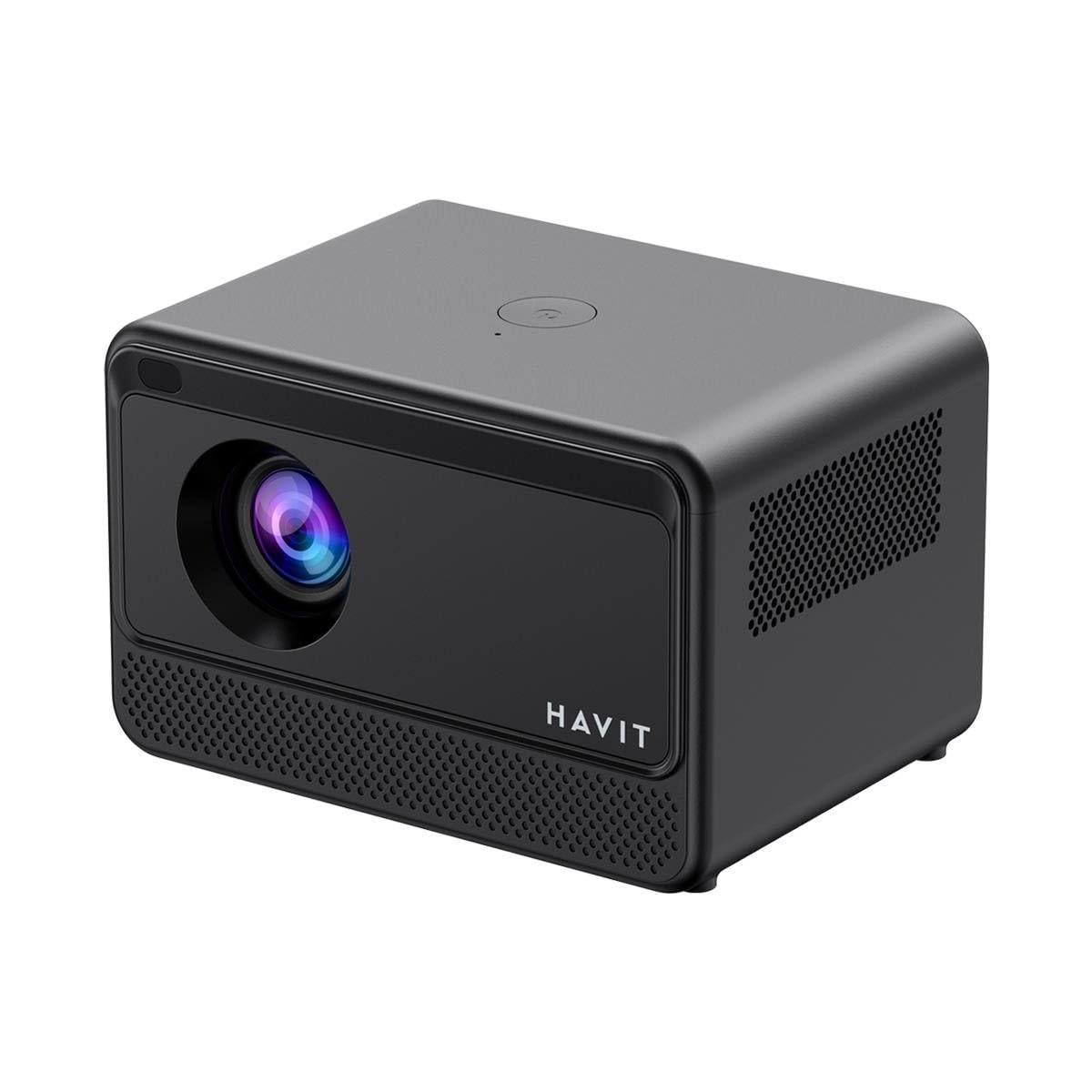
Ofbylding: Efterkant en sydkant view of the HAVIT PJ211 PRO projector, highlighting the power input, HDMI, USB, and audio ports.

Ofbylding: Front view of the HAVIT PJ211 PRO projector, showing the projection lens and front grille.
Poarten en kontrôles:
- Power Ynfier: Ferbine mei de macht adapter.
- HDMI-poarte: Foar it oansluten fan eksterne fideoboarnen lykas laptops, spultsjekonsoles of Blu-ray-spilers.
- USB-poarten: Foar it ferbinen fan USB-opslachapparaten om media ôf te spyljen files or connect peripherals.
- AV-ynfier: Foar it ferbinen fan âldere apparaten mei in AV-kabel.
- 3.5mm Audio Jack: Foar it oansluten fan eksterne sprekkers of koptelefoanen.
- Power knop: Located on the top panel for turning the projector on/off.
4. Opsette
4.1 Pleatsing
Position the projector on a stable, flat surface. Ensure there is adequate ventilation around the device. The optimal projection distance ranges from 1 to 4 meters, yielding a screen size between 32 and 150 inches.
4.2 Stromferbining
- Ferbine de stroomkabel mei de stroomynfierpoarte fan 'e projektor.
- Stek it oare ein fan 'e stroomkabel yn in gaadlik stopkontakt.
4.3 Initial Power On
Press the power button on the projector or the remote control to turn on the device. The projector will boot up and display the Android TV interface.
4.4 Fokus- en Keystone-korreksje
The PJ211 PRO features semi-auto focus and semi-auto keystone correction. The projector will attempt to adjust these settings automatically upon startup or movement. Fine-tuning can be done via the on-screen menu if needed.
4.5 Netwurkferbining
To access online content, connect the projector to a Wi-Fi network.

Image: Illustration showing the projector's support for both 2.4G and 5G dual-band Wi-Fi connections, indicating improved transmission rates and smoother online viewing with 5G.
- Navigate to the 'Settings' menu on the Android TV interface.
- Selektearje 'Netwurk en ynternet'.
- Kies jo winske Wi-Fi-netwurk út 'e list.
- Enter the password if prompted and confirm the connection. The projector supports 2.4G and 5G dual-band Wi-Fi for stable connectivity.
5. Bedriuwsinstruksjes
5.1 Android TV 9.0-ynterface
The projector runs on Android TV 9.0, providing access to various applications and streaming services. Use the remote control to navigate the interface, select apps, and adjust settings.
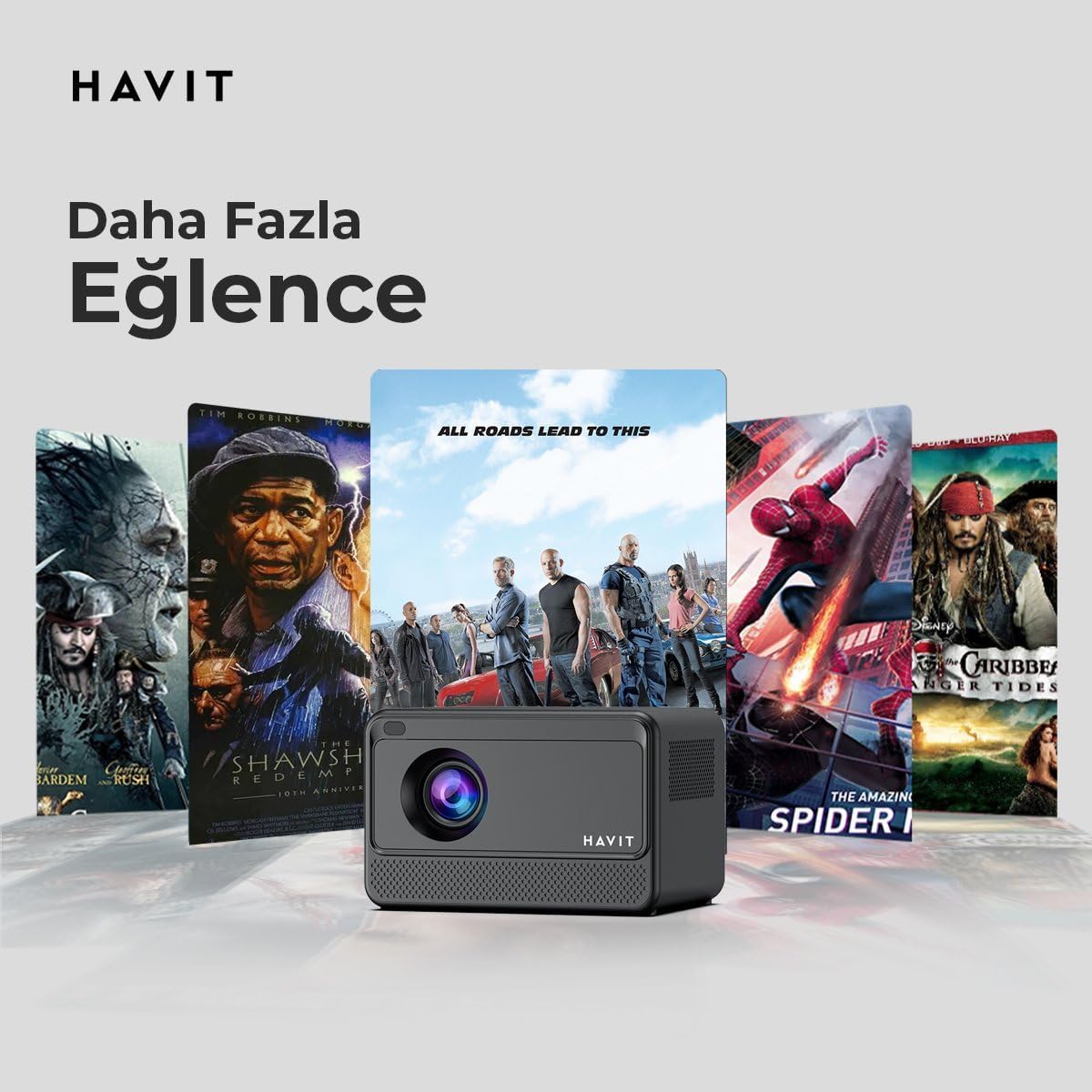
Image: The HAVIT PJ211 PRO projector displaying a selection of popular streaming service icons, illustrating its 'More Entertainment' capability through Android TV.
5.2 Eksterne apparaten ferbine
You can connect various external devices to the projector:
- HDMI: Connect a device (e.g., laptop, game console) using an HDMI cable. Select the HDMI input source from the projector's input menu.
- USB: Insert a USB drive into a USB port. The projector's media player will typically detect the drive, allowing you to browse and play supported media files.
- FAN: Use an AV cable to connect compatible devices. Select the AV input source.
- Audioút (3.5mm Jack): Connect external speakers or headphones for enhanced audio. The projector has a built-in 3W speaker for standard audio output.
6. Underhâld
6.1 Cleaning
- Lins: Brûk in sêfte, pluisfrije doek dy't spesifyk ûntworpen is foar optyske lenzen. Brûk gjin skurende skjinmakkers of doeken.
- Eksterieur: Feie de bûtenkant fan 'e projektor ôf mei in sêfte, droege doek. Brûk gjin floeibere reinigingsmiddels direkt op it apparaat.
- Ventilaasje: Soargje derfoar dat de fentilaasje-iepeningen frij binne fan stof en obstakels om oerferhitting te foarkommen.
6.2 Lamp Libben
LED lamp in your PJ211 PRO projector has an estimated life of 30,000 hours, providing long-term reliability under normal usage conditions.
7. Probleemoplossing
As jo problemen hawwe mei jo projektor, sjoch dan nei de folgjende faak foarkommende problemen en oplossingen:
| Probleem | Mooglike oarsaak | Oplossing |
|---|---|---|
| Gjin ôfbylding werjûn | Power cable disconnected, incorrect input source, lens cap on. | Check power connection, select correct input source (HDMI, USB, AV), remove lens cap. |
| Ofbylding is wazig | Út fokus, ferkearde projeksjeôfstân. | Adjust focus manually via settings, ensure projector is within 1-4 meters of screen. |
| Gjin lûd | Volume too low, external speakers not connected properly, audio settings. | Increase volume, check external speaker connection, verify audio output settings. |
| Wi-Fi ferbining problemen | Incorrect password, router issues, signal interference. | Re-enter Wi-Fi password, restart router, ensure projector is within Wi-Fi range. |
8. Spesifikaasjes
Detailed technical specifications for the HAVIT Smart Life Series PJ211 PRO projector:

Image: A visual representation of the HAVIT PJ211 PRO projector's specifications, including system, resolution, projection distance, brightness, and connectivity.
- Display technology: LCD
- Native resolúsje: 1280 x 720 (HD)
- Stipe resolúsje: Oant 3840 x 2160 (4K)
- Helderheid: Over 5000 lumens (180+ ANSI lumens)
- Kontrastferhâlding: 1500:1
- Aspektferhâlding: 16:9 / 4:3
- projeksje ôfstân: 1 – 4 meter
- Skermgrutte berik: 32-150 inch
- Fokus oanpassing: Semi-Auto Focus
- Keystone korreksje: Semi-Auto Keystone
- Ynboude sprekker: 3W
- Bestjoeringssysteem: Android TV 9.0
- Triedleaze ferbining: Wi-Fi (2.4G/5G dûbele band)
- Ynfierhavens: HDMI, USB, AV, 3.5mm audio jack
- Lamp Type: LED
- Lamp Libben: 30,000 oeren
- Stromferbrûk: 65W
- Item Gewicht: 2.3 kilogram
- Kleur: Swart
9. Garânsje en stipe
9.1 Warranty Information
The HAVIT Smart Life Series PJ211 PRO projector comes with a 1-Arige garânsje fan 'e datum fan oankeap. Dizze garânsje dekt produksjefouten en storingen by normaal gebrûk. Bewarje jo bewiis fan oankeap foar garânsjeclaims.
9.2 Customer Support
For technical assistance, troubleshooting beyond this manual, or warranty inquiries, please contact HAVIT customer support through their official website or the retailer where the product was purchased. Please have your model number (PJ211 PRO) and purchase details ready when contacting support.