
Produkt oerview
The Statik Aktive Open Ear Bluetooth Earbuds are designed to provide high-quality audio while maintaining situational awareness. Their open-ear design ensures comfort for all-day usage and allows you to hear your surroundings. These wireless earphones feature fast charging, a long-lasting battery, and an IPX5 waterproof rating, making them suitable for various activities.
- Open-Ear Design: Audio transmitted without blocking your ears, enhancing awareness.
- Situaasjebewustwêzen: Safely hear your environment during activities like walking, jogging, or working out.
- Fast Charging & Long-Lasting Battery: Charging case rapidly recharges earbuds, providing extended audio playback.
- IPX5 wetterbestindich: Designed to withstand sweat, rain, and dirt.
- Komfortabele fit: Engineered for all-day wear without discomfort.
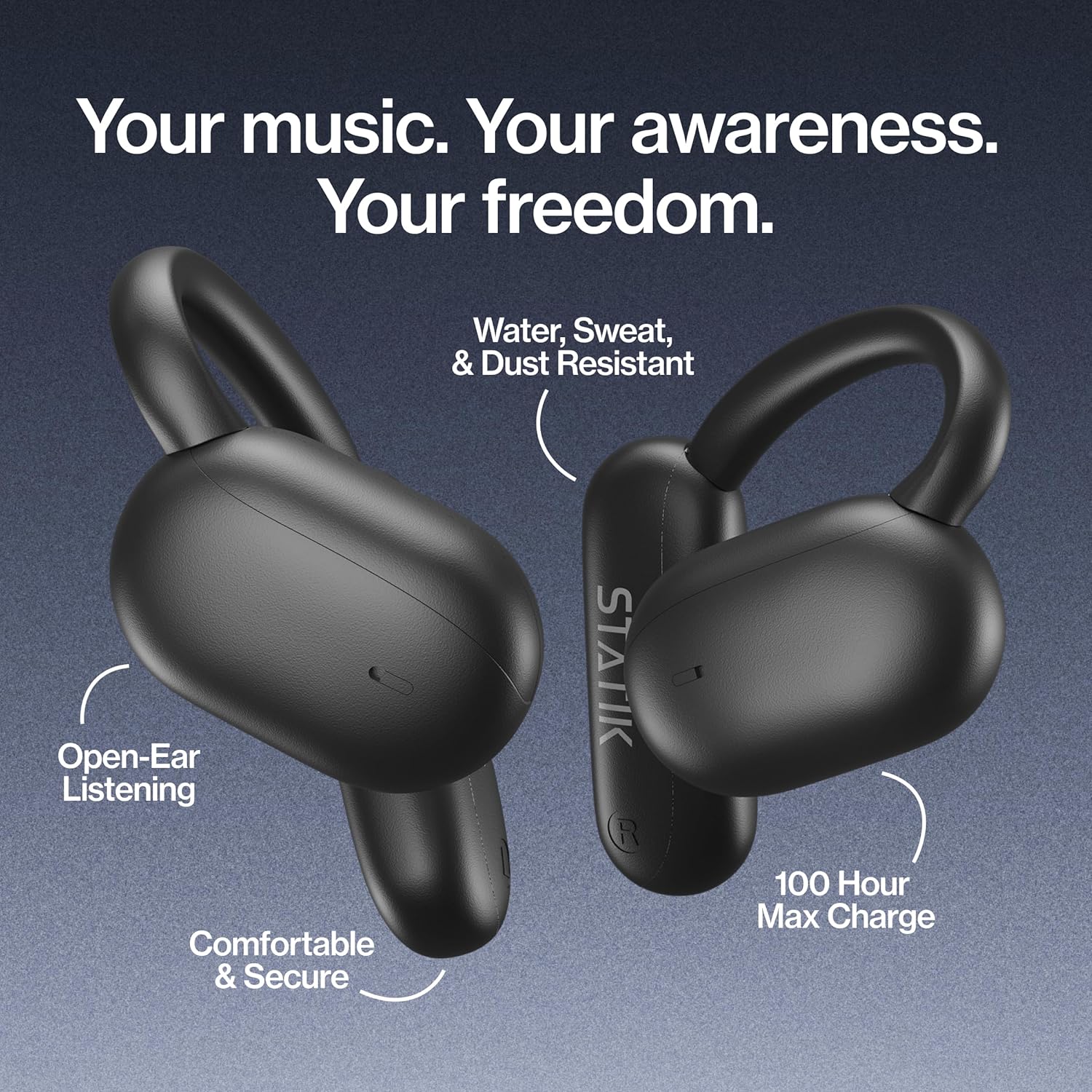
Figure 1: Statik Aktive Open Ear Bluetooth Earbuds and their charging case, highlighting key features like open-ear listening, water resistance, comfortable fit, and 100-hour max charge.
Opsette
1. Útpakke en earste lading
Upon unboxing, ensure all components are present: the Statik Aktive Earbuds, the charging case, and the USB-C charging cable. It is recommended to fully charge the earbuds and case before first use. Connect the charging case to a power source using the provided USB-C cable.

Figure 2: The Statik Aktive Earbuds resting in their charging case, which displays the battery level. The case provides up to 100 hours of battery life, with 10 hours on a single earbud charge and 2 hours after a 10-minute charge.
2. Koppelje mei jo apparaat
- Iepenje it oplaaddoaske. De earplugs sille automatysk yn koppelingsmodus gean, oanjûn troch in knipperjend LED-ljocht.
- Gean op jo smartphone of oar apparaat mei Bluetooth nei de Bluetooth-ynstellingen.
- Select "Statik Aktive" from the list of available devices to connect.
- Sadree't de ferbining ienris foltôge is, sil in stimprompt de suksesfolle koppeling befêstigje.
Fideo 1: In koarte gearfettingview of the STATIK Aktive Open Earbuds, demonstrating the product and its charging case. This video shows the earbuds being removed from the case and worn, highlighting their design and ease of use.
Operating Instructions
1. It dragen fan de earbuds
The Statik Aktive Earbuds feature an open-ear design with ear hooks for a secure and comfortable fit. Gently place the earbud over your ear, ensuring the speaker rests just outside your ear canal. Adjust the ear hook for optimal comfort and stability.
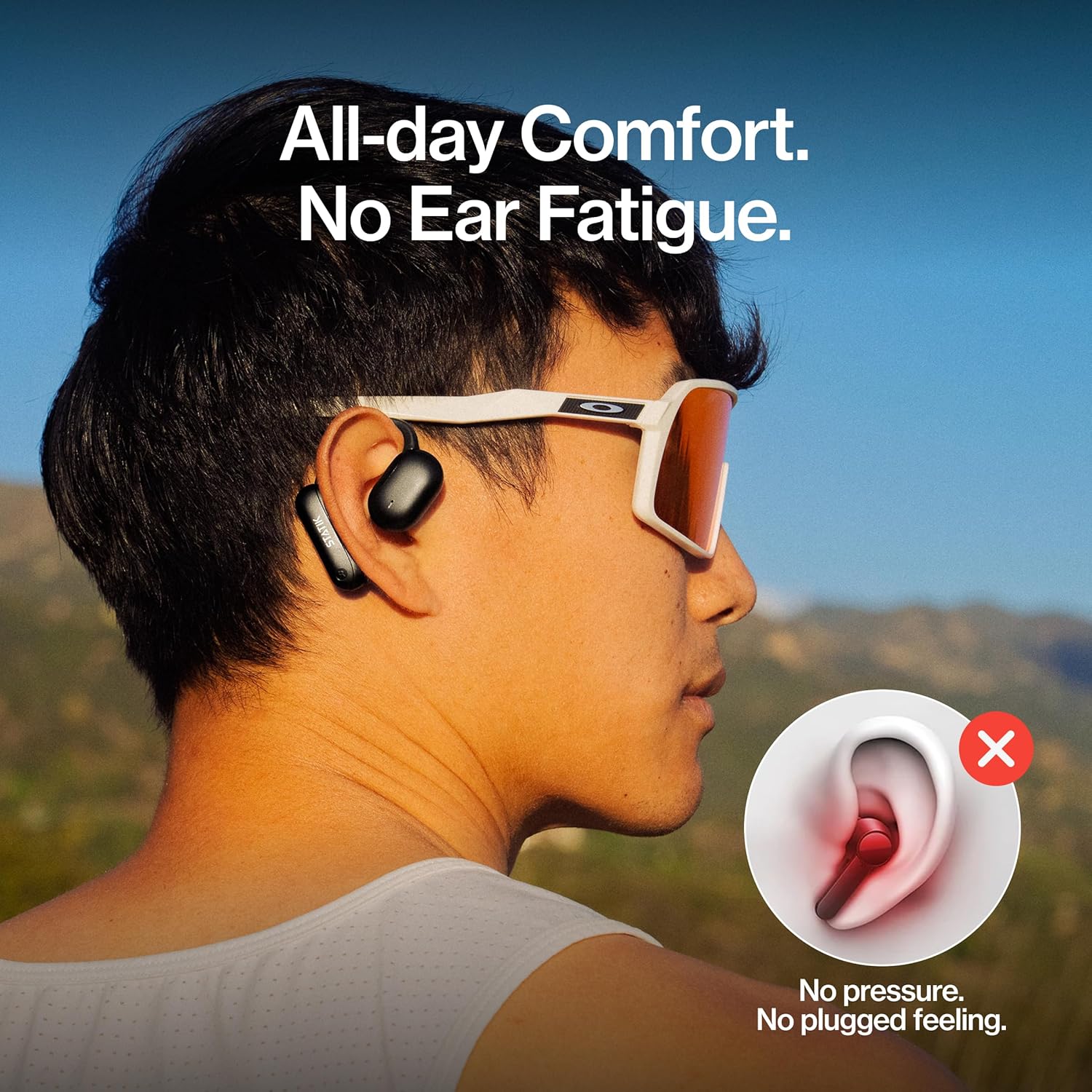
Figure 3: A person wearing the Statik Aktive Open Ear Bluetooth Earbuds, demonstrating the comfortable, no-pressure fit that avoids ear fatigue and a plugged feeling.
2. Touch Controls
The earbuds are equipped with touch-sensitive controls for easy management of audio and calls:
- Spylje / Pauze: Ien tik op ien fan beide earbuds.
- Folgjende track: Dûbelklik op 'e rjochter earbud.
- Foarige spoar: Dûbelklik op 'e linker earbud.
- Oprop beantwurdzje / einigje: Ien tik op ien fan beide earbuds tidens in ynkommende oprop of aktive oprop.
- Oprop ôfwize: Druk ien fan beide earbuds 2 sekonden yn tidens in ynkommende oprop.
- Voice Assistant aktivearje: Trije kear tikje op ien fan beide earbuds.
- Volume kontrôle: Pas it folume direkt oan fan jo ferbûne apparaat.
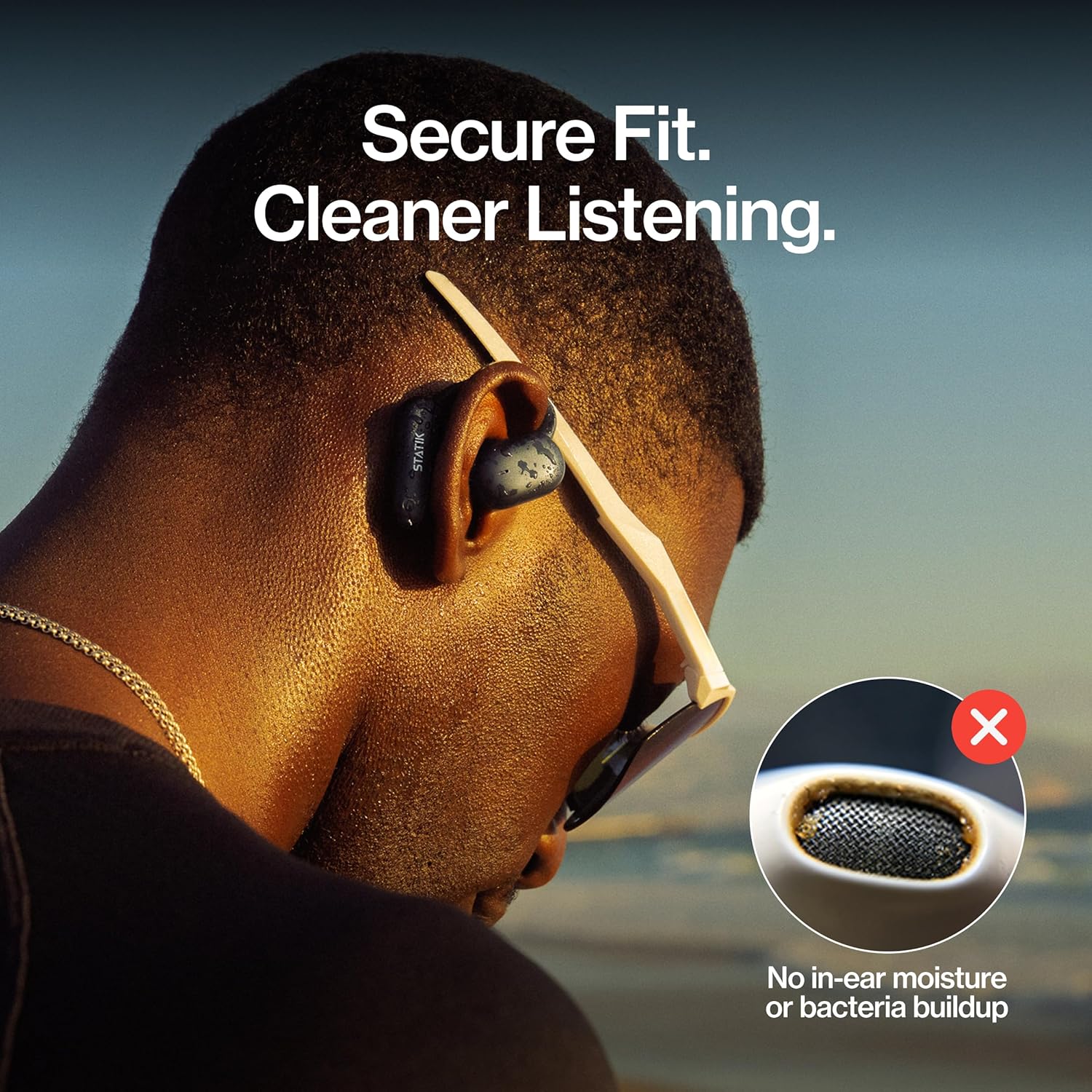
Figure 4: A close-up of a person wearing the Statik Aktive Open Ear Bluetooth Earbuds, illustrating the secure fit and the hygienic benefit of no in-ear moisture or bacteria buildup.
Ûnderhâld
1. Cleaning
Om optimale prestaasjes en hygiëne te behâlden, meitsje jo earbuds regelmjittich skjin. Brûk in sêfte, droege, pluisfrije doek om de earbuds en it oplaadkoffer ôf te feegjen. Foarkom it brûken fan abrasive materialen of hurde gemikaliën. Dompel it oplaadkoffer net ûnder wetter.
2. Wetter Resistance
The Statik Aktive Earbuds are IPX5 water-resistant, meaning they can withstand splashes, sweat, and light rain. They are not designed for submersion in water. Ensure the charging port cover is securely closed before exposing the earbuds to moisture.

Figure 5: A woman wearing Statik Aktive Open Ear Bluetooth Earbuds while running outdoors, demonstrating the ability to listen to music while remaining aware of her surroundings.
Troubleshooting
- Earbuds net keppele: Ensure earbuds are charged and within range of your device. Turn off and on your device's Bluetooth, then try pairing again.
- Gjin lûd: Kontrolearje it folume op sawol jo apparaat as de earbuds. Soargje derfoar dat de earbuds goed ferbûn binne mei jo apparaat.
- Oplaadproblemen: Verify the USB-C cable is securely connected to both the case and the power source. Ensure the charging contacts on the earbuds and inside the case are clean and free of debris.
- Unstabile ferbining: Move closer to your connected device and away from potential interference sources (e.g., other wireless devices, microwaves).
Spesifikaasjes
| Konnektivität Technology | Wireless |
| Ynbegrepen komponinten | Oplaad stasjon |
| Item Gewicht | 3.84 oz |
| Item Model Number | PUP-0705-BLK |
| Batterijen | 3 Nonstandard Batterij batterijen nedich. (ynbegrepen) |
| Merk | Statik |
| Kleur | Swart |
| Ear Placement | Iepen ear |
| Form Factor | Iepen ear |
| Model Namme | Aktive Earbuds |
Garânsje en stipe
For warranty information and customer support, please refer to the documentation included with your product or visit the official Statik webside. Bewarje jo bewiis fan oankeap foar alle garânsjeclaims.