
1. Ynlieding
The Retevis Ailunce HA1G is a robust GMRS two-way radio designed for reliable communication in various environments. It features IP67 waterproofing, a long-lasting 2800mAh battery, NOAA weather alerts, and multiple channels including GMRS repeater channels. This manual provides essential information for the proper setup, operation, and maintenance of your HA1G radio.
2. Package Ynhâld
Kontrolearje asjebleaft it pakket op de folgjende items:
- 1 x HA1G GMRS two-way radio
- 1 x Batterij
- 1 x USB-C oplaadkabel
- 1 x Desk charger
- 1 x Riemklemme
- 1 x Snoekje
- 1 x Brûkershandleiding

3. Produktfunksjes
- IP67 Waterproof Rating: The HA1G radio is designed to withstand submersion in water up to 1 meter for 30 minutes, making it suitable for outdoor and water-related activities.
- Kommunikaasje op lange ôfstân: Includes 8 GMRS repeater channels and 256 memory channels, allowing for extended communication distances.
- 2800mAh Batterij: Equipped with a high-capacity battery for extended use, providing approximately 17 hours of working time and 5 days of standby time.
- USB-C opladen: Convenient charging via USB-C, compatible with power banks, vehicle chargers, and computers.
- NOAA Waarwarskôgings: Features 12 NOAA channels for receiving weather information and alerts, enhancing safety during outdoor activities.
- Clear Sound: Incorporates squelch function and microphone gain for clear and accurate audio transmission.
- VFO Mode & CHIRP Support: Offers VFO mode for flexible frequency tuning and supports CHIRP software for easy programming.
- Emergency Alarm: Multiple alarm modes for quick assistance in emergency situations.
- 1.77-inch kleurskerm: Provides clear display of channel and battery information, with excellent readability even in sunlight.
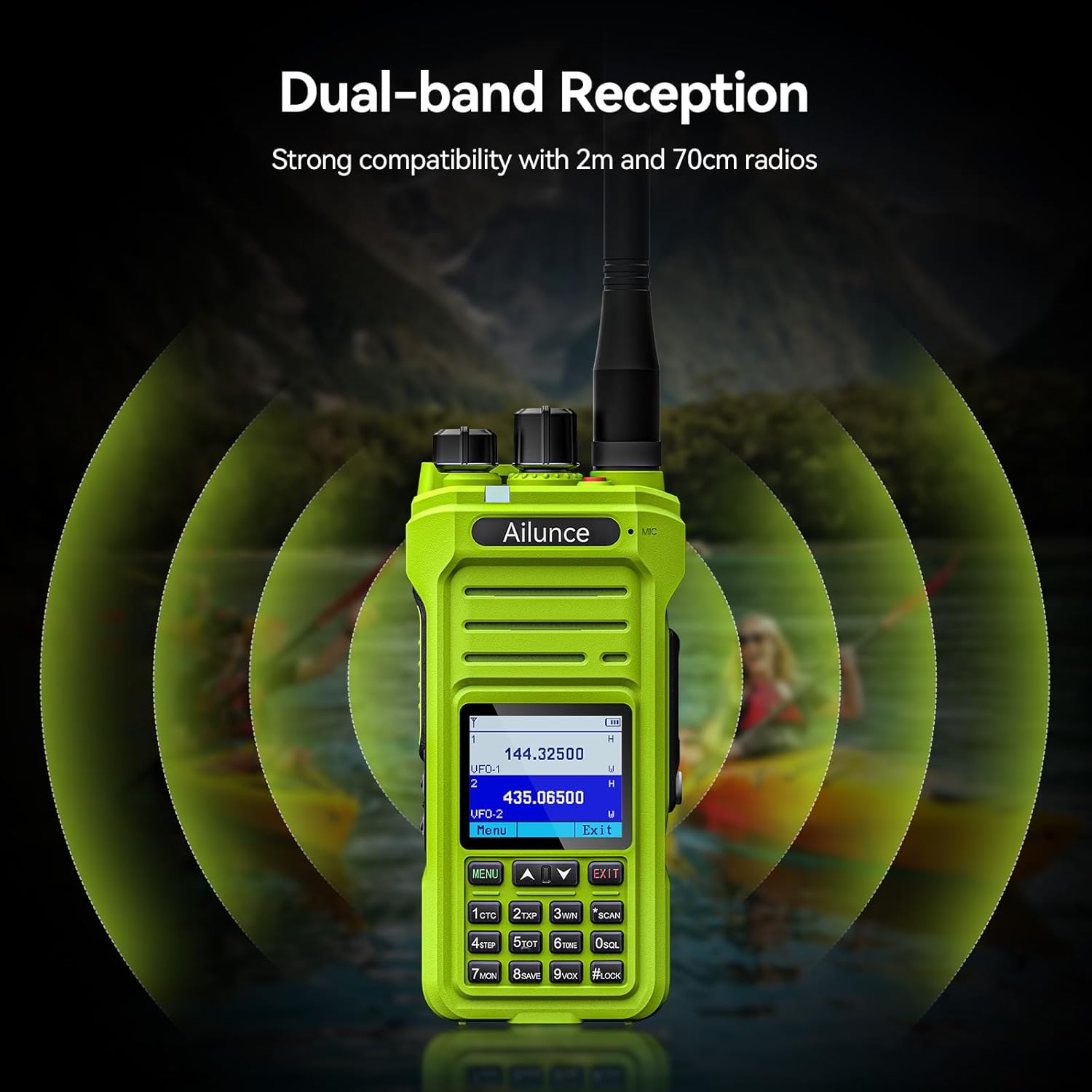
- Dual-band Reception: Strong compatibility with 2m and 70cm radios.




Video: NOAA Function and Usage Scenarios
This video demonstrates the NOAA weather alert function and various usage scenarios for the Retevis Ailunce HA1G GMRS Radio, including its application for hikers and campers.
Video: Screen Readability in Sunlight
This video compares the screen readability of the Retevis Ailunce HA1G GMRS Radio in direct sunlight against another radio, highlighting its superior legibility.
4. Opsette
4.1 Batterij Ynstallaasje
- Soargje derfoar dat de radio útskeakele is.
- Rjochtsje de batterij op mei it batterijfak oan 'e efterkant fan' e radio.
- Druk de batterij foarsichtich yn plak oant it feilich klikt.
4.2 Antennebefestiging
- Skroef de antenne mei de klok mei op 'e ferbining oan 'e boppekant fan 'e radio oant er mei de fingers fêst sit. Net te strak oandraaie.
4.3 De batterij opladen
Before first use, fully charge the battery for 4-6 hours.
- Connect the USB-C charging cable to the desk charger.
- Place the radio with the battery installed into the desk charger. Ensure the charging contacts align.
- The charging indicator on the charger will show the charging status.

5. Bedriuwsinstruksjes
5.1 Oan/út en folumekontrôle
- To power on, rotate the power/volume knob clockwise until you hear a "click" and the screen illuminates.
- To adjust volume, continue rotating the knob clockwise to increase volume or counter-clockwise to decrease.
- To power off, rotate the knob counter-clockwise until you hear a "click".
5.2 Channel Seleksje
The HA1G supports GMRS channels and memory channels.
- Use the Up/Down arrow buttons on the keypad to navigate through available channels.
- The radio includes 8 pre-programmed GMRS repeater channels and 256 memory channels for custom programming.
5.3 Ferstjoere en ûntfange
- Om te zenden, hâld de Push-To-Talk (PTT) knop oan 'e kant fan 'e radio yndrukt en hâld dy yndrukt. Sprek dúdlik yn 'e mikrofoan.
- Lit de PTT-knop los om te stopjen mei it útstjoeren en werom te gean nei de ûntfangstmodus.
- The radio also features a programmable sub-PTT button for quick communication.

5.4 Privacy Codes (CTCSS/DCS) and Split Tones
Privacy codes (CTCSS/DCS) filter out unwanted transmissions, allowing you to only hear communications from radios using the same code. When connecting to repeaters, you may need to use different privacy codes for transmission and reception, known as split tones. The HA1G supports these features, which can be configured through the radio's menu or programming software.
5.5 NOAA Waarwarskôgings
The HA1G can receive NOAA weather channels and provide alerts for severe weather conditions. You can set up one of the dual channels to continuously monitor NOAA alerts while using the other for regular communication.
5.6 VFO Mode
VFO (Variable Frequency Oscillator) mode allows for direct frequency input and tuning, providing flexibility for advanced users to access specific frequencies not stored in memory channels.
5.7 FM -radio
The HA1G includes an FM radio function for entertainment or receiving local broadcasts when not actively using the two-way radio features.
6. Underhâld
6.1 Batterij Soarch
- Avoid overcharge of folslein draining de batterij.
- Bewarje de batterij yn in koel, droech plak as net yn gebrûk.
- As de radio foar in langere perioade net brûkt wurdt, ferwiderje dan de batterij.
6.2 Cleaning
- Wiskje de radio mei in sêft, damp doek. Brûk gjin hurde gemikaliën of abrasive skjinmakkers.
- Ensure all port covers are securely closed to maintain waterproof integrity.
6.3 Opslach
- Store the radio in a dry, dust-free environment.
- Hâld bûten direkt sinneljocht en ekstreme temperatueren.
7. Probleemoplossing
| Probleem | Solutions |
|---|---|
| It wurket net |
|
| Will not take programming |
|
| Kept cutting out (Audio is choppy or drops) |
|
| It doesn't receive signals properly |
|
8. Spesifikaasjes
| Eigenskip | Detail |
|---|---|
| Merk | Retevis |
| Model Number | HA1G |
| Kleur | Grien |
| Oantal kanalen | 256 |
| Frekwinsjeberik | GMRS |
| Talking Range Maksimum | 5 myl |
| Wetter Resistance Level | IP67 Waterproof |
| Batterij Kapasiteit | 2800mAh (1 CR5 battery included) |
| Batterij gemiddelde libben | 20 oeren |
| Opladen Type | USB-C Rechargable |
| Item Gewicht | 300g wy |
| Voltage | 7.4 Volt |
| Harkbere lûd | 40 Desibel |
| Kompatibele apparaten | FRS radios, GMRS radios, USB-C charging accessories |
| Temperatuerberik | -10°C ~ 55°C |
| Impedânsje | 50 ohms |
| Tuner Type | GMRS |
| Konnektivität protokol | GMRS |
9. Garânsje en stipe
Retevis provides a 2-year warranty for the radio body and a 1-year warranty for accessories. Additionally, there is a 30-day no-reason return policy. For any issues or support inquiries, please contact Retevis customer service on Amazon. They aim to respond within 12 hours.
Foar fierdere help, besykje de offisjele Retevis Winkel op Amazon.