
Ynlieding
Welcome to the user manual for your Skullcandy Ink'd Wired In-Ear Headphones. These headphones are designed to provide a high-quality audio experience with a comfortable, noise-isolating fit. Featuring a built-in microphone and in-line controls, they offer convenience for both music playback and hands-free communication. This manual will guide you through the setup, operation, and maintenance of your new headphones.
Pakketynhâld
- Skullcandy Ink'd Wired In-Ear Headphones (Earphones)
- Small and Medium Ear Gels (pre-installed or included separately)
Opsette
Follow these steps to set up your Skullcandy Ink'd Wired In-Ear Headphones for optimal use.
1. Choose the Right Ear Gels
The headphones come with different sizes of ear gels to ensure a comfortable and secure fit. A proper fit is crucial for noise isolation and sound quality.
- Gently remove the pre-installed ear gels.
- Try the different sizes (small, medium) to find the pair that creates a snug seal in your ear canal.
- The correct size will feel comfortable and significantly reduce ambient noise.
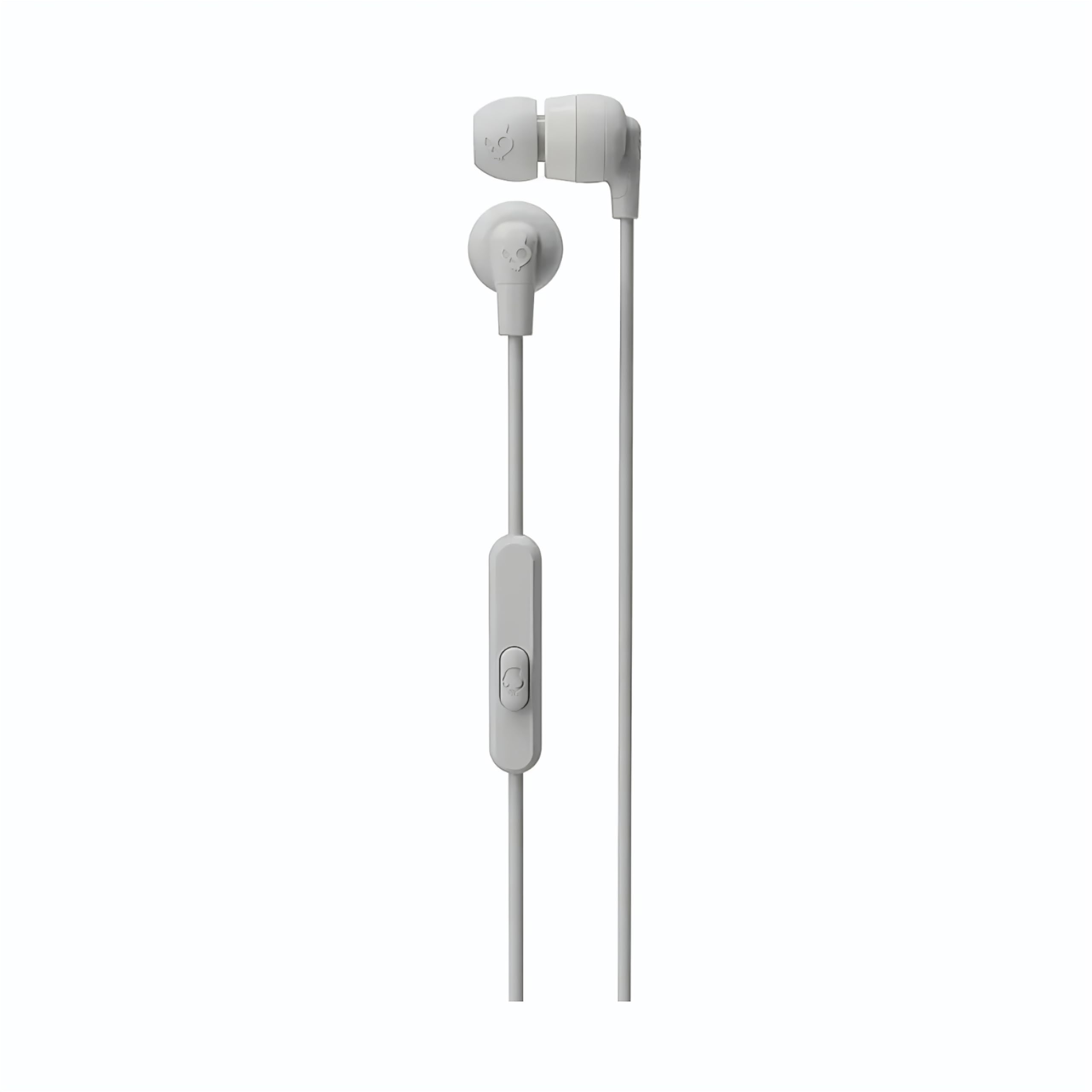
Image: The Skullcandy Ink'd Wired In-Ear Headphones, showcasing the white earbuds with the Skullcandy logo and the wired connection.
2. Ferbine mei jo apparaat
These headphones utilize a standard 3.5mm AUX connection.
- Sykje de 3.5mm audio-jack op jo smartphone, tablet, laptop of oar kompatibel audio-apparaat.
- Insert the 3.5mm plug from your Skullcandy Ink'd headphones firmly into the device's audio jack.
- Ensure the connection is secure for uninterrupted audio.
Operating Instructions
Your Skullcandy Ink'd headphones feature an in-line remote and microphone for convenient control of your audio and calls.
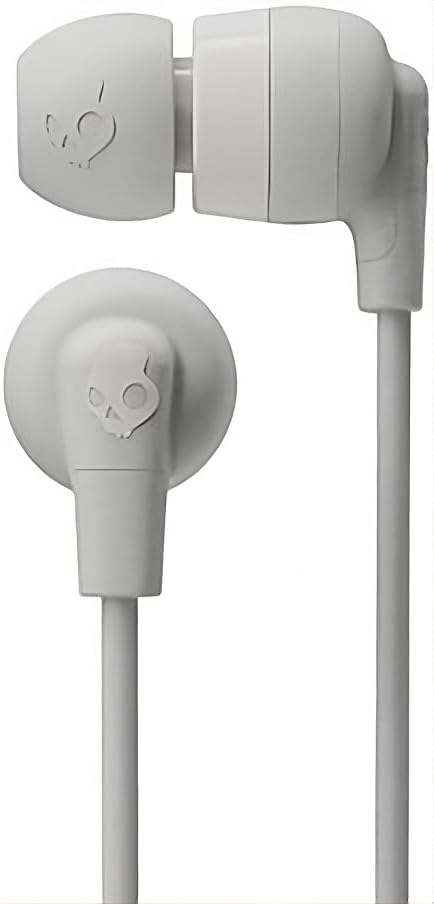
Image: The in-line remote and microphone on the Skullcandy Ink'd Wired In-Ear Headphones cable.
Music Control
- Spylje / Pauze: Druk ien kear op de sintrale knop.
- Folgjende track: Druk fluch twa kear op 'e sintrale knop.
- Foarige spoar: Druk snel trije kear op de sintrumknop.
Call Control
- Oprop beantwurdzje / einigje: Druk ien kear op de sintrale knop.
- Oprop ôfwize: Press and hold the center button for approximately two seconds.
Note: Functionality may vary slightly depending on your device's operating system and specific application.
Ûnderhâld
Proper care will extend the life and performance of your headphones.
- Reinigjende eargels: Gently remove the ear gels and wash them with mild soap and water. Rinse thoroughly and allow them to dry completely before reattaching.
- Earbuds skjinmeitsje: Use a soft, dry cloth to wipe the earbuds. Avoid using harsh chemicals or abrasive materials. Do not submerge the earbuds in water.
- Kabelsoarch: Avoid sharp bends or excessive pulling on the cable. Store the headphones neatly to prevent tangling.
- Opslach: When not in use, store your headphones in a clean, dry place away from extreme temperatures.
Troubleshooting
As jo problemen hawwe mei jo koptelefoan, besykje dan de folgjende stappen:
- Gjin lûd:
- Soargje derfoar dat de 3.5mm-stekker folslein yn 'e audio-jack fan jo apparaat ynfoege is.
- Kontrolearje de folume-ynstellingen fan jo apparaat.
- Test de koptelefoan mei in oar audio-apparaat om in apparaatspesifyk probleem út te sluten.
- Poor Sound Quality / Noise:
- Ensure the ear gels are properly seated and creating a good seal in your ear.
- Clean the ear gels and earbud grilles to remove any debris.
- Test mei in oare audioboarne.
- Mikrofoan wurket net:
- Ensure the 3.5mm plug is fully inserted. Some devices require a TRRS (Tip-Ring-Ring-Sleeve) connector for microphone functionality, which these headphones provide.
- Kontrolearje de mikrofoanynfierynstellingen fan jo apparaat.
- Test de mikrofoan mei in oar apparaat of applikaasje.
Spesifikaasjes
| Model Number | N747 |
| Merk | Skullcandy |
| Konnektivität Technology | Bedraad (3.5 mm Jack) |
| Ear Placement | In Ear |
| Noise Control | Passive Noise Cancellation |
| Built-In Features | Microphone, In-line Remote |
| Frekwinsjeberik | 20Hz - 20,000Hz |
| Item Gewicht | 0.04 kilogram |
| Kompatibele apparaten | Laptops, buroblêden, tablets, tillefoans, tûke sprekkers, televyzjes, auto-audiosystemen, mobile tillefoans |
Warranty Information
Your Skullcandy Ink'd Wired In-Ear Headphones are covered by a Manufacturer Warranty. For detailed information regarding warranty terms, conditions, and duration, please refer to the official Skullcandy webwebside of de garânsjekaart dy't by jo produkt heart.
Klant Support
If you require further assistance or have questions not covered in this manual, please contact Skullcandy customer support.
- Online stipe: Visit the official Skullcandy support webside foar FAQ's, hantliedingen foar probleemoplossing en kontaktopsjes.
- Kontakt ynformaasje: Ferwize nei de Skullcandy webside foar de meast aktuele kontaktgegevens, ynklusyf tillefoannûmers en e-poststipe.