
Ynlieding
Thank you for choosing the VALUE Wall Mount TV Bracket. This manual provides essential information for the safe and correct installation, operation, and maintenance of your TV wall mount. Please read this manual thoroughly before installation and keep it for future reference.
This bracket is designed for mounting flat-panel televisions ranging from 13 to 43 inches and weighing up to 20 kg. It offers flexible viewing angles with tilt, swivel, and rotation capabilities.
Safety Information
WARSKÔGING: Failure to read and follow these instructions may result in serious personal injury, property damage, or voiding of your warranty.
- Soargje derfoar dat it montage-oerflak it kombineare gewicht fan 'e befestiging en de tv feilich kin drage.
- Net boppe de maksimale load kapasiteit fan 20 kg (44 lbs).
- Dit produkt is allinich bedoeld foar gebrûk binnen.
- Brûk allinnich de levere hardware. As der ûnderdielen ûntbrekke of beskeadige binne, nim dan kontakt op mei de klanttsjinst.
- Always use a qualified professional for installation if you are unsure about the process.
- Hâld bern en húsdieren fuort by ynstallaasje.
- Kontrolearje periodyk alle skroeven en ferbiningen om te soargjen dat se feilich bliuwe.
Pakketynhâld
Kontrolearje asjebleaft oft alle ûnderdielen oanwêzich en net beskeadige binne foardat jo mei de ynstallaasje begjinne.
- Muorreplaat Gearstalling
- VESA TV Plate
- Montagehardwarekit (skroeven, ankers, ringen, spacers)
- Instruction Manual
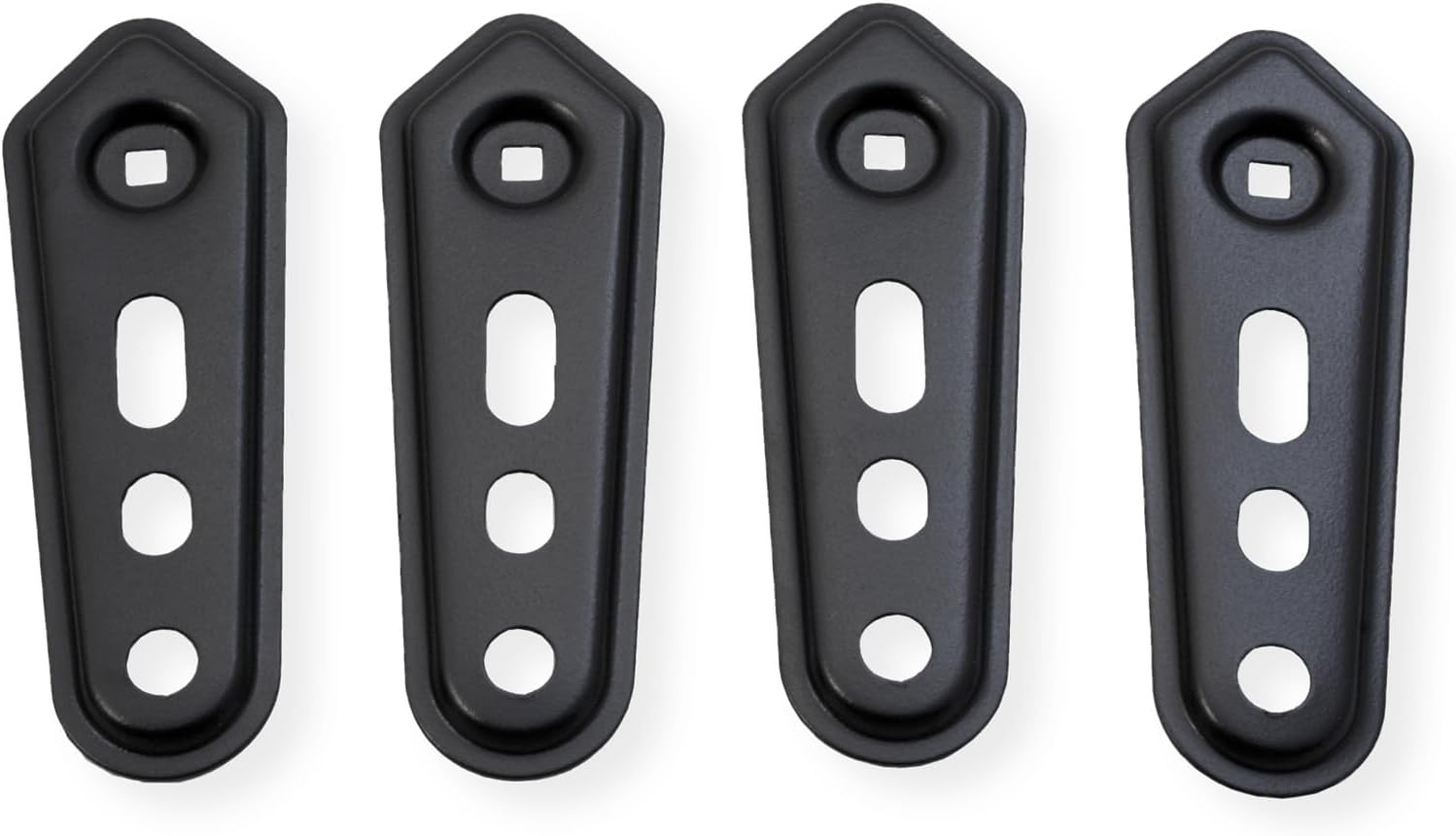
Ofbylding 1: Oerview of the VALUE TV Wall Mount components. This image displays the main wall plate, the VESA TV plate, and various screws and accessories that come with the product.
Opset en ynstallaasje
Before installation, identify your wall type (wood stud, concrete, brick) and ensure you have the necessary tools (drill, level, stud finder, screwdriver, wrench).
Stap 1: Befestigje de VESA-plaat oan 'e tv
- Plak jo tv foarsichtich mei de foarkant nei ûnderen op in sêft, skjin oerflak.
- Identifisearje de VESA mounting gatten op 'e rêch fan jo TV.
- Select the appropriate screws, washers, and spacers from the hardware kit that fit your TV's VESA pattern (75x75, 100x100, 100x200, 200x100, 200x200).
- Attach the VESA TV plate to the back of your TV using the selected hardware. Ensure it is securely fastened but do not overtighten.

Ofbylding 2: The detachable extension plate allows for compatibility with larger VESA patterns. This image highlights how the extensions can be added to the main VESA plate to accommodate different TV sizes.
Stap 2: Befestigje de muorreplaat oan 'e muorre
- Determine the desired height and position for your TV. Use a stud finder to locate wood studs if applicable.
- Mark the drilling locations on the wall using the wall plate as a template.
- Drill pilot holes at the marked locations. For wood studs, drill appropriate size holes. For concrete/brick, use a masonry drill bit and insert wall anchors.
- Attach the wall plate assembly to the wall using the provided lag bolts and washers. Tighten securely.
- Use a level to ensure the wall plate is perfectly horizontal.
Stap 3: Hingje de tv oan 'e muorreplaat
- With assistance, carefully lift the TV (with the VESA plate attached) and hook it onto the wall plate arm.
- Ensure the VESA plate is securely seated on the arm.
- Tighten any safety screws or locking mechanisms to prevent accidental dislodgement.
Operating Instructions
This TV wall mount offers flexible adjustments for optimal viewyn treast.
- Tilt oanpassing: The screen can be tilted from +5° to -15°. Loosen the tilt adjustment knobs, set to the desired angle, and retighten.
- Swivel oanpassing: The arm allows for a swivel range of +90° to -90°. Gently push or pull the TV to the desired left or right angle.
- Skermrotaasje: The TV can be rotated from +5° to -90°. This allows for minor horizontal leveling adjustments or portrait orientation if desired.
- Kabelbehear: Utilize the integrated cable management clips or channels on the arm to route and organize your TV cables, keeping them tidy and secure.

Ofbylding 3: This diagram shows the various adjustable movements of the TV mount, including tilt (+5° to -15°), swivel (up to ±90° as per specifications), and rotation (+5° to -90°). It also highlights the cable management feature to keep wires organized.
Ûnderhâld
Regelmjittich ûnderhâld soarget foar de lange libbensdoer en feilige wurking fan jo tv-muorrebefestiging.
- Reiniging: Feie de befestiging ôf mei in sêfte, droege doek. Brûk gjin skurende reinigingsmiddels of oplosmiddels.
- Ynspeksje: Periodically (e.g., every 6 months) check all mounting screws and connections to ensure they are tight and secure. Retighten if necessary.
- Lubrication: Moving parts are designed for smooth operation and generally do not require lubrication. If movement becomes stiff, consult customer support.
Troubleshooting
| Probleem | Mooglike oarsaak | Oplossing |
|---|---|---|
| De tv is net rjocht nei ynstallaasje. | Wall plate not level, or screen rotation needs adjustment. | Check wall plate with a level and adjust if necessary. Use the screen rotation feature (+5° to -90°) to fine-tune the TV's horizontal alignment. |
| De befestiging fielt los of wankeljend. | Mounting screws are not tight enough, or wall anchors are not secure. | Immediately remove TV. Re-tighten all wall mounting screws. If using anchors, ensure they are properly installed and secure. Consult a professional if unsure. |
| Moeilijkheden mei it oanpassen fan tilt/draai. | Ynstellingsknoppen/skroeven binne te strak oandraaid. | Loosen the relevant adjustment knobs/bolts slightly, make the adjustment, then retighten to secure the position. |
Spesifikaasjes
- Model Oantal: 17991233
- Merk: Wearde
- Materiaal: Stiel
- Kleur: Swart
- Kompatibele skermgrutte: 13 - 43 inch (33 - 109 sm)
- Maksimum laadkapasiteit: 20 kg (44 lbs)
- VESA-kompatibiliteit: 75x75, 100x100, 100x200, 200x100, 200x200 mm
- Kantelbereik: +5° oant -15°
- Swivel berik: +90° oant -90°
- Skermrotaasje: +5° oant -90°
- Max. Arm Extension: 19.8 sm (7.8 inch)
- Montage Type: Wall Mount

Ofbylding 4: Detailed dimensions of the VALUE TV Wall Mount, including arm length, VESA plate measurements, and ranges for tilt, swivel, and rotation.
Garânsje en stipe
This VALUE TV Wall Mount is covered by a 2 jier fabryksgarânsje út de datum fan oankeap. Dizze garânsje dekt defekten yn materialen en fakmanskip ûnder normaal gebrûk.
For warranty claims, technical support, or any questions regarding this product, please contact your retailer or the manufacturer's customer service. Please have your model number (17991233) and proof of purchase ready.
Fabrikant: WEARDE