
Ynlieding
This manual provides essential information for the setup, operation, and maintenance of your LG 50-Inch Class QNED AI 4K Smart TV (Model: 50QNED82AUA). Please read this manual thoroughly before using your television to ensure proper and safe operation. Keep this manual for future reference.
The LG QNED AI 4K TV features Dynamic QNED Color with 100% Color Volume, enhanced by the α7 AI Processor Gen8 for optimized picture and sound. It operates on LG webOS 24, offering a personalized streaming experience with customizable Quick Cards and the Magic Remote. Enjoy virtual 5.1 surround sound, FILMMAKER MODE, and gaming features like FreeSync, VRR, and GeForce NOW.
Wat is yn 'e doaze
Kontrolearje oft alle ûnderdielen oanwêzich binne foardat jo begjinne mei de ynstallaasje.
- LG 50-Inch Class QNED AI 4K Smart TV (50QNED82AUA)
- Magyske ôfstânsbetsjinning (mei 2 AAA-batterijen)
- Power Kabel
- TV Stand Components
- User Manual (dit dokumint)
- Quick Start Guide

Ofbylding beskriuwing: A diagram illustrating the dimensions of the LG 50-inch QNED TV, including width, height, and depth with and without the stand. It also lists the contents of the box: Magic Remote, remote control batteries, stand, power cable, and quick start guide.
Opsette
1. Stand Ynstallaasje
- Plak it tv-skerm foarsichtich mei it nei ûnderen op in sêft, flak oerflak om skea te foarkommen.
- Attach the stand components to the designated slots on the bottom of the TV. Ensure they are securely fastened with the provided screws.
- Til de tv rjochtop en set it op in stabyl, flak oerflak.
2. Ferbine eksterne apparaten
Ferbine jo eksterne apparaten (bygelyks kabelbox, Blu-ray-spieler, spultsjekonsole) mei de juste poarten oan 'e efterkant fan' e tv.
- HDMI-poarten: For high-definition video and audio. This TV includes HDMI 2.1 ports for enhanced gaming features.
- USB-poarten: Foar it ferbinen fan USB-opslachapparaten.
- Ethernet-poarte: Foar in bedrade ynternetferbining.
- Optyske digitale audio-útfier: Foar it ferbinen mei in soundbar of audio-ûntfanger.

Ofbylding beskriuwing: In detaillearre view of the connectivity panel on the rear of the LG QNED TV, showing various input and output ports such as HDMI, USB, Ethernet, and optical digital audio out, along with their labels.
3. Power Connection
- Ferbine de stroomkabel mei de stroomynfier fan 'e tv.
- Stek it oare ein fan 'e stroomkabel yn in stopkontakt.
4. Inisjele ynskeakeling en ynstellingswizard
- Druk op de oan/út-knop op de ôfstânsbetsjinning of de tv.
- Folgje de ynstruksjes op it skerm om de earste ynstelling te foltôgjen, ynklusyf taalseleksje, netwurkferbining (Wi-Fi of Ethernet) en kanaalscannen.
Operating Instructions
1. Mei help fan de Magic Remote
The LG Magic Remote provides intuitive control over your TV with point-and-click functionality, scrolling, and voice commands.
- Wiskje en klik: Point the remote at the screen to move the cursor and click to select items.
- Skowen: Brûk it scrollwiel om troch menu's te navigearjen en web siden.
- Stim kommando: Press the microphone button and speak your commands for search, app launch, or settings adjustments.
- AI-knop: Access AI features and personalized recommendations.

Ofbylding beskriuwing: A graphic showcasing the LG AI Magic Remote, highlighting its key functions: Point & Click, Scrolling, and the dedicated AI Button for smart features and voice control.
2. Navigearje webOS
Your TV runs on LG's webOS platform, designed for easy access to content and settings.
- Thús skerm: Press the Home button on the remote to access the customizable home screen with Quick Cards for apps and features.
- LG Channels: Access over 350 free channels and on-demand content.
- App Store: Download additional streaming services and applications.
Ofbylding beskriuwing: A visual representation of the LG webOS smart TV platform, showing icons for popular streaming services like Netflix, Disney+, and Prime Video, alongside the LG Channels logo, emphasizing the variety of content available.
3. KI-funksjes
- AI Search and Concierge: Use voice commands to find content, get recommendations, and receive tips based on your viewing gewoanten.
- AI Voice ID mei Myn Profile: The TV can recognize your voice and offer tailored content recommendations based on your profile.
- Personalisearre byld- en lûdwizard: Utilize AI technology to analyze your preferences and create custom picture and audio settings.

Ofbylding beskriuwing: A screenshot of the LG TV interface demonstrating the AI Voice ID feature, where the TV recognizes a user's voice and prompts to switch to their personalized profile, showing various content categories like Home Office, Game, Music, and Sports.
4. Ynstellings foar byld en lûd
- Dynamyske QNED-kleur: Experience vivid and lifelike colors with 100% Color Volume.
- α7 AI-prosessor Gen8: This processor enhances brightness, improves sound, refines picture detail with 4K upscaling, and applies Dynamic Tone Mapping.
- HDR10 Pro: Delivers a dramatic visual experience by enhancing color and contrast.
- FILMMAKERMODUS: Automatically preserves the director's original colors, settings, and frame rates for an authentic cinematic experience.
- 4K Super Upscaling: Transformearret ynhâld mei legere resolúsje nei hast 4K-kwaliteit foar skerpere details.

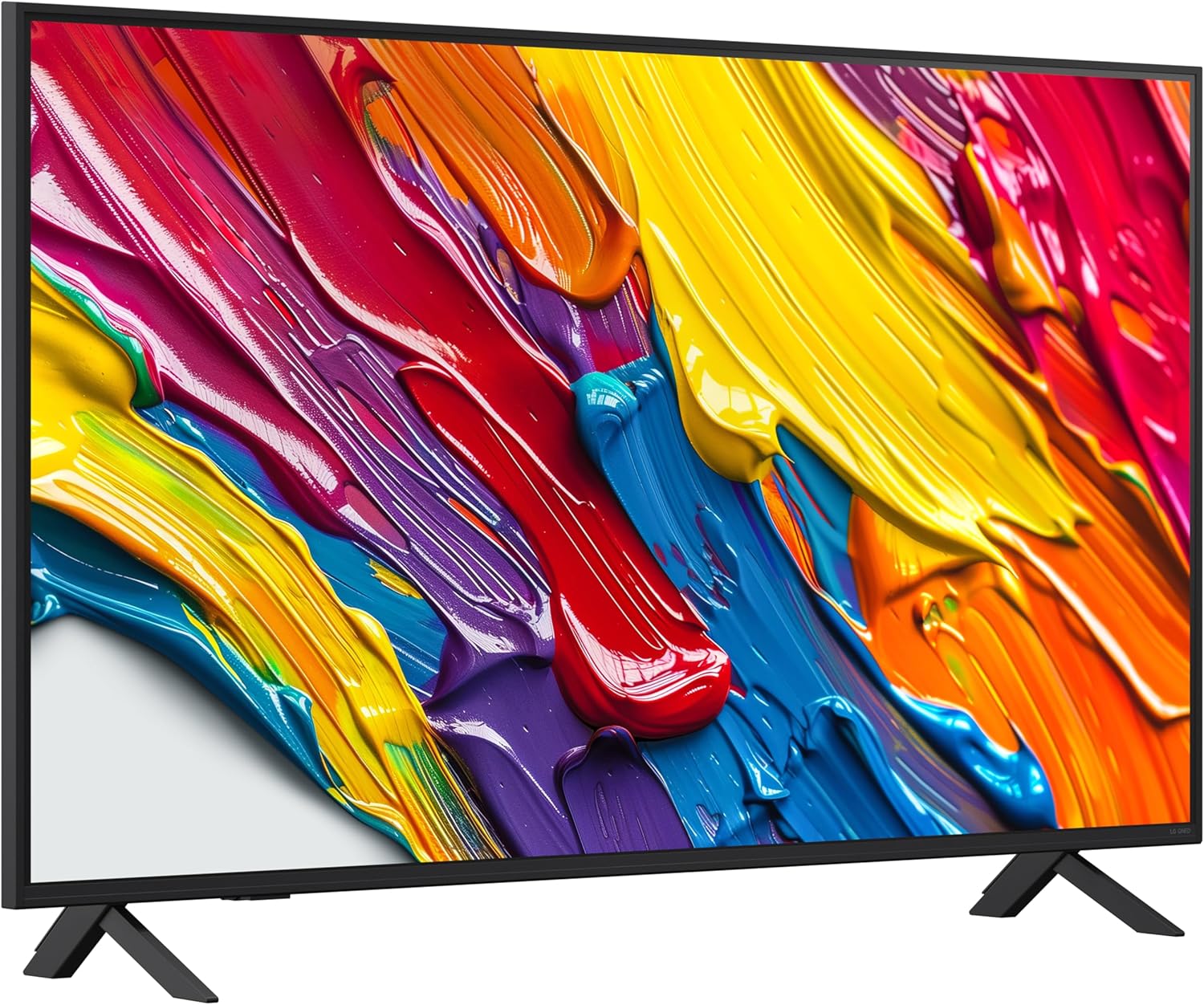
Ofbylding beskriuwing: In libbene ôfbyldingsshowasing LG's Dynamic QNED Color technology, featuring colorful liquid splashes, indicating enhanced color reproduction and 100% Color Volume certification by Intertek.
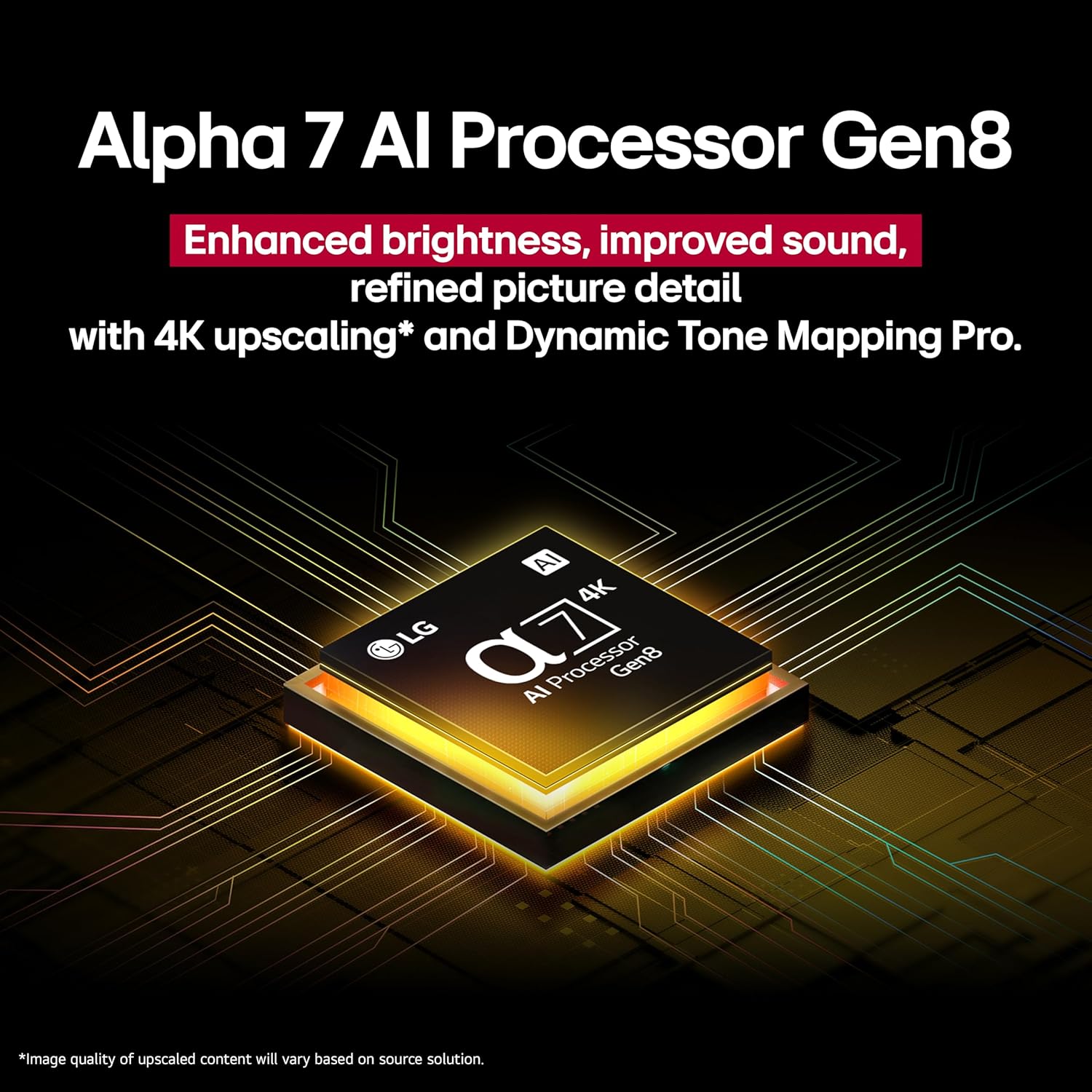
Ofbylding beskriuwing: A close-up image of the LG Alpha 7 AI Processor Gen8 chip, set against a background of intricate circuit board lines, emphasizing its role in enhancing brightness, sound, and picture detail with 4K upscaling.

Ofbylding beskriuwing: A split image comparing Standard Dynamic Range (SDR) on the left with HDR10 Pro on the right, demonstrating the enhanced color and detail provided by HDR10 Pro in a scene with a person looking up at the sky.

Ofbylding beskriuwing: A graphic illustrating 'Filmmaker Mode', showing a person in a film editing studio with a TV displaying a movie scene, accompanied by a quote from Martin Scorsese endorsing the mode for home viewing.

Ofbylding beskriuwing: A visual representation of 4K Super Upscaling, showing a lower-resolution image of a bird and foliage being transformed into a sharper, more detailed 4K image on the TV screen.
5. Gamingfunksjes
The LG QNED AI 4K TV is equipped with features for an optimized gaming experience:
- FreeSync & VRR (Fariabele ferfarskingsfrekwinsje): Fermindert skermtriennen en hakkeljen foar soepeler gameplay.
- GeForce NOW & Xbox Cloud Gaming: Krij direkt tagong ta cloud-gamingtsjinsten op jo tv (in abonnemint en in kompatible controller kinne fereaske wêze).
- LG Game Optimizer & Game Dashboard: Centralized settings for game-specific adjustments.
- HDMI 2.1-poarten: Supports advanced gaming features like 4K@120Hz.

Ofbylding beskriuwing: A dynamic image of a person playing a racing video game on the LG TV, with a 'VRR' (Variable Refresh Rate) indicator on screen. Below the TV, logos for NVIDIA GeForce NOW, ALLM (Auto Low Latency Mode), and eARC (Enhanced Audio Return Channel) are displayed, highlighting the TV's gaming capabilities.
Ûnderhâld
1. De tv skjinmeitsje
- Skerm: Feie it skerm foarsichtich ôf mei in sêfte, droege mikrofiberdoek. Foar koppige flekken, veegje it licht ôf.ampMeitsje de doek skjin mei wetter of in spesjalisearre skermreiniger. Spuit gjin floeistof direkt op it skerm.
- Frame: Feie it frame en de stand fan 'e tv ôf mei in sêfte, droege doek.
- Remote Control: Clean the remote with a soft, dry cloth. Avoid using harsh chemicals.
2. Algemiene Soarch
- Plak de tv net yn direkt sinneljocht of tichtby waarmteboarnen.
- Soargje foar foldwaande fentilaasje om 'e tv hinne.
- Doch de stekker fan 'e tv út it stopkontakt by tongerbuien of as er foar langere perioaden net brûkt wurdt.
Troubleshooting
As jo problemen hawwe mei jo tv, sjoch dan nei de folgjende faak foarkommende problemen en oplossingen:
| Probleem | Mooglike oarsaak / oplossing |
|---|---|
| Gjin macht | Ensure the power cable is securely plugged into the TV and a working electrical outlet. Test the outlet with another device. |
| Gjin byld, mar lûd is oanwêzich | Kontrolearje de ynfierboarne. Soargje derfoar dat eksterne apparaten oan en goed ferbûn binne. Besykje in oare HDMI-kabel. |
| Gjin lûd, mar byld is oanwêzich | Check the volume level and mute settings. Verify audio output settings (e.g., internal speakers, external soundbar). Ensure audio cables are connected correctly. |
| Remote control wurket net | Replace the batteries in the Magic Remote. Ensure there are no obstructions between the remote and the TV. Re-pair the remote if necessary (refer to the Quick Start Guide). |
| Slechte byldkwaliteit | Check the signal strength for broadcast channels. For external devices, ensure they are outputting the highest possible resolution. Adjust picture settings (e.g., brightness, contrast, sharpness). |
| Smart TV features not working / Internet connection issues | Check your network connection (Wi-Fi or Ethernet). Restart your router and modem. Ensure the TV's software is up to date. |
Spesifikaasjes
Detailed technical specifications for the LG 50QNED82AUA TV:
| Eigenskip | Detail |
|---|---|
| Merk | LG |
| Model Number | 50QNED82AUA |
| Skermgrutte | 50 ynms |
| Display Technology | LED (QNED) |
| Resolúsje | 4K (3840 x 2160) |
| Ferfarskje Rate | 60 Hz |
| Prozessor | α7 AI-prosessor Gen8 |
| Bestjoeringssysteem | webOS 24 |
| Konnektivität Technology | Bluetooth, Ethernet, HDMI, USB, Wi-Fi |
| HDMI havens | 4 (HDMI 2.0, supports HDMI 2.1 features like VRR/ALLM) |
| Special Features | Built-In Speaker, Game Mode, Google Cast built-in, Multiple Voice Assistance (Alexa Built-in) |
| Item Gewicht | 27.8 pûn sterling |
| Produktôfmjittings (mei stand) | 44.3"B x 28.4"H x 10.1"D |
| On-modus enerzjyferbrûk | 92 watt |
| Enerzjyferbrûk (jierliks) | 171 kilowattoeren per jier (basearre op 4 oeren/dei) |
Garânsje en stipe
Warranty Information
Your LG TV comes with a standard manufacturer's warranty. Please refer to the warranty card included with your product for specific terms, conditions, and duration. Keep your proof of purchase for warranty claims.
Klant Support
Foar technyske assistinsje, probleemoplossing bûten dizze hantlieding, of tsjinstfragen, nim dan kontakt op mei LG Customer Support. Jo kinne kontaktgegevens fine op 'e offisjele LG webwebside of yn 'e Quick Start Guide dy't by jo tv levere wurdt.
Online resources, including FAQs and software updates, are also available on the LG support website.