
1. Ynlieding
This manual provides essential information for the proper setup, operation, and maintenance of your Dunlop WA45 Wylde Audio Cry Baby Wah pedal. Please read these instructions thoroughly before use to ensure optimal performance and longevity of the product.

Figure 1: The Dunlop WA45 Wylde Audio Cry Baby Wah pedal, bundled with two patch cables and three sets of Dunlop ZWEN1046 guitar strings.
2. Opsette
2.1 Powering the Pedal
The WA45 Cry Baby Wah can be powered by a 9-volt battery or an optional Dunlop ECB003 AC adapter (not included).
- Batterij ynstallaasje: To install a 9-volt battery, remove the bottom plate of the pedal. Connect the battery to the clip and place it inside the pedal. Replace the bottom plate.
- AC adapter: Connect a 9-volt DC adapter (center negative) to the power jack on the side of the pedal.

figuer 2: Under view of the WA45 pedal, illustrating the battery compartment and connection points.
2.2 Connecting to Your Rig
Use standard 1/4-inch instrument cables to connect the pedal to your guitar and amplibbener.
- Ferbine jo gitaar oan de YNFIER krik oan 'e rjochterkant fan it pedaal.
- Ferbine de OUTPUT krik oan 'e linkerkant fan it pedaal nei jo amplifier of oare effekten pedalen.

figuer 3: Side view of the WA45 pedal, highlighting the input and output jacks for connection.
3. Operating the Wah Pedal
3.1 Engaging the Wah Effect
To engage the wah effect, press down firmly on the toe of the pedal until you hear a click. The effect is active when the LED indicator is lit.

figuer 4: Front view of the WA45 pedal, showing the treadle and the "Cry Baby Wylde" branding.
3.2 Wah Control
Move the pedal's treadle back and forth to sweep through the wah effect's frequency range. Pushing the toe down increases the treble, while rocking back towards the heel increases the bass.
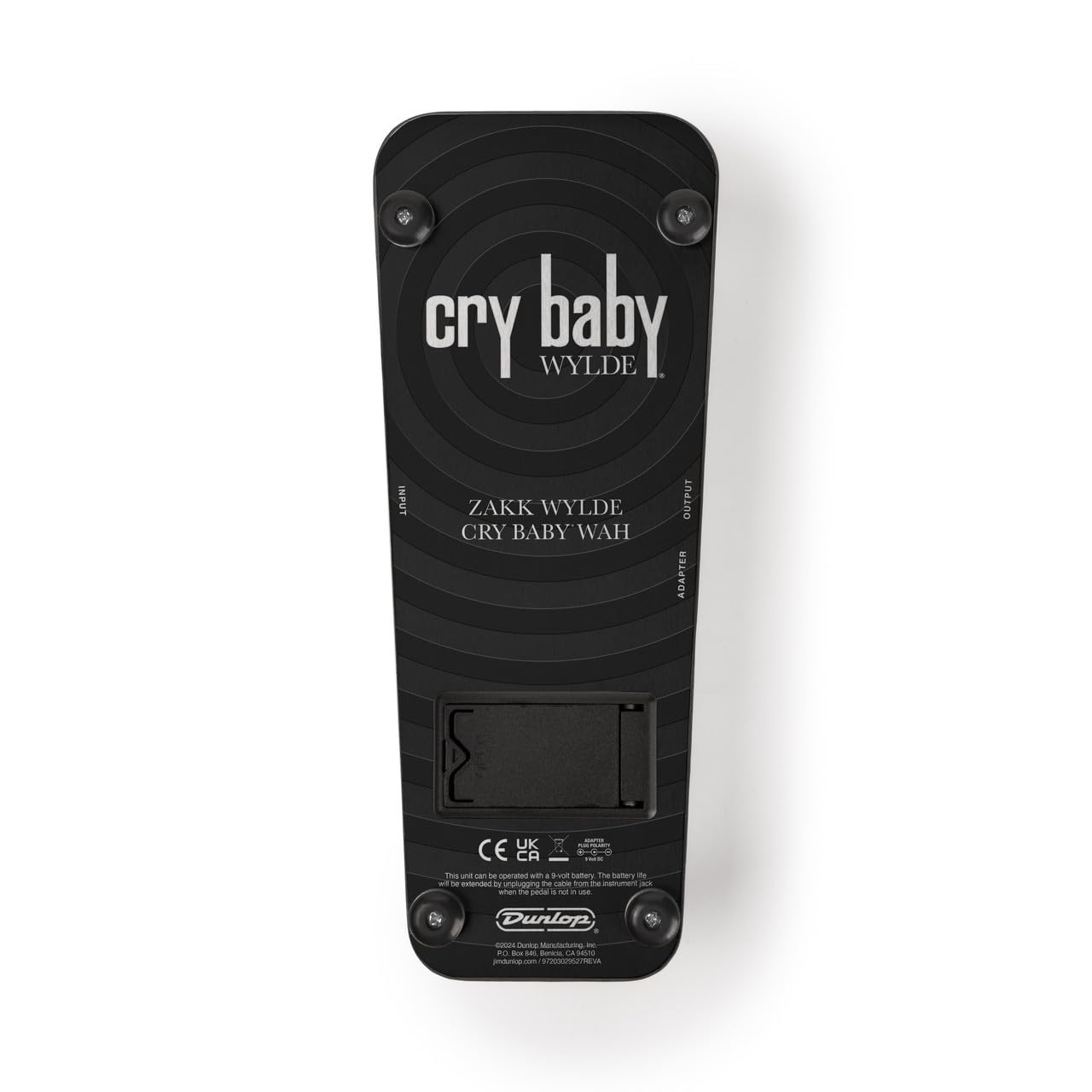
Figuer 5: Boppe-nei-ûnderen view of the WA45 pedal, showing the full range of the treadle.
3.3 Kontrôles en oanpassingen
The WA45 features several controls for fine-tuning your wah sound:
- Volume knop: Adjusts the overall output volume of the wah effect.
- Variable Q Control: Shapes the intensity and bandwidth of the wah effect. Clockwise for a narrower, more pronounced wah; counter-clockwise for a broader, more subtle wah.
- Fine Tune Knob: Allows for precise adjustment of the wah's frequency sweep range.
- 6-Way Range Selector: Provides six distinct frequency ranges for the wah effect, offering versatility for various musical styles.
- Adjustable Boost: Engages a boost circuit to increase the signal level, useful for solos.
Refer to the bottom plate for a diagram of control functions.
figuer 6: Detailed view of the pedal's bottom, indicating the various control functions and their labels.
4. Underhâld
4.1 Cleaning
Wipe the pedal with a soft, dry cloth. Avoid using abrasive cleaners or solvents.
4.2 Batterijferfanging
Replace the 9-volt battery when the LED indicator dims or the pedal's performance degrades. Always disconnect input/output cables when not in use to conserve battery life.
4.3 String Replacement (for included strings)
The bundle includes Dunlop ZWEN1046 Wylde String Lab electric guitar strings. For optimal tone and playability, replace strings regularly. The gauges are 10, 13, 17, 26, 36, 46.
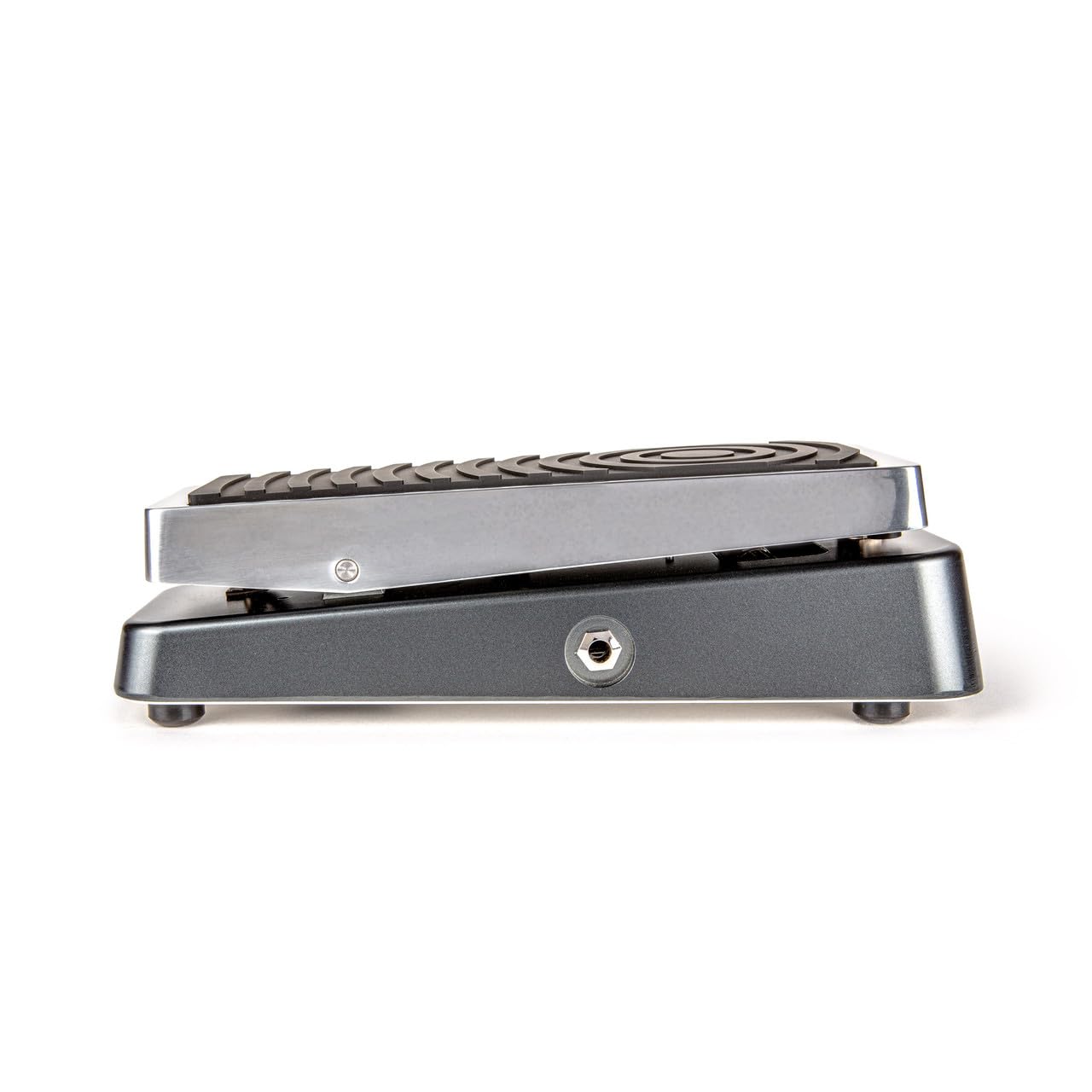
Figure 7: Packaging of the included Dunlop ZWEN1046 guitar strings.

Figure 8: Back of the string packaging, detailing string specifications and manufacturing information. For more information on European packaging waste policy, visit jimdunlop.com/european-packaging-waste-policy.
Video 1: A demonstration of string replacement, showcasing the process of changing guitar strings. This video is provided by a vendor and is relevant for the included strings.
Video 2: An official video from Jim Dunlop discussing the Zakk Wylde String Lab Artist Series. This video provides insights into the design and performance of the included guitar strings.
5. Probleemoplossing
| Probleem | Mooglike oarsaak | Oplossing |
|---|---|---|
| Gjin lûd as it pedaal yndrukt is. | Dead battery or incorrect power supply. Cables not connected properly. | Replace battery or check AC adapter. Ensure all cables are securely connected to the correct jacks. |
| Weak or distorted wah effect. | Low battery. Incorrect control settings. | Replace battery. Adjust Volume, Variable Q, and Fine Tune knobs. Check 6-Way Range Selector. |
| Oermjittich lûd of bromjen. | Ground loop. Faulty cables. Interference from other electronics. | Use a high-quality, isolated power supply. Try different cables. Move pedal away from power sources or other noisy equipment. |
6. Spesifikaasjes
- Model: WA45 Wylde Audio Cry Baby Wah
- Kontrôles: Volume, Variable Q, Fine Tune, 6-Way Range Selector, Adjustable Boost
- Krêft: 9V DC (center negative) or 9-volt battery
- Ynfier/útfier: 1/4-inch jacks
- Ofmjittings: Likernôch 10.75 x 4.88 x 3.43 inch
- Gewicht: Ungefear 3.23 pûn
- Included Strings: Dunlop ZWEN1046 Wylde String Lab Electric Guitar Strings (Gauges: 10, 13, 17, 26, 36, 46)
7. Garânsje en stipe
For warranty information and technical support, please refer to the official Dunlop webside of nim direkt kontakt op mei harren klanttsjinst. Bewarje jo bewiis fan oankeap foar alle garânsjeclaims.
Manufacturer: Briskdrop (as per product listing, though Dunlop is the brand for the pedal itself).