
1. Produkt Overview
The VIBOX IV-590 is a high-performance gaming PC designed for an optimal gaming and content creation experience. It features an AMD Ryzen 7 5700X processor, an Nvidia GeForce RTX 5060 Ti graphics card with 8GB GDDR7 RAM, 16GB of DDR4 RAM, and a 1TB SSD for fast storage. The system comes pre-installed with Windows 11 Home and includes a 300 Mbps Wi-Fi adapter.
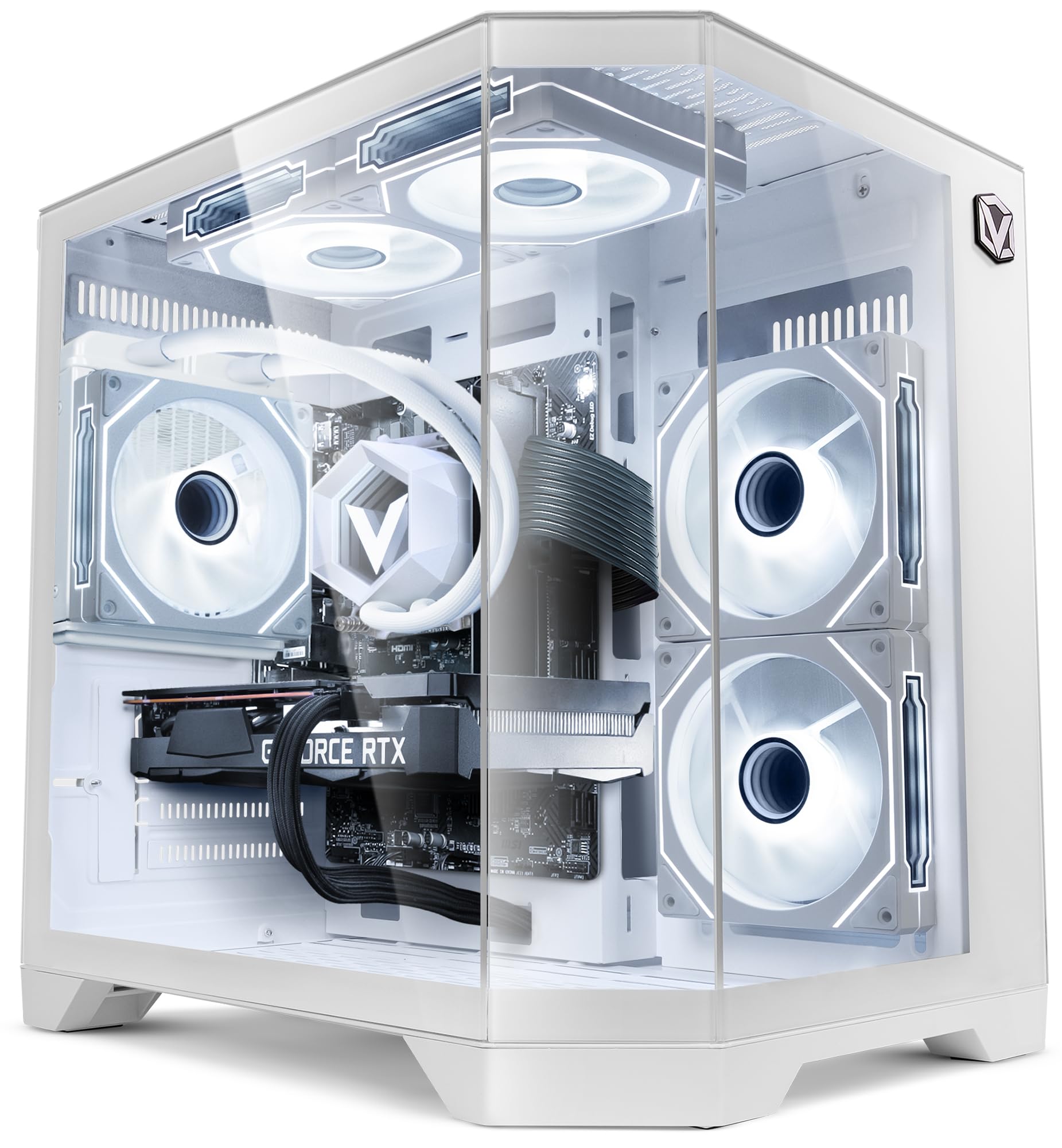
Figure 1: VIBOX IV-590 PC Gamer with illuminated interior.
2. Setup Guide
2.1 Útpakke
Carefully remove the PC from its packaging. Ensure all accessories, including the power cable, Wi-Fi adapter, and any documentation, are present. Retain the original packaging for future transport or service needs.
2.2 Ferbine Peripheriegeräte
- Monitor: Connect your monitor(s) to the graphics card's HDMI or DisplayPort outputs.
- Toetseboerd en mûs: Ferbine jo toetseboerd en mûs mei de beskikbere USB-poarten.
- Netwurk: For wired internet, connect an Ethernet cable to the LAN port. For wireless, install the provided Wi-Fi adapter.
- Audio: Connect speakers or headphones to the audio jacks as needed.
- Krêft: Connect the power cable to the PC's power supply unit and then to a wall outlet.
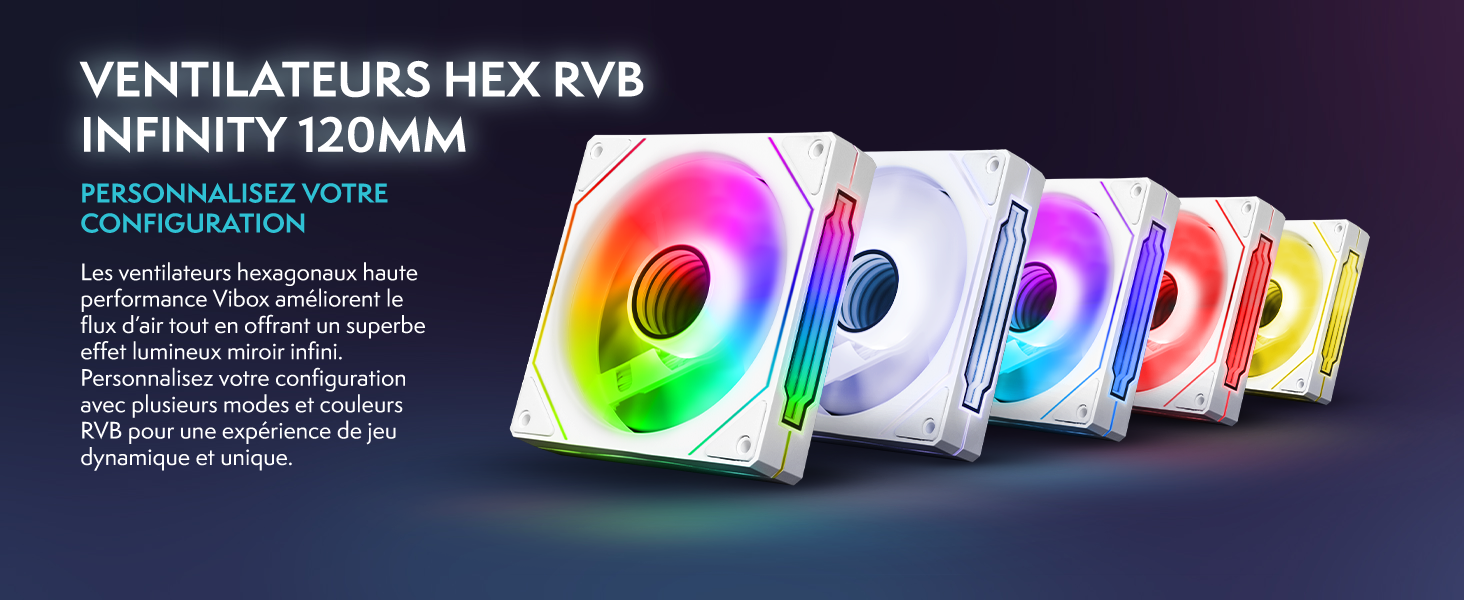
Figure 2: Front panel connectivity options.
2.3 Initial Power-On and Windows Setup
Press the power button on the front of the PC. Follow the on-screen instructions to complete the Windows 11 Home setup. This typically involves selecting your region, language, creating a user account, and connecting to your network.
3. Bedriuwsinstruksjes
3.1 Windows 11 Home
Your VIBOX IV-590 comes with Windows 11 Home pre-installed. This operating system offers features like DirectStorage for faster loading times, Auto HDR for enhanced visuals, and optimized CPU performance for gaming. Explore the intuitive interface and integrated Xbox Game Pass features for a seamless gaming experience.

Figure 3: Windows 11 Home features for gamers.
3.2 Gamingprestaasjes
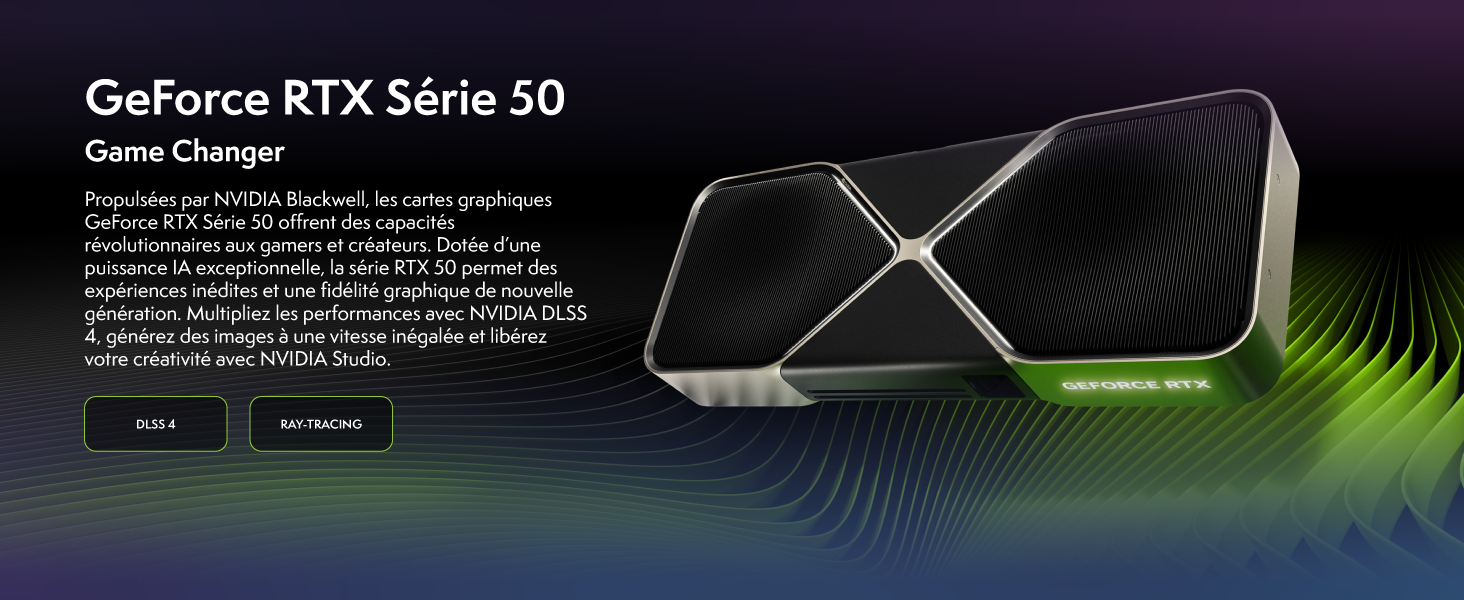
The Nvidia GeForce RTX 5060 Ti graphics card supports advanced technologies such as DLSS 4 and Ray Tracing for superior visual quality and performance in compatible games. Ensure your graphics drivers are up to date for the best experience.

Figure 4: NVIDIA GeForce RTX 50 Series capabilities.
Figuer 5: Example game performance benchmarks.
4. Underhâld
4.1 Cleaning
Regularly clean the exterior of your PC with a soft, dry cloth. For internal cleaning, use compressed air to remove dust from fans, heatsinks, and vents. Ensure the PC is powered off and unplugged before cleaning. Avoid using liquid cleaners directly on components.
4.2 Software Updates
Keep your Windows operating system, graphics drivers, and other software up to date. This ensures optimal performance, security, and compatibility with new applications and games.
4.3 Koelsysteem
The VIBOX IV-590 features water cooling and multiple RGB fans for efficient heat dissipation. Ensure proper airflow around the PC and keep vents clear of obstructions. The inverse airflow design optimizes cooling performance.

Figure 6: Inverse Airflow cooling system.

Figure 7: VIBOX AIO 120mm liquid cooling unit.
5. Probleemoplossing
5.1 Gjin macht
- Soargje derfoar dat de stroomkabel goed ferbûn is mei sawol de PC as it stopkontakt.
- Check if the power switch on the back of the power supply unit is in the 'ON' position.
- Test it stopkontakt mei in oar apparaat om te befestigjen dat it stroom hat.
5.2 Gjin werjefte
- Verify that the monitor is powered on and the correct input source is selected.
- Ensure the video cable (HDMI/DisplayPort) is firmly connected to both the graphics card and the monitor.
- If using multiple monitors, try connecting only one.
5.3 Prestaasjeproblemen
- Slút ûnnedige eftergrûnapplikaasjes.
- Ensure all drivers (especially graphics drivers) are updated to the latest version.
- Check for sufficient free space on your 1TB SSD.
- Kontrolearje systeemtemperatueren om te soargjen dat komponinten net oerferhitte.
6. Spesifikaasjes
| Eigenskip | Detail |
|---|---|
| Merk | VIBOX |
| Model Number | IV-590 |
| Bestjoeringssysteem | Windows 11 Thús |
| CPU Model | AMD Ryzen 7 5700X |
| CPU snelheid | 3.4 GHz (Max 4.6 GHz) |
| CPU Cores | 8 |
| Grafike kaart | NVIDIA GeForce RTX 5060 Ti |
| Graphics RAM | 8 GB GDDR7 |
| RAM Installed | 16 GB DDR4 (3200 MHz) |
| Maksimale RAM-kapasiteit | 128 GB |
| Storage Kapasiteit | 1 TB SSD |
| Cooling metoade | Water Cooling, RGB Fans |
| Konnektivität | Wi-Fi, Ethernet, HDMI, DisplayPort, USB |
| Ofmjittings | 35 x 28 x 38 sm |
| Video Output | HDMI 2.1, DisplayPort |
| Maksimale werjefteresolúsje | 3840x2160 |
7. Warranty Information
The VIBOX IV-590 PC Gamer comes with a 2-jierrige garânsje op dielen en a lifetime warranty on labor. Please retain your proof of purchase for warranty claims. For detailed terms and conditions, refer to the warranty card included with your product or contact VIBOX customer support.
8. Klant Support
If you encounter any issues or have questions regarding your VIBOX IV-590 PC Gamer, please refer to the troubleshooting section of this manual. If the issue persists, contact VIBOX customer support for assistance. You can also visit the official VIBOX store on Amazon for more information and resources.
VIBOX Amazon Store: Visit VIBOX Gaming Store