3onedata Hânliedingen en brûkersgidsen
3onedata specializes in industrial communication solutions, providing rugged Ethernet switches, IoT gateways, and serial device servers for industrial automation.
Oer 3onedata hantliedingen oer Manuals.plus
3onedata Co., Ltd. is a leading global provider of industrial communication equipment and solutions, dedicated to the Industrial Internet of Things (IIoT). Established in 2001 and headquartered in Shenzhen, 3onedata designs and manufactures high-reliability networking devices built to withstand harsh industrial environments.
Their diverse product portfolio includes managed and unmanaged industrial Ethernet switches, serial device servers, media converters, and Modbus gateways. Widely used in smart grids, rail transit, security, and automation manufacturing, 3onedata's products are known for their robust design, supporting features like DIN-rail mounting, redundant power inputs, and wide operating temperature ranges.
3onedata hantliedingen
Lêste hantliedingen fan manuals+ gearstald foar dit merk.
3onedata CSE H10A1LE-47 Modbus Gateway Ynstallaasje Guide
3onedata IES7110 Series Managed Industrial Ethernet Switch Ynstallaasje Guide
3onedata GW1114-4DI RS-485-TB-P Modbus Gateway Ynstallaasjegids
3onedata IES6000 Managed Industrial Ethernet Switch Ynstallaasje Guide
3onedata IES208-4F Unmanaged Industrial Ethernet Switch Ynstallaasje Guide
3onedata ICP222-2F-2CI Port Fiber Converter By ynstallaasje Guide
3onedata GW1114-4DI Modbus Gateway Ynstallaasje Guide
3onedata NP301 Serial Device Server Instruction Manual
3onedata NP302T Series Serial Device Server Ynstallaasje Guide
3onedata IES2010 Series Unmanaged Industrial Ethernet Switch Quick Installation Guide
3onedata IES6000-4GT2HS Managed Industrial Ethernet Switch: Quick Installation Guide
ICS6424 Series Managed Industrial Ethernet Switch Quick Installation Guide
Ynstallaasjehânlieding foar 3onedata USB-ynterface-konverter-stjoerprogramma
IES6000-8GT2HS Laach 2 Behearde Yndustriële Ethernet Switch Snelle Ynstallaasjegids
3onedata IMC100-searje yndustriële mediakonverter Snelle ynstallaasjegids
3onedata IES6200-PN-16T4GS-2P48 Behearde Yndustriële Ethernet Switch Brûkershânlieding
3onedata GW1101-1DI(3IN1)-DB-P(12-48VDC) Modbus Gateway Snelle ynstallaasjegids
GW1114-4DI(3IN1)-RJ-P(12-48VDC) Modbus Gateway Snelle ynstallaasjegids
3onedata GW1101-1D Modbus Gateway Snelle ynstallaasjegids
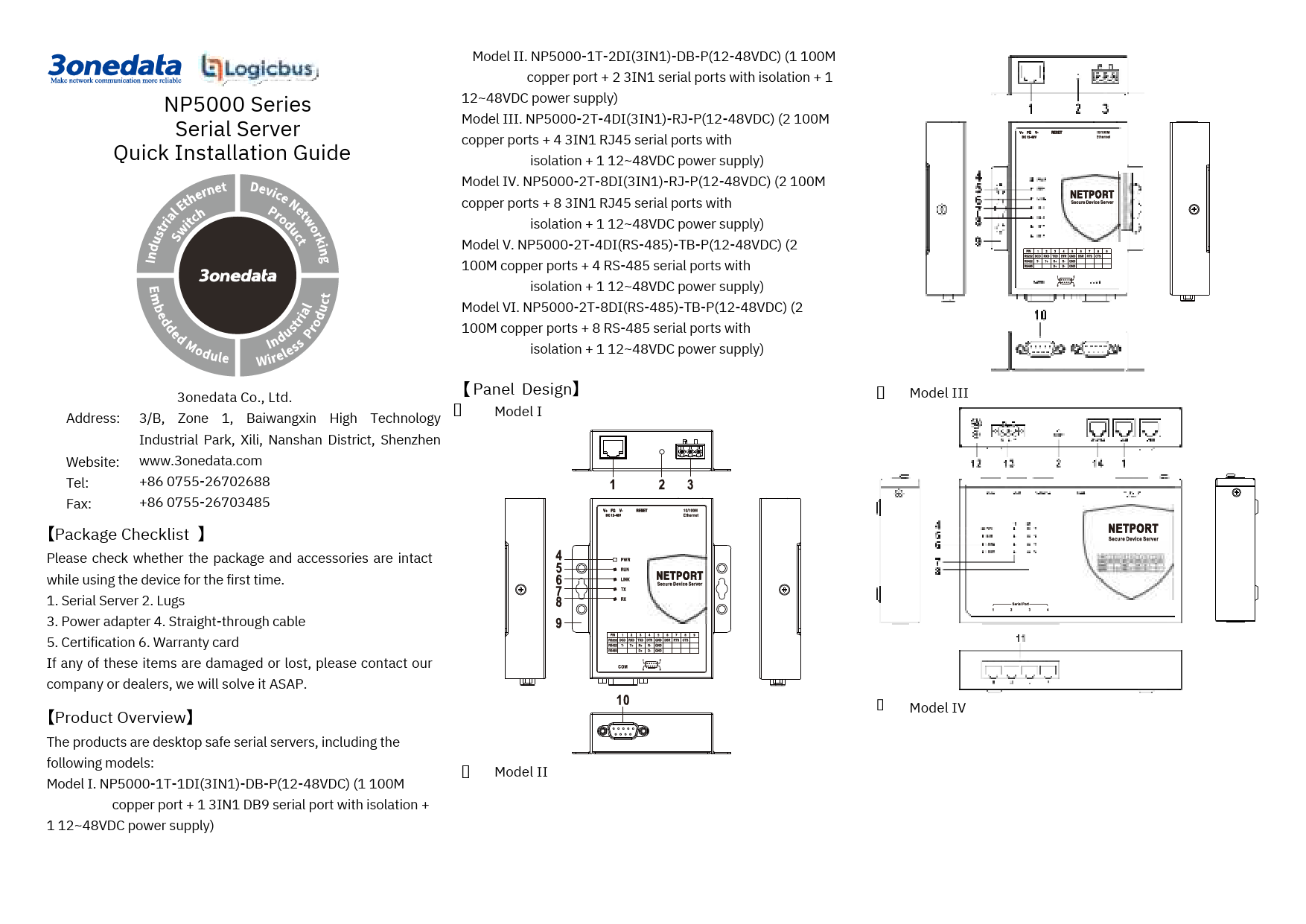
3onedata NP5000-searje seriële server snelle ynstallaasjegids
3onedata hantliedingen fan online winkels
3onedata IES215-searje yndustriële Ethernet-switch brûkershânlieding
3onedata support FAQ
Faak stelde fragen oer hantliedingen, registraasje en stipe foar dit merk.
-
What are the default login credentials for 3onedata managed switches?
For most 3onedata managed devices, the default IP address is 192.168.1.254. The default username and password are both 'admin'.
-
How do I restore my 3onedata device to factory settings?
You can restore factory settings by pressing and holding the Reset button for 4–5 seconds while the device is powered on. Alternatively, some models have a DIP switch that can be toggled to trigger a reset upon restart.
-
What power supply input do 3onedata industrial switches support?
Most 3onedata industrial switches support a redundant DC power input range of 12~48VDC via terminal blocks. Specific models may support AC power (220VAC/DC). Always check the product label for the exact voltage berik.
-
How do I install 3onedata switches on a DIN-Rail?
Insert the bottom part of the DIN-Rail mounting kit (the side with the spring support) into the DIN-Rail first, then lift upward slightly and snap the top part into the rail. Ensure it is firmly fixed.
-
What does the ALARM indicator on the switch mean?
The ALARM indicator typically lights up when there is a power supply failure or a link alarm on a port ensuring operators are alerted to network abnormalities immediately.