


unitech MS912+ Decoder
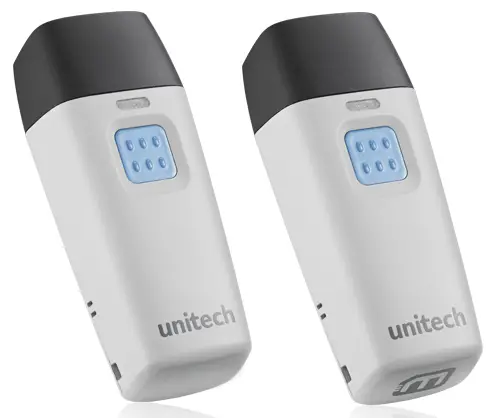
Decoder
Hoe kinne jo de Field separator ynstelle
- Scan [.M005$] yn UM Pg 72
- Scan [.M007$] DEFINE EAN128 in UM Pg 72
- Scan [+] + fan 'e folsleine ASCII-tabel. yn UM pg 77
- Scan [.M007$] DEFINE EAN128 in UM Pg 72
FW
Hoe kinne jo de MS912plus-pinkoade ynstelle?
Standert is de Pincode ûnder SPP profile foar de scanner is "1234", ferwize asjebleaft nei de MS912plus brûker hantlieding yn haadstik 4.2.2.4 foar in oanpasse dizze Pincode, as jo nedich hawwe.
Unitech Electronics Co., Itd.
5F No. 136, Lane 235, Pao-Chiao Rd., Hsin-Tien City, Taipei Hsien, Taiwan 231, ROC
Fax: 886-2-8912-1391
w www.ute.com
Tel:+886-2-8912-1122

Dokuminten / Resources
 | MS912+ Decoder |
Referinsjes
- User Manualmanual.tools
Published: December 29, 2022